Activity
Mon
Wed
Fri
Sun
May
Jun
Jul
Aug
Sep
Oct
Nov
Dec
Jan
Feb
Mar
Apr
What is this?
Less
More
Memberships
AI for LinkedIn - evyAI.com
1.7k members • Free
Engaged Thought Leaders - 🤝
215 members • $997/m
6 contributions to AI for LinkedIn - evyAI.com

Oct '25 •
LinkedIn Algorithm Report: Q3 2025 Breakdown
Thanks to @Anshuma Arora Mukkamala for sharing this in the evyOne Whatsapp Group See attached PDF for more details. 🚀 The Ultimate LinkedIn Algorithm Report: Q3 2025 Breakdown Chris Donnelly & Will McTighe just dropped the most comprehensive LinkedIn algorithm analysis of 2025 - and if you're serious about growing on LinkedIn, this is required reading. They analyzed 318,842 LinkedIn posts to figure out exactly what's working right now. Let me break down the key insights so you can start implementing them TODAY. 📉 The Reality Check: Reach is Declining (But Don't Panic) The Bad News: - Median impressions are down 65% from the 2023 peak - Down 18% since Q3 2024 - Down 3% since Q2 2025 Why This is Happening: LinkedIn is maturing. More people are posting + more ads = less organic reach per post. It's the natural lifecycle of a social platform. The Good News: The gap between top performers and average creators is 237x. Quality content still dominates. If you learn what works, you'll stand out even more. 🎯 The #1 Thing You Need to Know Average creators: Bottom 80% of posts get only 10% of impressions Top 1% creators: Have more winning posts AND a higher baseline The takeaway? Consistency alone isn't enough. You need to study what works and adapt. 📊 What's Working on LinkedIn Right Now 1. Post Format Rankings (By Median Impressions) 🏆 Winner: Carousels (5+ images) - Get 4.0x more reach than text posts - Educational content in carousel format dominates - The new winning formula: Education + storytelling in slides 🥈 Second Place: Infographics - 3.0x better reach than text - People save and share them like crazy - Must be actionable, not just pretty 🥉 Third Place: Personal Images - Build trust even if reach isn't highest - People want to see real humans, not stock photos - Use for middle-of-funnel content ⚠️ Videos: - Lower reach BUT excellent for trust-building - Horizontal performs slightly better than vertical (work context matters) - Use when you're featured in it

5 likes • Oct '25
great content

Oct '25 •
📈 Why Strategy > Tactics in B2B Marketing
Saw Joe’s LinkedIn post about digital marketing strategy — great reminder that it’s not about doing more, it’s about doing smart. Here are a few thoughts worth keeping in mind: Tactics without strategy lead to noise, not impact. Strategy gives your efforts direction - without it, your campaigns feel disjointed. In B2B marketing, relationships drive results - strategy helps you target, nurture, and scale them. Even small strategic shifts (messaging, segmentation, content flow) can dramatically improve ROI. Never confuse being busy with being effective - strategy keeps you focused on what actually moves the needle. Joe’s post is a good one to check out if you want to see how he frames this in real marketing work. 🔗 Joe’s LinkedIn Post on Strategy & B2B Marketing What’s one aspect of your strategy that could use tuning right now (messaging? channel mix? content flow?) - might help you refocus this week.

4 likes • Oct '25
good points, we can be busy but not successful. Know the goal!

Oct '25 •
Office Hours Recap: AI Image Magic & Dashboard Gold! (October 7, 2025)
(this is something I should have started yesterday hehe) Hey everyone! Another powerhouse Office Hours session in the books for Tuesday, October 7th. A huge thank you to @Lew Sabbag, @Robert Webb , @Ellen Tyler , @Elaine Jackson , @Jan Kaeo , @Paul Chambers , and everyone who joined, asked fantastic questions, and shared their screens. For anyone who missed it, here’s a rundown of the valuable topics and questions we covered. 🔥 Interesting Topics We Dove Into: - Old vs. New evyAI Features: We clarified that the old in-line comment icon is now retired. All the magic now happens exclusively in the side panel, which is more powerful and stable. Any training videos showing the old icon are outdated. - Live Post Creation Demo: We did a complete, step-by-step walk-through of creating a LinkedIn post from scratch directly from the side panel. This included writing a prompt, generating the post, and then using the image generator to create a custom AI-generated image of a user in a new setting, which was then seamlessly inserted into the post. - Mastering Your Connections Dashboard: This was a huge one. Joe broke down his simple but powerful 3-step method for turning your network into real opportunities: - Recognize: Go through your connections and identify who you actually know - Strategize: Categorize the people you know (e.g., potential client, current client, referral partner) - Prioritize: Decide who you will focus on contacting this month, next month, and so on. - The evyAI Affiliate Program: We covered the details of the affiliate program, where you can get paid 20% for 3 years for new sign-ups. We also discussed the best strategy for closing a referral: get them on a Zoom call and walk them through the sign-up and their first post.
4 likes • Oct '25
It takes an hour, but it is packed with so much useful information. Love this, Robert
Apr '24 •
Introduce Yourself Here!
Take a moment and introduce yourself to the community as a comment to this post. You can include Name, Company, LinkedIn URL, What you do, Who you help and how you help them. Also let us know what you want to get out of this community and how we can best support you. As a bonus share something fun and personal about yourself too. Remember to like the other intros and reply to them welcoming members to the community! This will help you get involved in the community! Use this Framework to make it easy: My name is: My company is: I post about: My goal is: Who I help: How I help them: My hobbies are: LinkedIn URL: Call me at: Fill this out and post it here as a comment. Feel free to attach a photo like I did below!
1 like • Oct '25
@Dan Richard nice to meet you. Robert
0 likes • Oct '25
@Zachary Madrigal, MBA nice to meet you. Robert
Sep '25 •
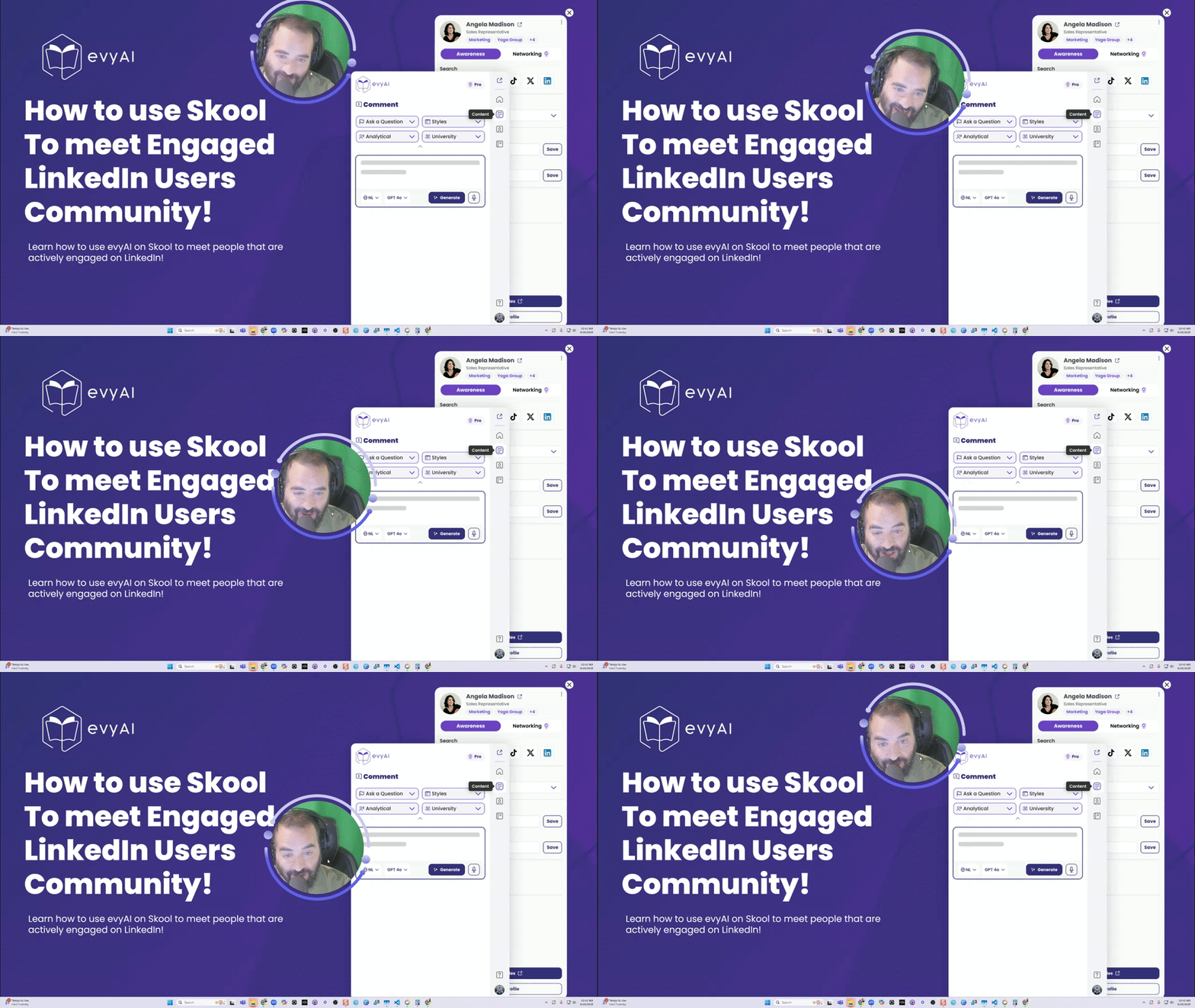
How to use Skool 101 - Simple ways to use our LinkedIn Skool Community evyAI
Want to learn how to use SKOOL? Watch this skool tutorial and learn how to use skool with evyAI. 🎓 Master Your Skool Community: Complete Guide for Engaged LinkedIn Users Want to maximize your community engagement and build meaningful connections? This step-by-step guide will turn you into a Skool power user! 🚀 Getting Started (0:00-1:02) Step 1: Access Your Community - Go to evyAI.com → Click "Log In" - Navigate to "Community" on the left sidebar - Click "Discover Our Community" to access Skool Join Status Check: - Yellow "Join Community" button = You need to join - "Settings" or "Invite" button = You're already in! Pro Tip: You can browse the community content even before joining, but you'll need approval to comment and access premium features. ✍️ Creating Engaging Posts (1:14-2:40) The Perfect Post Formula: 1. Click "Write" 2. Add compelling title 3. Craft your message (ask questions, share tips, seek advice) 4. Select appropriate category: LinkedIn Tips Q&A General Discussion Bugs/Ideas How to use AI Level Up Your Posts: - 🎬 Add videos (Loom, YouTube, Vimeo) - 📊 Include polls for engagement - 🎯 Attach files (images, CSVs, documents) - 🔗 Share relevant links - 🎨 Use animated GIFs 🔍 Master the Search Function (2:46-3:05) Triple Search Power: - Community posts - Find discussions on any topic - Classroom content - Access educational materials - Members - Connect with specific people Search examples: "persona," "templates," member names like "Rick" 📂 Navigate Like a Pro (3:19-4:40) Category Filtering: - LinkedIn Tips → All LinkedIn-related content - AI Tips → Automation and AI discussions - Feature Requests → Community improvements - Events → Posting parties and live sessions Smart Filtering Options: - New → Latest posts only - Top → Most popular (day/week/month/all-time) - Unread → Catch up on missed content 👥 Building Relationships (4:56-6:17) Profile Deep Dives: - Check member activity levels (aim for 10+ daily activities) - View their post history and contributions - See what other communities they're in - Access their social profiles and websites
1 like • Oct '25
well done
1-6 of 6

@robert-webb-5997
I am a business-to-business connector that specializes in helping companies outside North America find a market for their products and services.
Active 96d ago
Joined Oct 6, 2025
Round Rock Texas
Powered by