
Write something
Pinned

3d •
This Is What Commitment Actually Looks Like
I just want to take a moment to say this... I’m genuinely proud of you. Not because this is easy. Not because you have it all figured out. But because you’re leaning into the work anyway. Adapting is uncomfortable. Learning new tools stretches you. Changing how you think, move, and operate takes effort. And most people avoid that. Most people wait until it feels simple. Until it feels familiar. Until someone else proves it first. You didn’t. You are committed to the tools. You are staying in the room. You choose to get better instead of staying comfortable. That tells me everything I need to know. When things change and you don’t opt out… When you feel resistance and lean in anyway… That’s what separates the few from the many. This is how real growth happens. Not overnight. Not perfectly. But consistently. Keep going. You’re exactly where you should be.

30m •
CHAT GPT OR GEMINI PRO Power User Warning: (Don't waste hours debugging!)
Hey everyone, I’m an AI Consulting student (320 hours / 41 days in or so! after the AI bootcamp). I just wasted huge chunks of time troubleshooting a "technical" failure that turned out to be a simple AI quirk. If you are an AI power user like me generating images/assets and your "Download" button on those images suddenly stops working (dead clicks, errors), read this before you touch your PC browser settings. 🛑 The Trap (What I Tried & Failed) I thought my computer security was blocking the files, or thought my browser was giving me problems. I went down a deep rabbit hole and LOST 1.5 hrs. of my life and did all of this, and NONE of it worked: - ❌ Disabled every browser extension on Microsoft Edge. - ❌ Cleared all cache and cookies three times - ❌ Reinstalled the PWA GEMINI PRO APP (Taskbar App) twice. - ❌ Disabled Antivirus & Privacy protections (iolo/System Mechanic). - ❌ Disabled Windows Defender SmartScreen. - ❌ Whitelisted every Google URL: gemini.google, googleusercontent. and content.googleapis - ❌ Checked Windows Defender Settings Result: The download button was still broken and I couldn't download more images from my Chat on GEMINI PRO! ✅ The Reality: Its called SESSION STATE CORRUPTION BUGS in all LLMS like GPT CHAT and GEMINI PRO. You won't know this until you spend hours and hours using AI, even if you have 10 different chats assigned for different task like videos, images, research, pdf file manipulation. It wasn't my computer. It was the chat thread itself that broke the session. But it doesn't tell you won't' even know. Yes, you can keep talking to it but you won't be able to download NEW images like me for png transparent purpose so you can use them on other artwork or platforms. WHEN YOU ARE A POWER AI USER ON LLMS- ESPECIALLY WHEN GENERATING LOTS OF IMAGES - SESSION STATE CORRUPTIONS OR GHOSTING IS INEVITABLE!! - It happens on both GEMINI PRO and CHATGPT . That's my practical observation. - The "handshake" between your specific chat window and the server breaks. - The file exists, but your current session token is "burnt" and can't retrieve it. - There is no fix for this right now. Sessions just break constantly under heavy load.

1d •
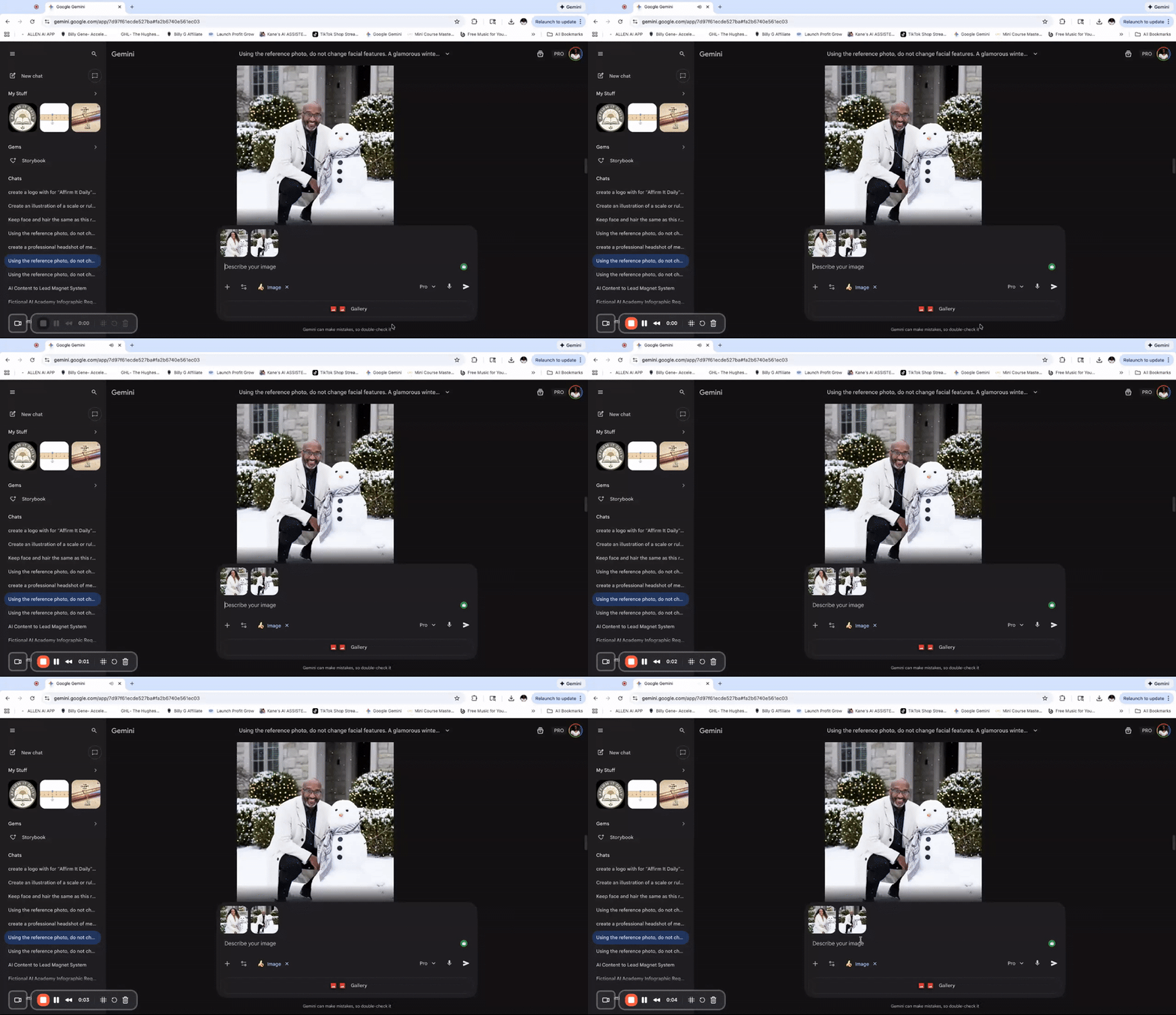
Merging 2 Pictures with Gemini (NanoBanana)
I had shown how to create these pictures with 2 different prompts, but someone asked me to merge the 2, so here is how you can do it in less than 2 minutes with NanoBanana. 🤗

30m •
🚨 Photoshop Is Now Inside ChatGPT
This one is big. Adobe has officially integrated Photoshop, Adobe Express, and Acrobat directly into ChatGPT. That means you can now edit images, refine visuals, and design graphics using pro Adobe tools without leaving chat. No app-hopping. No exporting. No switching contexts. You describe the edit → it happens. 🔧 What this unlocks for AI visual creators: • Edit AI-generated images with real Photoshop tools via natural language • Clean up lighting, background, composition, and details instantly • Move from idea → generation → professional polish in one flow • Use Adobe Express for fast social and brand graphics • Handle visual + document workflows in a single interface This isn’t just “AI art” anymore — it’s AI + industry-standard post-production merged into one workflow. For anyone doing: • AI portraits • Fashion or product visuals • Brand campaigns • Ads and social content • Image editing for clients This massively shortens the gap between raw AI output and commercial-ready visuals. The direction is clear: AI will generate. Photoshop will refine. ChatGPT will orchestrate the whole process. We’re entering a phase where creative direction matters more than tools — because the tools are now embedded into the conversation. We’ll be breaking down practical workflows, limitations, and where this fits alongside Nano Banana, Seedream, and other pro tools inside AI Visual Lab. What’s the first thing you’d use Photoshop-inside-ChatGPT for — cleanup, compositing, or full creative edits?


6d •
Help, please
I am using ChatGPT (paid version) to help me with some of my designs for something, but it's not quite getting it right after hours of back and forth and explicit instructions. I am hoping that somebody here can help direct me to some AI that will help me with my visual mockups. I don't know where to go.
1-30 of 10,167

skool.com/the-ai-advantage
Founded by Tony Robbins & Dean Graziosi - AI Advantage is your go-to hub to simplify AI, gain "AI Confidence" and unlock real & repeatable results.
Leaderboard (30-day)
1

🔥
+1303
2

+887
3

+811
4

+766
5
+362
Powered by