
Pinned

⭐
4d •
Make Music Masterclass (April 20th-24th)
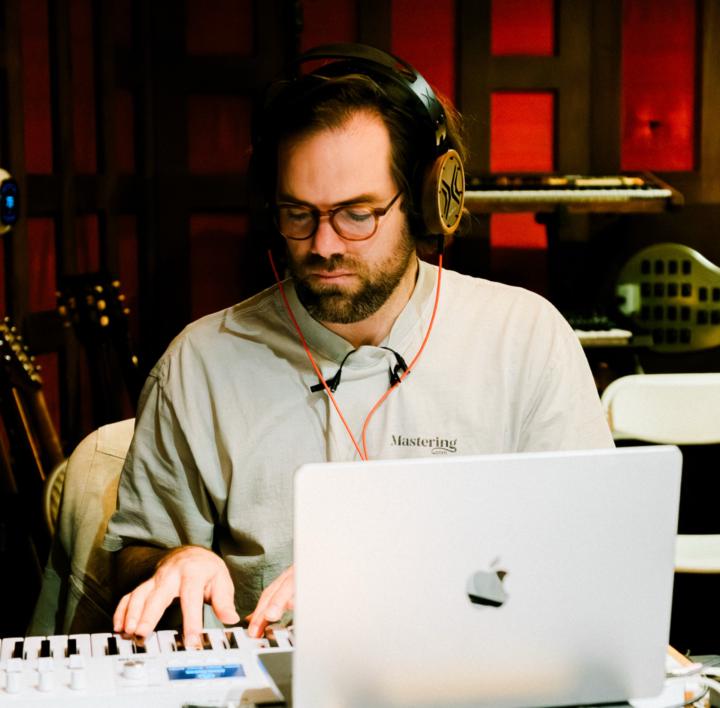
Excited to introduce our brand new 5-day virtual workshop, called the Make Music Masterclass. What is it? Week-long virtual workshop where the Mastering.com team will guide you through the process of creating a song from start to finish, teaching fundamental music production techniques along the way. When is it? April 20th-24th (next week, Mon to Fri). Each day will last around 2hrs and will start at 9am PDT / 12pm EDT / 5pm BST / 6pm CEST. Why should I attend? To improve the quality of your productions and recordings, and finish a track with professional guidance. This is a rare opportunity to learn the complete music production process from start to finish, in real time, with instructors who have made it their mission to demystify the music creation process. How much is it? Tickets are $49 and must be purchased before the event starts on April 20th. How do I join? Check out this page for all the info, along with a day-by-day breakdown, and the link to reserve a ticket. Hope to see you there! Cheers, Rob
Pinned
⭐
Dec '25 •
Start here & FAQs
Welcome to any new members! Please read this post carefully, and complete the following steps. 1️⃣ Step 1 - Watch the relevant "start here" video Paid/free trial members, watch this first: https://www.skool.com/mastering/classroom/de802fd9?md=65e2c1b717dd47bf9ba4416487958d2c Free members, watch the video attached to this post. 2️⃣ Step 2 - Introduce yourself Please leave a comment on this linked thread to introduce yourself: https://www.skool.com/mastering/introduce-yourself-here Okay there are some FAQs below, other than that, thanks again for joining, and welcome to the Mastering.com family! -- 🚨 Frequently Asked Questions 🚨 ➡️ I’m currently a free member, how do I learn more about paid membership and upgrade? All the info is here: https://courses.mastering.com/membership_info_skool ➡️ Where can I find the resources for the Mixing & Mastering Cheat Sheet Binder? Go to Courses tab then click on Mixing & Mastering Cheat Sheets Here is a direct link: https://www.skool.com/mastering/classroom/edf13df1 ➡️ I registered for a free event, where do I get the Zoom link and full info? Navigate to the Calendar tab then click the event you want, it will open a popup with all the info and a button to add it to your personal calendar. ➡️ How do I manage my membership and billing? The easiest thing is to message [email protected] and we can help change your billing info or cancel. If you want to do it yourself, depending on where you joined, there are two places you will need to go. If you joined via the Mastering.com website or through a free trial, login and click “Manage Membership & Billing” on this page: courses.mastering.com/settings


20h •
How Best to Deal with These Situations
I'm currently doing the Working With Busses exercise in MP101. I've come across an issue, which triggered a thought: What would be the best approach if a client sends you a project to mix and you realise that one of the tracks has intermittent (but regular) clicks for the duration of the song? Would you a) send it back to the client for correction (or ask for a corrected version) or b) work with it and try to mask it in the mix? I would have added another option – c) try to remove the clicks and charge for it – except this is meant to be the mixing stage. I would love to hear your thoughts.


15h •
question about membership
Hello - not sure if this should be public but i recall when signing up, that there was an option to upload a track and then get tips on it. was this a mentoring session? or was it a different feature? thanks!

8h •
Volume Balance without effects question...
Hello! I find it difficult to do a volume balance when the effects are disabled. I mix only my own instrumentals so I always put some effects etc. during the production stage because I don't like the dry sound because it's uninspiring to me during writing. Then I disable the effects, convert MIDI to Audio, and keep the effects disabled for the volume balance, because I see everyone doing volume balances before adding affects. I would prefer to do the volume balance with the effects on though, as it sounds better. Is there a reason I should not do this?
1-30 of 6,576

skool.com/mastering
This is a community for artists, producers & engineers who want to achieve pro quality in their music.
Leaderboard (30-day)
1

+148
2
+85
3

+46
4

+43
5

+41
Powered by