Activity
Mon
Wed
Fri
Sun
Feb
Mar
Apr
May
Jun
Jul
Aug
Sep
Oct
Nov
Dec
Jan
What is this?
Less
More
Memberships
AI Automations by Jack
1.3k members • $77/m
Maker School
2.2k members • $184/m
14 contributions to AI for LinkedIn - evyAI.com

Apr '25 •
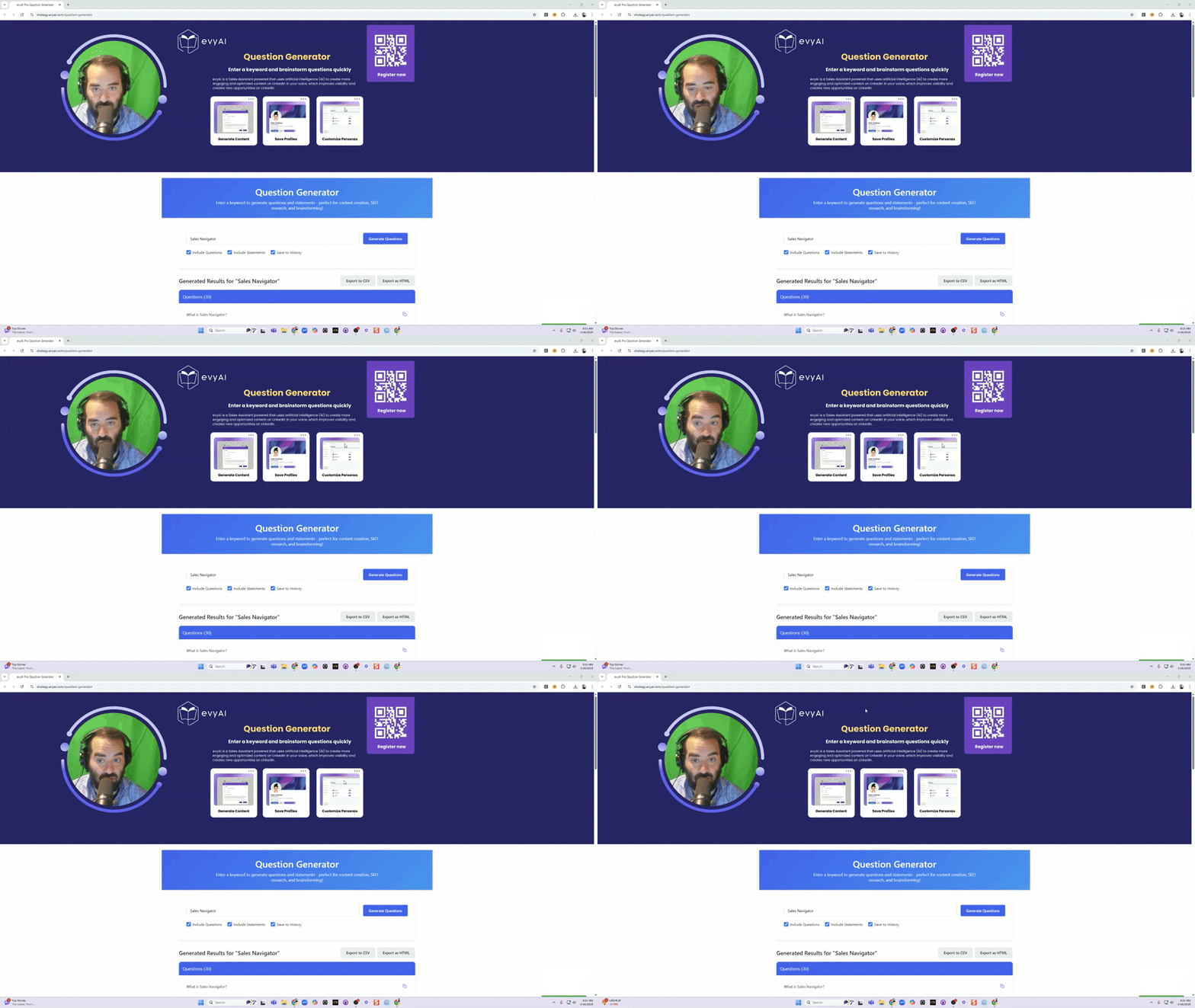
Just Created: Free Keyword Question Generator Tool for Content Creators!
I'm excited to share a new tool I've built that will help with content creation, SEO research, and brainstorming sessions. It's completely free, works entirely in your browser (no server required!), and saves your work automatically. 📝 What is the Keyword Question Generator? This tool lets you enter any keyword (like "Sales Navigator" or "Email Marketing") and instantly generates dozens of relevant questions and statements people might search for online. Perfect for: - Creating FAQ sections - Building out content outlines - Finding blog post ideas - Researching what your audience wants to know - Generating social media content ideas ✨ Key Features: - One-Click Generation: Enter a keyword, click a button, and get 40+ questions and statements - Copy Individual Questions: Easily copy any question with one click - Export Options: Download as CSV for spreadsheets or as formatted HTML - History Tracking: All your previous searches are saved locally in your browser - No Sign-up Required: No accounts, no emails, just instant productivity - Works Offline: Once loaded, it works without an internet connection - Mobile Friendly: Use it on any device 💡 Why I Made This: Content creation can be challenging, especially when you're trying to cover all the questions your audience might have. This tool helps overcome writer's block and ensures you're addressing the key questions people actually search for. 🔗 Try It Yourself: https://strategy.evyai.com/question-generator Let me know if you like it.

2 likes • Apr '25
Thanks @Joe Apfelbaum
Apr '25 •
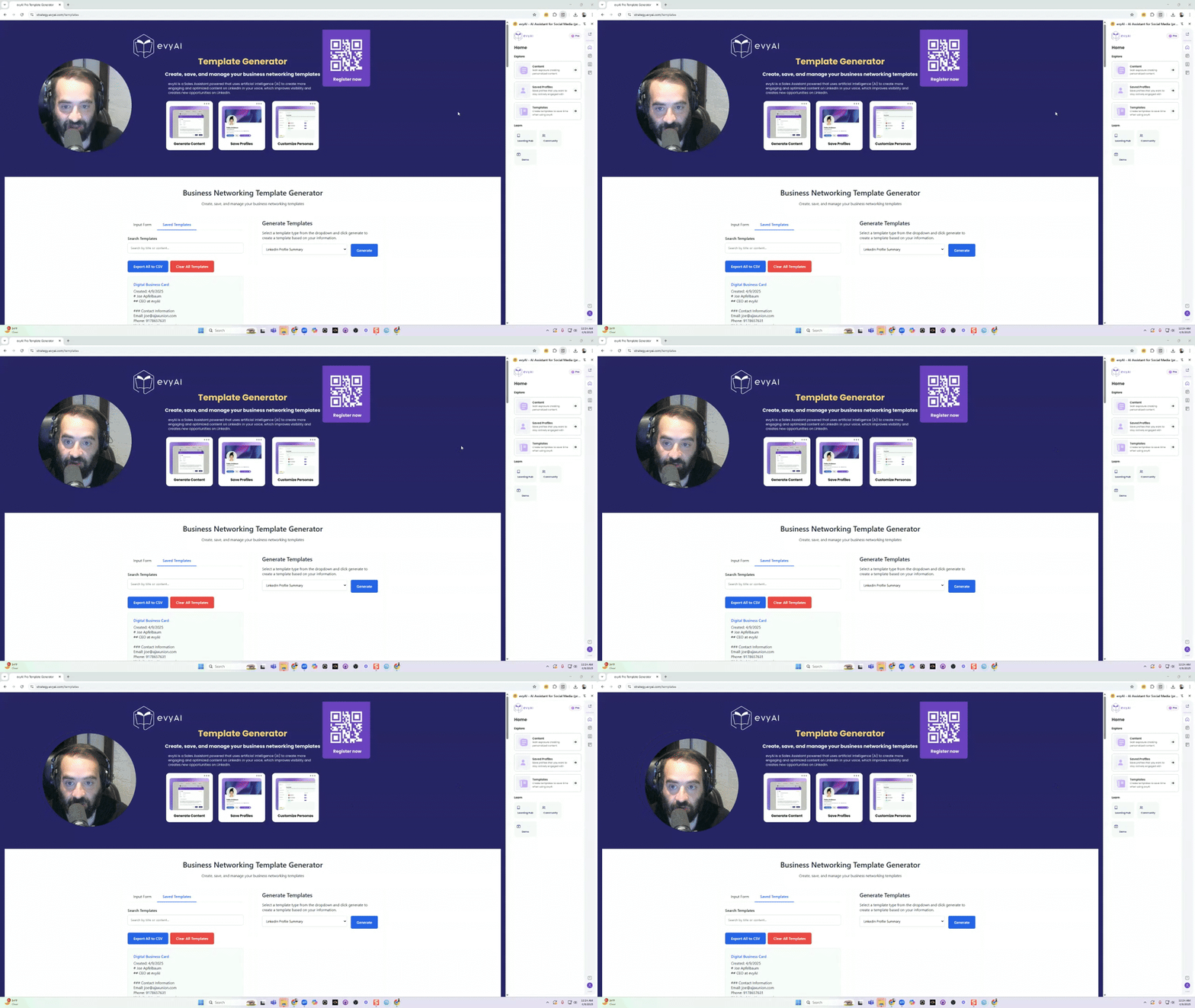
Introducing: The Business Networking Template Generator
Hey everyone! I'm excited to share a powerful new tool I've created that will save you HOURS of time when crafting your professional messaging. This template generator helps you quickly create consistent, professional content for all your business networking needs! https://strategy.evyai.com/templates (This does not use AI its just client side development and nothing is sent to a server everything is saved on your local machine) 🔍 What Is It? The Business Networking Template Generator is a simple web app that allows you to input your professional information ONCE and then generate multiple types of templates instantly. The best part? Everything is saved locally in your browser, so you never have to re-enter your information again! 💯 Why You Need This - Save hours of writing and rewriting your professional bio, LinkedIn summary, email templates, etc. - Create consistent messaging across all your platforms - Customize on the fly with different lead magnets or calls to action - Organize all your templates in one place 🛠️ How To Use It Step 1: Fill Out Your Information 1. When you first load the page, you'll see a form on the left side 2. Fill out all sections: Basic Information: Your name, title, company Contact Details: Email, phone, website, booking links Professional Identity: Industry, expertise, target market Value Proposition: Your competitive advantage, results you get for clients Personal Touch: Fun facts, professional philosophy 3. Click the "Save Information" button to store your data Step 2: Generate Templates 1. On the right side, select a template type from the dropdown menu: LinkedIn Profile Summary Professional Bio (Short, Medium, Long) Email Signature Speaker Introduction Networking Introduction Script Twitter/X Bio Meeting Request Template Follow-up Email Template Website About Page Newsletter Sign-up Page Digital Business Card 2. Click "Generate" to create your template based on your information 3. Review the preview that appears
0 likes • Apr '25
This dude don't miss... (j/k) Great share my guy!
Apr '25 •
11 Prompts to Use with Anyones PDF from their LinkedIn Profile
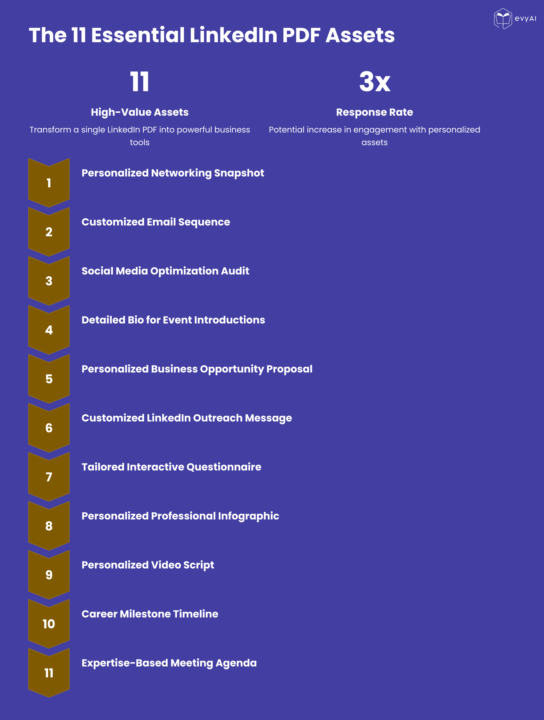
Transform LinkedIn PDFs Into 11 High-Value Networking Assets Today I'm excited to share a powerful strategy for supercharging your networking and business development efforts. If you've ever downloaded a LinkedIn profile as a PDF, you're sitting on a goldmine of opportunity. Go to ANYONES profile and hit MORE then hit DOWNLOAD PDF then use the prompts in the COMMENTS with the PDF in any LLM and watch the MAGIC UNFOLD. Remember to save the prompts into TEMPlates in evyAI to make your life easier. I've developed a system for transforming a single LinkedIn PDF into 11 distinct, high-value assets that can dramatically improve your outreach, relationship building, and conversion rates. Why This Matters Most professionals waste the rich data available in LinkedIn profiles, using it only for basic research. By applying strategic prompts to this information, you can: - Create truly personalized outreach that stands out - Demonstrate that you've done your homework - Directly address prospects' specific needs and challenges - Dramatically increase response and conversion rates - Position yourself as a thoughtful, prepared professional The 11 Essential LinkedIn Profile Assets Here's a quick overview of what you can create from a single LinkedIn PDF: 1. Personalized Networking Snapshot - A strategic brief to review before meetings 2. Customized Email Sequence - A three-part progression that builds engagement 3. Social Media Optimization Audit - Actionable recommendations for their profile 4. Detailed Bio for Event Introductions - Multiple versions for different contexts 5. Personalized Business Opportunity Proposal - Connecting their needs to your solution 6. Customized LinkedIn Outreach Message - Stand-out connection requests 7. Tailored Interactive Questionnaire - Uncover specific challenges and needs 8. Personalized Professional Infographic - Visual representation of collaboration value 9. Personalized Video Script - High-impact video outreach 10. Career Milestone Timeline - Visualizing their journey and future opportunities 11. Expertise-Based Meeting Agenda - Strategic framework for productive conversations
1 like • Apr '25
This is awesome! @Joe Apfelbaum

Apr '25 •
evyAI Sidepanel Tutorial
Your Ultimate Guide to Using the evyAI Chrome Extension What is the evyAI Side Panel? The evyAI Side Panel is your AI-powered Chrome companion for content creation, contact management, and sales productivity. It helps you write posts, comments, DMs, manage your LinkedIn network, log notes, save links, and research your saved profiles with AI—all from one convenient sidebar. It works seamlessly across LinkedIn, Facebook, YouTube, X (Twitter), and more. How to Install evyAI 1. Open Google Chrome. 2. Visit: evyAI Chrome Extension 3. Click “Add to Chrome”, then “Add Extension.” 4. Pin it to your toolbar from the puzzle icon. You're ready to go! Key Features on the Side Panel - Generate: Create posts, comments, replies, and DMs in seconds. - Profiles: Save, tag, view recent activity, and search your network. - Templates & Personas: Reuse winning formats and match your brand tone. - Voice Input: Speak your ideas—let AI write them out. - Cross-Platform Support: Works on LinkedIn, Facebook, YouTube, Twitter, and more. Pro-Only Features on the Side Panel: - Notes: Log meetings, deals, and personal context. - Resources: Save links, emails, phones, documents per contact. - AI Research: Search your saved profiles with AI, triggered automatically. - Profile Summaries Content Generation with AI 1. Open the AI Writer tab. 2. Choose your Goal, Tone, and Persona. 3. Speak or type your prompt. 4. Click Generate and then Insert on LinkedIn, Facebook, or Twitter. You can also: - Drag or right-click on text to send it to the sidebar. - Choose the type (comment, reply, post, DM) → click Generate. Profile Management Inside the Profiles tab: - Save contacts manually or upload a CSV. - Organize with custom lists (e.g., “Leads,” “Clients,” “Affiliates”). - Search across social platforms (LinkedIn, Facebook, X, Google). - View Recent Activity or create smart responses directly from profile posts.
1 like • Apr '25
This is awesome, thanks alot!!
Apr '25 •
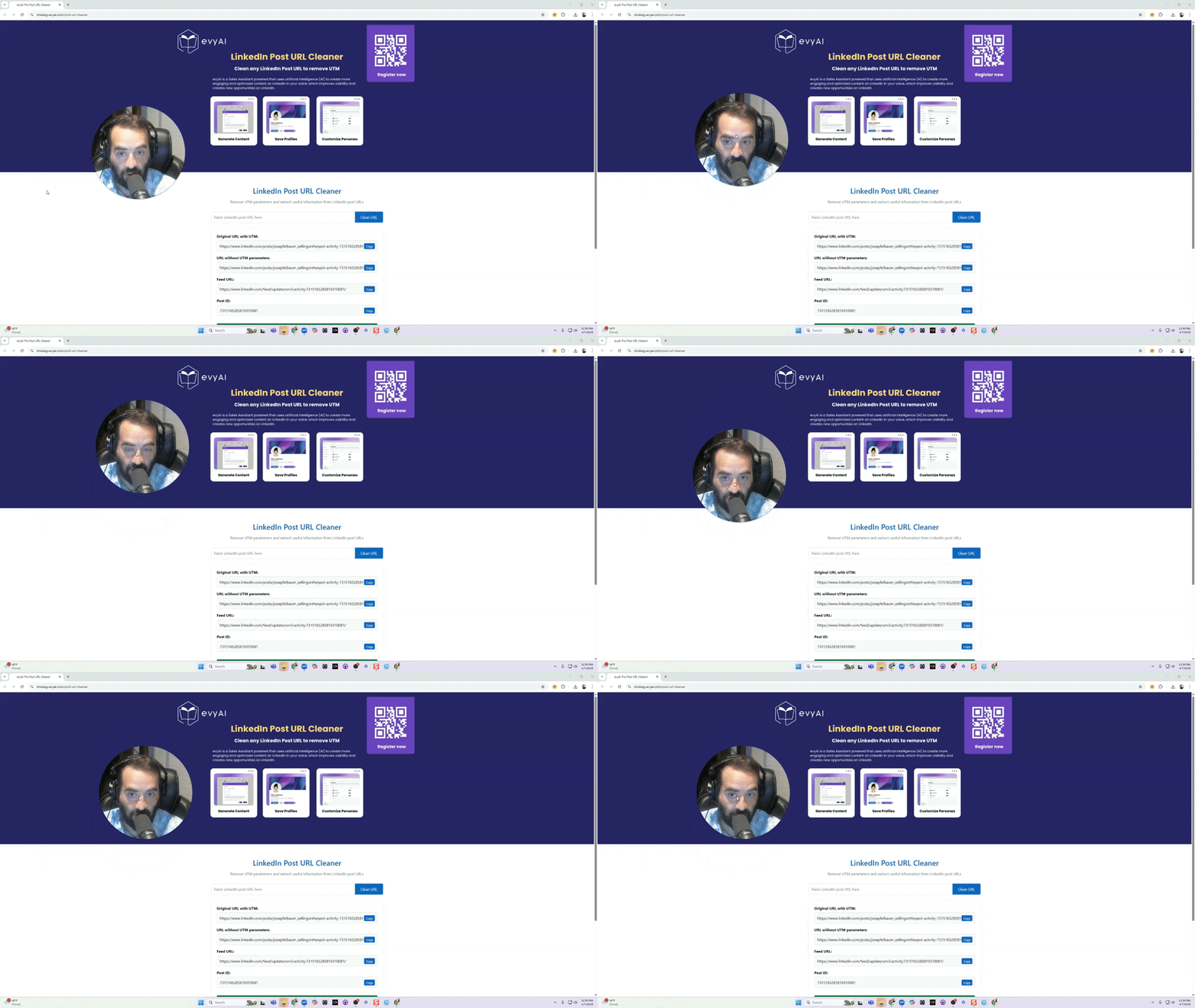
LinkedIn POST URL Cleaner: The Essential Tool for Clean Sharing
Now you can clean your post url before you share it. The Problem With LinkedIn URLs If you're active on LinkedIn, you've likely encountered this frustrating scenario: You find a great post you want to share during a posting party or engagement pod, but when you click those three dots and select "Copy link to post," you end up with an unwieldy URL filled with UTM parameters and tracking codes. These lengthy URLs not only look messy but can also cause issues when sharing. Introducing the LinkedIn POST URL Cleaner The evyAI.com LinkedIn POST URL Cleaner offers a simple, elegant solution to this common problem. This free tool allows you to instantly transform those cluttered LinkedIn URLs into clean, professional links that are perfect for sharing. How It Works: A Simple 3-Step Process 1. Copy the original LinkedIn URL by clicking the three dots on any post and selecting "Copy link to post" 2. Paste the URL into the LinkedIn POST URL Cleaner tool 3. Press "Clean URL" to generate four different cleaned versions Four Useful Output Options The tool provides you with multiple options to suit your specific needs: 1. Original URL - The complete URL you initially pasted (for reference) 2. URL without UTM parameters - Removes tracking parameters that appear after the question mark 3. Feed URL - A shorter, cleaner URL that directs to the same post 4. Post ID - Extracts just the unique identifier for the LinkedIn post Convenience Features One of the most useful aspects of this tool is its memory function. Every URL you clean is automatically saved to your local memory, creating a handy history of posts you've processed—perfect for those marathon posting sessions! Why You Should Use It - Save time during posting parties and engagement sessions - Create cleaner, more professional-looking links - Easily access your history of cleaned URLs - Completely free to use as often as you need Get Started Today Bookmark the LinkedIn POST URL Cleaner and make it part of your LinkedIn sharing routine. Whether you're a social media manager, content creator, or business professional, this simple tool will streamline your LinkedIn experience and make your shared content look more professional.
2 likes • Apr '25
Man you don't ever miss... good stuff!!
1-10 of 14

@stuart-hart-5063
Burnt out collegiate strength & conditioning coach turned Founder & CEO - I help businesses work smarter, not harder. AI Automation Workflow Expert.
Active 1d ago
Joined Feb 19, 2025
ISTJ
United States
Powered by