Activity
Mon
Wed
Fri
Sun
Jan
Feb
Mar
Apr
May
Jun
Jul
Aug
Sep
Oct
Nov
Dec
What is this?
Less
More
Owned by Paul
AI For small businesses. Make AI work for you and your business!
Memberships
AI Automation Society
208.1k members • Free
Adrian Viral AI Marketing
1.4k members • $25/m
AI for LinkedIn - evyAI.com
1.5k members • Free
Content & Conversion
20 members • Free
AI Automation Mastery
21.4k members • Free
AI Automation Collective
105 members • Free
AI Mate
271 members • $74/m
Mobility & Injury Prevention
139.1k members • $29/m
Creators
16k members • Free
7 contributions to AI for LinkedIn - evyAI.com

10d •
Free LinkedIn Post Formatter
This may be old news to many of you, but I found this LinkedIn post formatter that converts text to Unicode so you can include 𝗯𝗼𝗹𝗱, 𝘪𝘵𝘢𝘭𝘪𝘤, 𝚞̲𝚗̲𝚍̲𝚎̲𝚛̲𝚕̲𝚒̲𝚗̲𝚎̲, and 𝚜̶𝚝̶𝚛̶𝚒̶𝚔̶𝚎̶𝚝̶𝚑̶𝚛̶𝚘̶𝚞̶𝚐̶𝚑̶ text in your LinkedIn (and apparently Skool) posts. https://typegrow.com/tools/linkedin-text-formatter
Oct 23 •
Interactive Prompt to Build Your Networking One-Sheet
When creating a Networking One-Sheet, you don't just want a prompt that creates a document; you want a prompt that creates a document that successfully generates referrals. A simple "fill-in-the-blank" prompt won't achieve this. Why? Because most people struggle to write concisely about themselves or clearly articulate the exact introduction they need. Joe's example is effective because it's incredibly specific and actionable. Therefore, the most effective "universal prompt" isn't a simple form. It needs to turn the AI into a Master Networking Coach. Here's what the prompt will do: 1. It Will Adopt a Persona: The AI will become a "Referral Strategy Coach." 2. It Will Be Interactive: Instead of asking for all the information at once, the AI will guide the user through an "interview," tackling one section at a time. 3. It Will Educate (The "Causal Chain"): For each section, the AI will first explain its strategic purpose (e.g., "Now we will work on your 'Centers of Influence.' This is the most critical part for getting referrals. You must be specific..."). This is based on the philosophy you provided. 4. It Will Probe and Refine: The AI will ask probing questions to get high-quality raw material from the user, and then it will use its writing skills to professionally edit that raw material into the concise, high-impact text that fits the word-count constraints. 5. It Will Synthesize: After all sections are complete, the AI will assemble the final, polished "Networking One-Sheet" for the user. This "interview" method acts as a critical thinking partner, forcing the user to provide the specific, compelling information needed for the One-Sheet to actually work. Prompt: Role: You are a Master Networking Coach and Referral Strategist. Context: Your goal is to help me create a powerful, concise, and effective "Networking One-Sheet." The purpose of this document is to educate my "Centers of Influence" (COIs) on who I am, what I do, who I help, and exactly how to refer business to me. The document must build trust and make referring me effortless. We will use the provided structure and word-count constraints.
Oct 21 •
Thoughts on the looming AI bubble?
I'm curious about this group's thought on OpenAI committing to $1.3 TRILLION dollars in investments in 2025 alone, when they will lose $8.5 billion this year. This sounds like the AI version of 2008 sub-prime loans. How is this legal? https://youtu.be/Rc0kNnYgImg?si=54117m3KbmYlz8m_

Oct 2 •
99 hacks for Paul!
@Paul Chambers Learn more about the 99 hacks course here! https://99hacks.club/
0 likes • Oct 7
@Rick Kloete 🦗 What are yours?

Sep 1 •
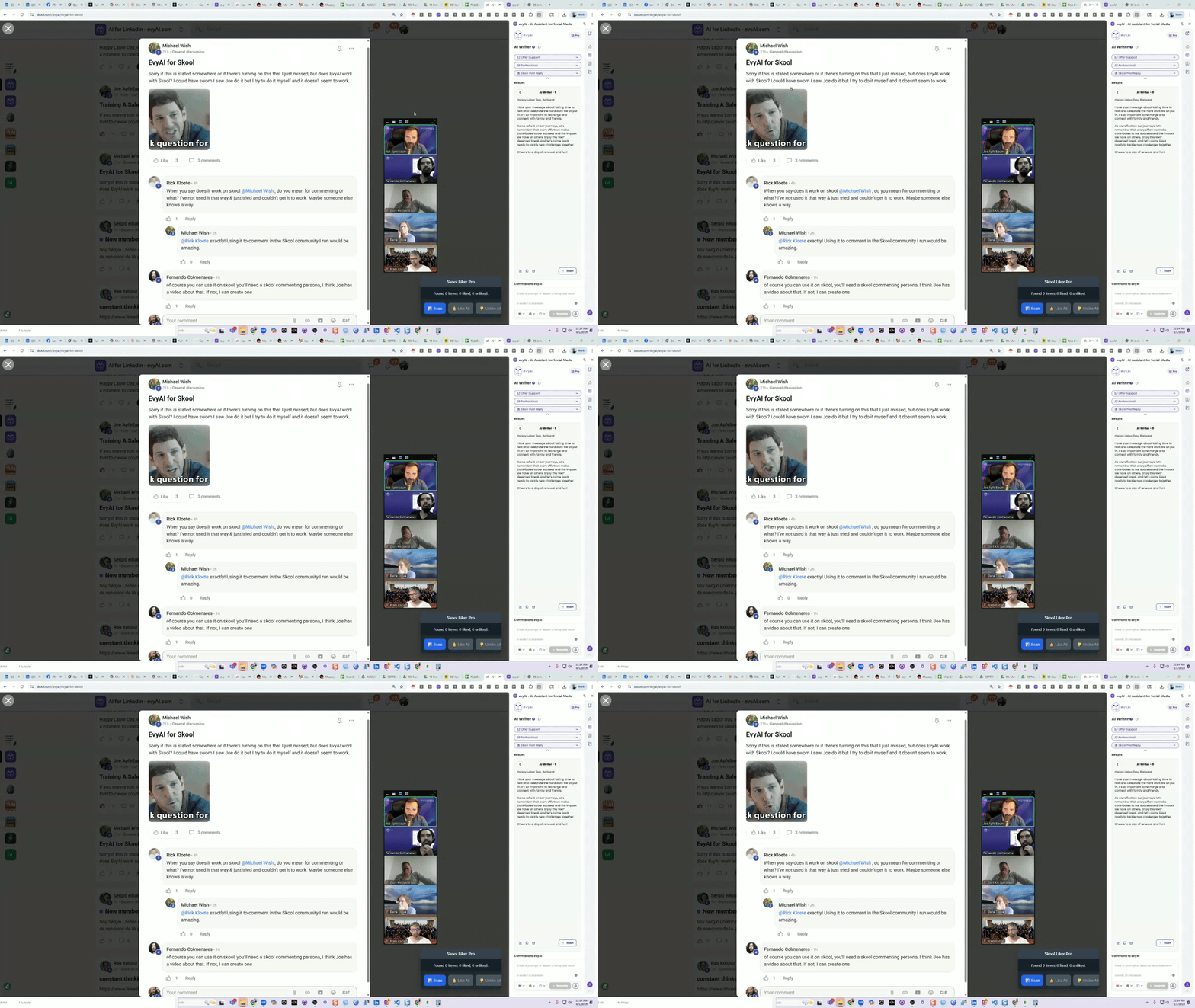
How to use AI to comment on Skool Community Posts
This is is how you use evyAI to comment on skool community posts quickly. In this video, we dive into how to effectively use evyAI AI within the school community to generate supportive and engaging content. To start, simply open the evyAI side panel, select your content goals, and choose a friendly tone. The persona created for this purpose, "school post reply," is designed to help you respond as a supportive community member. Once you've selected the text you want to reply to, just right-click and send it to the side panel. You can choose your language and the model you want to use, then hit generate. This will create a thoughtful comment that you can easily insert into the community discussion. The persona is tailored to encourage positive interactions, focusing on casual and genuine language. With the recent increase in character limits, you have even more room to express your thoughts and support. For quick responses, keyboard shortcuts can streamline the process, allowing you to engage with community members efficiently. This tool is versatile and can be used across various platforms, not just within the school community. Feel free to explore these features and start fostering a welcoming environment for everyone involved!
0 likes • Oct 7
This is great! With EvyAI I no longer need to have a personality of my own. I created a much more charming persona using ChatGPT. Now if I could only use EvyAI to respond to people in in real life. 🤔
1-7 of 7

@paul-chambers-6317
I help business owners generate leads and scale their businesses by creating impactful content through simple, AI-driven workflows.
Active 1d ago
Joined Oct 2, 2025
Los Angeles, CA
Powered by