Activity
Mon
Wed
Fri
Sun
Apr
May
Jun
Jul
Aug
Sep
Oct
Nov
Dec
Jan
Feb
Mar
What is this?
Less
More
Memberships
2DAnimation101
685 members • $9/month
12 contributions to 2DAnimation101

8d •
6 Steps to Animate with a Prompt Guide
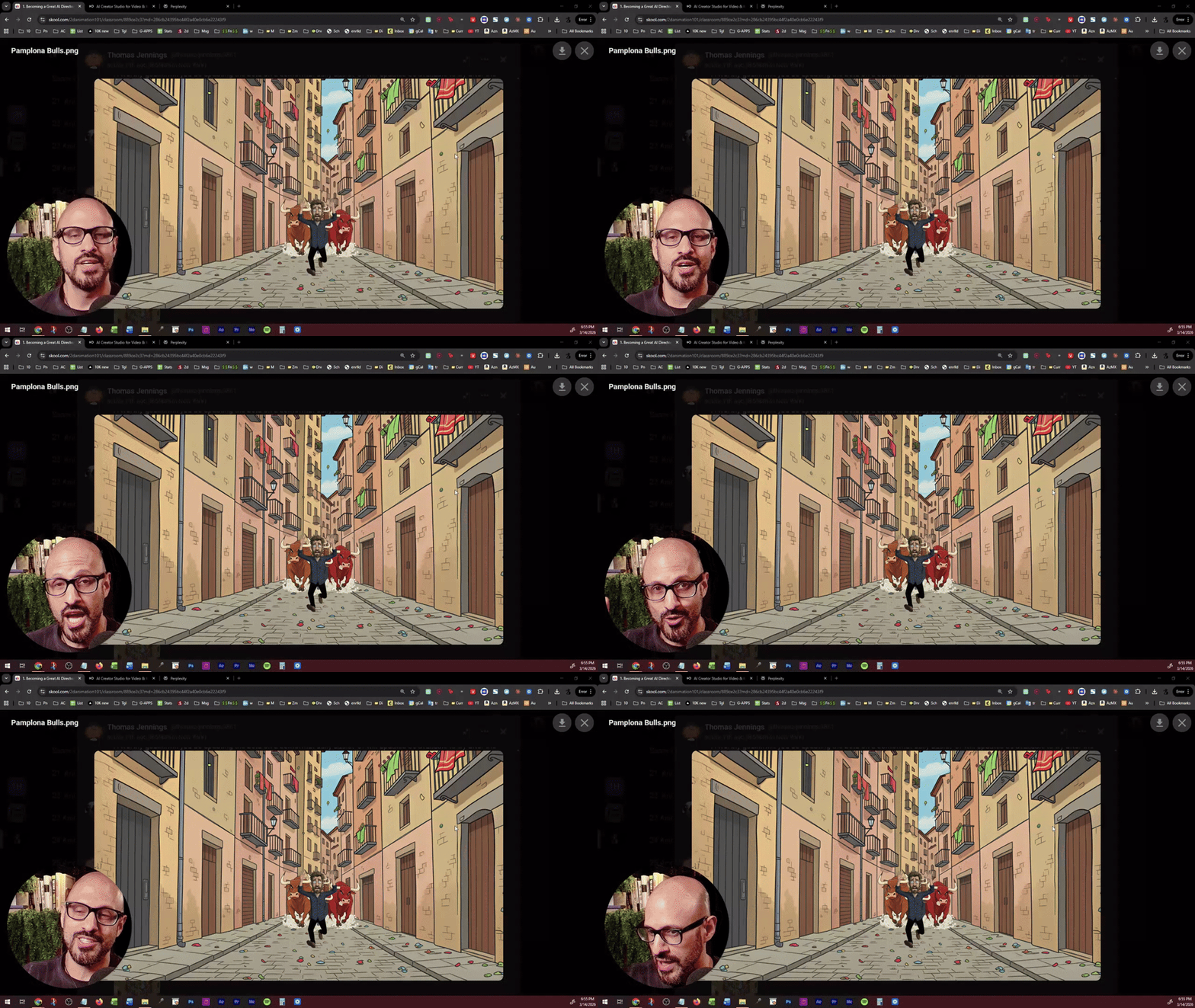
This is something I talked about in the live class of AI Animation Masterclass. @Thomas Jennings - I never got around it on animating your scene during the live call, but here it is! MY REDEMTION! NOTE: If you are interested in the PDF guides, answer the poll below. POLL: Would you like me to create a YouTube Video tutorial where I teach how to save credits by maximizing the precision of your prompts using Prompt Guides?
Poll
30 members have voted

1 like • 3d
Great topic, Professor! To be honest, the 'credit system' and usage limits set by AI companies are becoming quite frustrating for creators. Why do these companies insist on hard limits instead of implementing smart 'policies and guidelines' to regulate usage without stifling creativity? It feels like we are constantly checking a counter instead of focusing on the art. I’d love to hear your thoughts on why they don’t shift toward usage-regulation rather than just limiting it. It's a major pain point for many of us! 🛑📉
2 likes • 2d
@Mark Burrows Exactly, Professor. While paid tiers do offer more credits, my point leans more towards the 'philosophy' of these limits. Even with paid plans, the constant 'credit counting' creates a psychological barrier that interrupts the creative flow. I feel that instead of these rigid numerical caps, companies could implement smarter usage policies—similar to 'fair use' models in other industries—that regulate heavy traffic without making every click feel like a transaction. It’s about moving from a 'metered' experience to one that truly supports the artistic process. I’d be curious to know if you feel that same 'metered' pressure using the Comfy Cloud APIs, or if the API environment feels more liberating for your workflow?
10d •
GREAT Technique to control Poses! (1 small caveat)
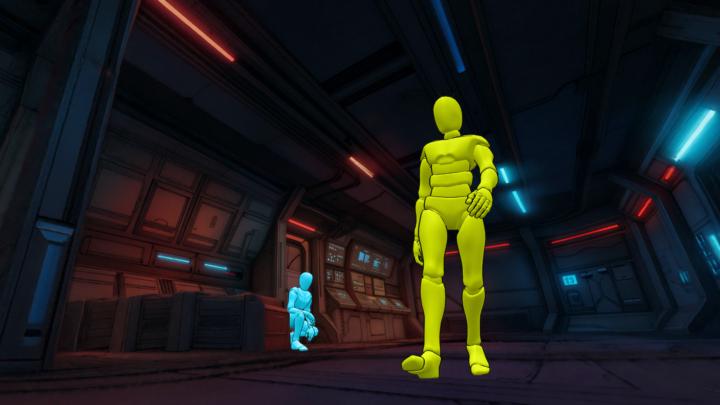
Here is what I did: 1. Got background snapshot from my 3D World 2. Used PoseMyArt to create 2 poses for my characters 3. Composed the image on Photoshop 4. Colored the mannequins yellow for Aria, and Teal for the Detective Then after exporting the image, I went to FreePik and 1. Imported the Image, and the characters 2. Used Claude to draft a prompt for me where it switches the Yellow Mannequinn with Aria, and Teal with the Detective 3. Click Generate And voila!!! PRETTY COOL! The hole thing took like 20 mins, it is quite a lot of time, but it was worth it for the very specific shot I needed
2 likes • 3d
Thank you, Professor, for sharing such a sophisticated and professional workflow! 🚀 Your approach of combining multiple tools like PoseMyArt, Photoshop, and FreePik truly highlights the difference between a casual user and a pro when it comes to AI. 🎨 The result is stunning and absolutely justifies the 20 minutes of effort to get that perfect shot. 📸 You continue to be a great reference for all of us in this field! 🌟
17d •
[NEW TUTORIAL] Complete AI Animation in ONE Place (No Editing Software)
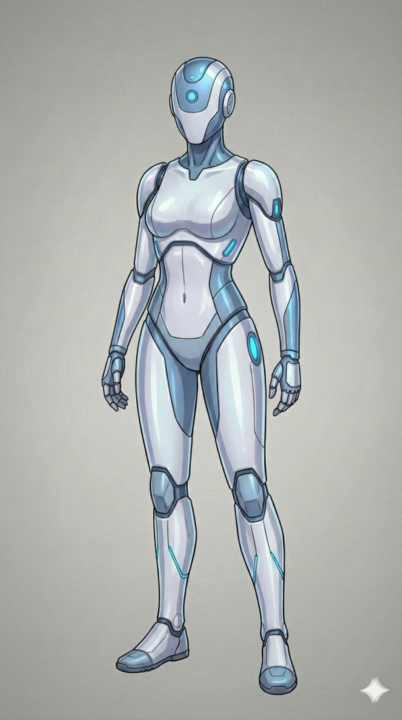
Hey there, You know how creating an animated short usually means juggling 3-4 different tools — a script doc, an animation app, a video editor, and hours of stitching everything together? What if you could skip all of that? I just dropped a new video where I go from a story idea to a fully finished animated short in minutes using ONE platform called Pai by Utopai Studios. No Premiere. No CapCut. No timeline editing at all. Now if you are like me, then you can take the finished animated sequence and edit it more to polish it as I show in the video tutorial today. Here's what blew me away: ✅ You write your script right inside the tool ✅ It generates characters you can actually approve and adjust ✅ You get full keyframe control, so it's not just "AI slop" ✅ You can export to 4K if you want to fine-tune in your own editor Whether you're just starting out or you've been animating for years, this changes the game for how fast you can go from concept to finished piece. 👉 Watch the full walkthrough here I show you the entire workflow step by step so you can follow along and try it yourself. 🔗 Try Utopai here
2 likes • 3d
This is exactly what we needed! Honestly, jumping between 4 different tools for one simple video was such a headache. The fact that you can handle the script and animation all in one place—and still export in 4K—is a total game-changer. Great walkthrough, man! Definitely going to check it out and give it a try. Thanks for sharing!
1 like • Feb 2
@Mark Diaz All your work is great 👍🏻
1 like • Jan 21
Indeed, it's true, I fixed it after I created the video and solved the problem, thank you 🙏🏻
2 likes • Jan 21
True, if this observation is applied, it will be smoother and more realistic. I will take this observation into consideration in the future Thank you Heather Ambrosio 👍🏻
1-10 of 12

@mohammed-alshamrani-7769
🎬 Cartoon Animator & Story Creator 🧠 Bringing characters to life with emotion & motion ✨ Crafting engaging animated scenes that entertain & inspire
Active 2d ago
Joined Mar 20, 2026
Powered by