



15d •
How I Actually Make My AI Films (Full Workflow, Idea to Final Cut)
Many people have asked how I achieve such realistic results in my AI videos, so I’ve put together a full workflow breakdown. I thought a narrated walkthrough—featuring core ideas and behind-the-scenes captures—would be helpful. This isn't a 'bulletproof' or the only way to do it, as there are dozens of other approaches, but I hope these insights help you elevate your own process. You can check it out here: https://www.youtube.com/watch?v=Pb01k4-6Nfs

Apr 11 •
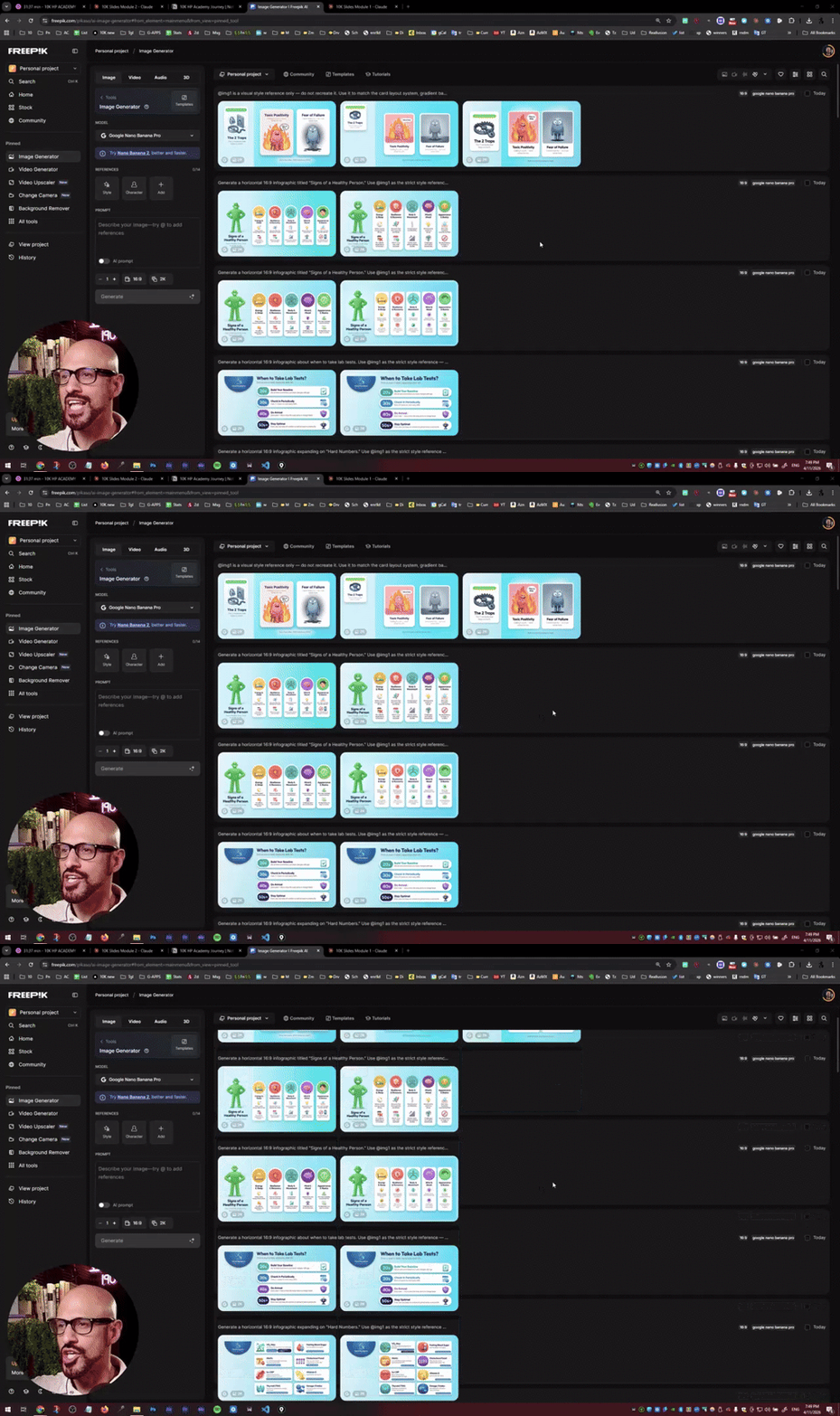
HOLY SMOKES! Anyone using AI for Education?
In the past, creating all these infographics for the slides of a training I'm doing for the 10K HP Academy. Normally, this would take me a whole week, and thanks to Nano Banana and Claude, it took me 2 and a half hours! A total of 19 slides!

Jun 1 •
From CTA5 to PAI
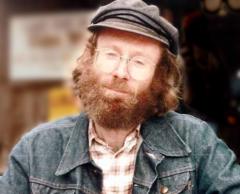
Two years ago, I started a mini cartoon with two of my grandchildren, originally planned for CTA5. The characters were based on the excellent work of Garry Pye. Unfortunately, the project never got past the animatic stage. I just picked it back up with PAI in a single afternoon.

May 5 •
How I turned a Romanian fairy tale into a 3D-style animated short: the full workflow
A few days ago I posted that team-built 3D animation runs $3,136 per finished minute. That figure still stands. So I tested the other end of the curve. One person. ~16 hours. ~$15 in marginal API credits on top of existing subscriptions. A 5-minute 3D-style animated short of a 145-year-old Romanian fairy tale — Ion Creangă's "Ursul păcălit de vulpe" / "The Bear Who Was Tricked by the Fox" — shipped in English, Romanian, and Hungarian subtitles. The honest comparison isn't "$15 beats $3,136." It's roughly ~$400 per finished minute solo vs. ~$10,000 (included margins, salaries, taxes, per finished minute team-built — about 25× cheaper. With trade-offs: visible artifacts in some shots, ~95% character consistency across 32 shots, ~70% Seedance acceptance rate, occasional Kling fallback for shots Seedance refused. Real, but real. I wrote up the entire pipeline, end to end: - Source material, OCR, and modern children's-English script adaptation - The production bible with @tag identity sheets that lock characters across all 32 shots - The Higgsfield "upload once, reference forever" UUID trick that saves hours per project - ElevenLabs v3 performance tags + bookend-pause discipline for clean TTS - The Seedance lip-sync recipe — the three rules nobody states clearly online (one video reference only, mandatory DIALOGUE block, @Image attribution per line) - Demucs htdemucs_6s for stripping unwanted background music from generated audio - The honest cost accounting: how subscriptions absorb the $15, where 16 hours of human time fits in, why the $10K/minute figure still holds for team-built work Plus real Seedance and ElevenLabs prompts (paste-ready), what I'd do differently next time, and the limitations I haven't solved yet. Full workflow inside and final fairy tale: https://www.youtube.com/watch?v=-kV6a7CpSV4 What folktale would you build with this pipeline? Full article on my LinkedIn: https://www.linkedin.com/feed/update/urn:li:activity:7457503694184497152/
1-25 of 25
Leaderboard (30-day)
1
+34
2
+24
3

+12
4

+11
5
+9
Powered by