Activity
Mon
Wed
Fri
Sun
Aug
Sep
Oct
Nov
Dec
Jan
Feb
Mar
Apr
May
Jun
What is this?
Less
More
Memberships
562 contributions to GHL Growth Garage

2d •
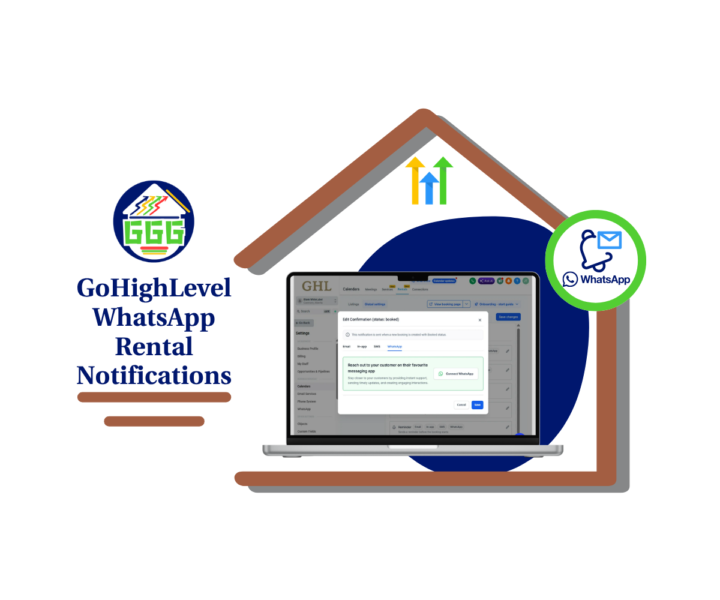
WhatsApp Rentals Are Here
GoHighLevel just added WhatsApp rental notifications, and this is a solid win for anyone using Rentals inside GHL. 📲 You can now use WhatsApp as a notification channel for key rental booking events like Confirmation, Cancellation, Rescheduled, Reminder, Follow-up, and Unconfirmed. That means your rental clients can get important booking updates through WhatsApp instead of only relying on email, SMS, or manual follow-up. This matters because rental bookings can get messy fast. - A customer misses a reminder. - A booking gets rescheduled. - A cancellation does not get seen. - Your team starts chasing messages by hand. Nobody needs more of that. With this update, you can go into Calendar Settings, open Rentals, go to Global Settings, then Notifications, and edit the rental event you want to update. From there, open the WhatsApp tab and connect WhatsApp if needed. Once it is set up, GoHighLevel can send rental updates automatically when those booking events happen. This is especially useful for rental-based businesses like: - Equipment rentals - Venue rentals - Studio rentals - Event rentals - Space rentals - Service businesses with scheduled rental slots For agencies, this is a great update to add to client rental systems. It gives your clients cleaner booking communication, fewer missed updates, and less manual admin work. Simple update. Real-world value. 👍 If you manage rental bookings in GHL, this one is worth setting up. Check out all the details at GoHighLevel Growth Garage > https://gohighlevelgrowth.com/ghl-updates/whatsapp-rental-notifications-are-here-for-ghl-rentals/
0
0

3d •
Campaigns Taking Too Long?📄
A good offer should not sit for weeks. This blog shows how small teams can use AI campaign tools in GHL to build emails and pages faster. The goal is simple: start with one offer, create a draft, then review before launch. ⚡ Faster email drafts. 📄 Simple landing page copy. ✅ Clear offer and CTA. 🧠 Human review before publishing. Check the blogpost to see how this works inside GHL.
0 likes • 2d
Great reminder that AI should speed up the drafting process while keeping the final review in human hands.
2d •
GHL Summer of AI for SMBs
SMBs do not need to use every AI tool at once. This blog shows a simple way to test business AI tools in GHL. The idea is to start with one offer, one campaign, and one lead reply flow. ⚙️ One clear offer. 📩 One simple campaign. 💬 Faster lead replies. 📅 More guided booking steps. Check the blogpost to see how Summer of AI can help small to medium businesses start using AI in GHL.

0 likes • 2d
Love this approach! One offer, one campaign, and one lead flow is a smart way to get started with AI.
2d •
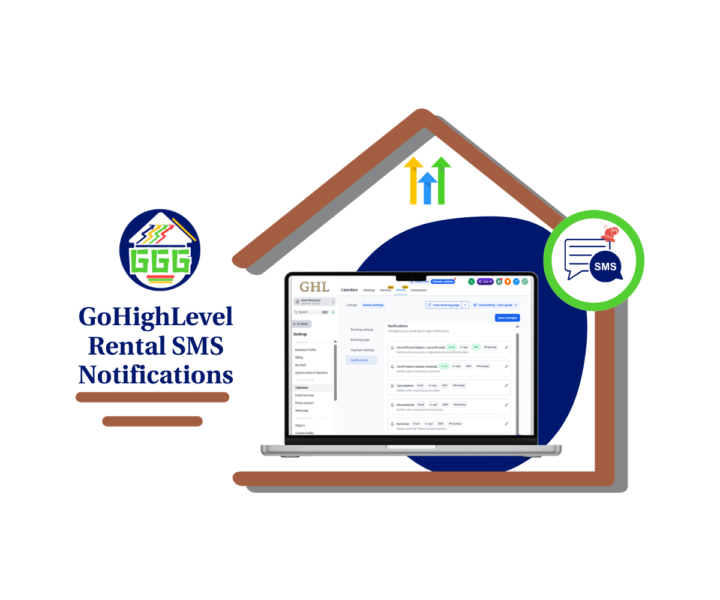
Rental SMS Alerts Are Here
GoHighLevel just added Rental SMS notifications, and this is a solid update for anyone using Rentals inside Calendar Settings. 📲 You can now send SMS updates for key rental booking events, including unconfirmed bookings, confirmations, cancellations, reschedules, reminders, and follow-ups. - That means fewer missed updates. - Fewer manual check-ins. - Fewer customers asking, “What time was that again?” This update gives you more control over who receives each message. You can send the SMS to the contact, the business, or both. So your customers can get simple booking updates, while your team gets the internal alerts they need to stay on track. You can also work from default SMS templates, edit the wording, use an existing template, or create a new one. Before you turn it loose on real bookings, you can send a test SMS to make sure everything looks right. For agencies, this is an easy client win. If your clients use rental bookings for equipment, venues, events, property, or service-based rentals, this helps make their booking process feel cleaner and more professional. - It is not a flashy update. - It is better than that. - It is useful. 🚀 Set it up inside Settings, then Calendars, then Rentals, then Global Settings, then Notifications. Edit the event, open the SMS tab, choose the recipient, save it, and repeat for the events that matter most. Check out all the details at GoHighLevel Growth Garage > https://gohighlevelgrowth.com/ghl-updates/rental-sms-notifications-now-available-in-gohighlevel/
0
0
3d •
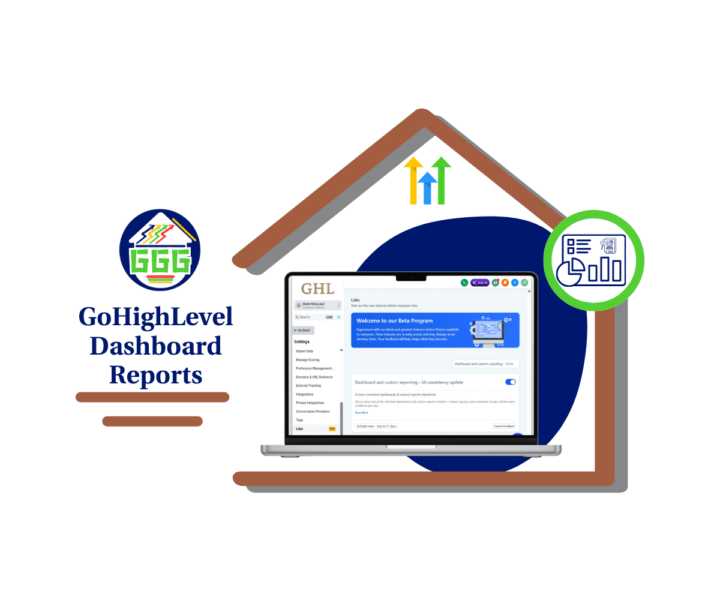
Cleaner GHL Reports Are Here
GHL just made Dashboard Reports cleaner, and this is a nice win for anyone who spends time checking client results, ad performance, funnels, or custom reports. 📊 This update is now available in Labs. Once turned on, Dashboards and Custom Reports get a refreshed layout that feels more consistent across the reporting area. - Your data does not change. - Your widgets do not change. - Your filters do not change. - Your custom metrics do not change. This is a visual update, plain and simple. But it still matters. The refreshed UI helps clean up headers, navigation, breadcrumbs, side panels, modals, widget cards, filters, datepicker, report builder pages, schedule pages, clone flows, and more. That means fewer odd-looking screens and fewer small distractions when you are trying to review the numbers. For agencies, this can make client reporting feel more polished. You can open a dashboard during a client call and move through the data with less friction. That helps keep the focus where it belongs: results. To turn it on, go to your GoHighLevel sub-account, open Settings, click Labs, then enable Dashboard and custom reporting – UI consistency update. After that, open your main Dashboard and check the layout. Review your key widgets, filters, datepicker, and any custom CSS before using it in a client review. This is not a huge workflow change. It is not some shiny new toy. It is a clean-up that makes the reporting experience easier to use. And when you spend a lot of time in reports, that kind of update matters. 👍 Check out all the details at GoHighLevel Growth Garage > https://gohighlevelgrowth.com/ghl-updates/cleaner-dashboard-reports-in-gohighlevel/
0
0
1-10 of 562

@jasmin-thuroganan-6886
✨ Clear GoHighLevel Guides
📝 Blogs, step-by-step guides
🚀 Helping businesses grow smarter 💼
💗 FOLLOW ME for practical tips & insights!
Active 2d ago
Joined Sep 18, 2024
Powered by