
Write something

2h •
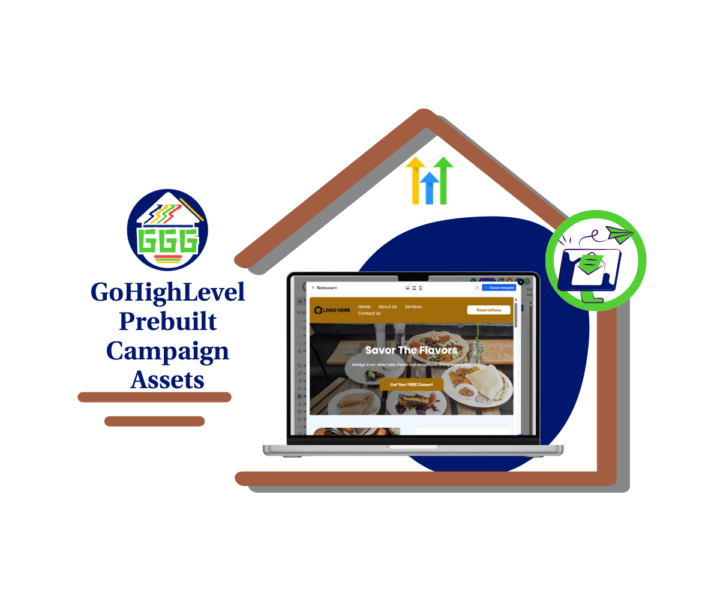
GHL Added Fresh Campaign Assets
GHL just dropped a new batch of templates, and this one is useful for agencies that want to move faster without building every campaign piece from scratch. 🚀 This update adds fresh website, social, ad, workflow, and snapshot templates inside GoHighLevel. That means you now have more starting points when building campaigns for different client niches. The update includes assets for industries like restaurants, bars, automotive, finance, insurance, beauty, travel, real estate, marketing agencies, and more. The real win is speed. Instead of staring at a blank page, blank ad, or empty workflow, you can start with a proven layout and shape it around the client’s offer. That saves time, but it also gives your team a cleaner process. A smart way to use these prebuilt campaign assets is to start with a website template, then connect the rest of the campaign around it. Use the website as the hub. Then add: - Ad templates to drive traffic. - Social posts to support the campaign. - Forms to capture leads. - Workflows to follow up. - Snapshots when you need a larger niche setup. Just don’t treat templates like a magic button. They still need your brain. Update the logo, brand colors, images, copy, buttons, links, forms, and follow-up steps. Then test everything before it goes live. Click the buttons. Submit the forms. Check the contact record. Make sure workflows fire the right way. ⚙️ Templates help you move faster. Testing helps you avoid embarrassing mistakes. This is a solid update for agencies that want cleaner launches, faster setup, and more repeatable campaign builds inside GHL. Use the templates as the starting line, then make them fit the client. Check out all the details at GoHighLevel Growth Garage > https://gohighlevelgrowth.com/ghl-updates/ghl-prebuilt-campaign-assets-just-got-a-fresh-new-batch/
0
0
3d •
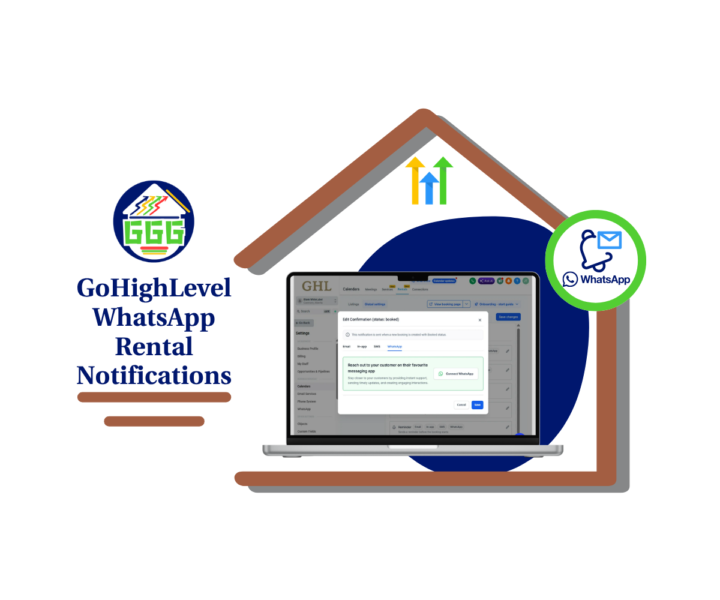
WhatsApp Rentals Are Here
GoHighLevel just added WhatsApp rental notifications, and this is a solid win for anyone using Rentals inside GHL. 📲 You can now use WhatsApp as a notification channel for key rental booking events like Confirmation, Cancellation, Rescheduled, Reminder, Follow-up, and Unconfirmed. That means your rental clients can get important booking updates through WhatsApp instead of only relying on email, SMS, or manual follow-up. This matters because rental bookings can get messy fast. - A customer misses a reminder. - A booking gets rescheduled. - A cancellation does not get seen. - Your team starts chasing messages by hand. Nobody needs more of that. With this update, you can go into Calendar Settings, open Rentals, go to Global Settings, then Notifications, and edit the rental event you want to update. From there, open the WhatsApp tab and connect WhatsApp if needed. Once it is set up, GoHighLevel can send rental updates automatically when those booking events happen. This is especially useful for rental-based businesses like: - Equipment rentals - Venue rentals - Studio rentals - Event rentals - Space rentals - Service businesses with scheduled rental slots For agencies, this is a great update to add to client rental systems. It gives your clients cleaner booking communication, fewer missed updates, and less manual admin work. Simple update. Real-world value. 👍 If you manage rental bookings in GHL, this one is worth setting up. Check out all the details at GoHighLevel Growth Garage > https://gohighlevelgrowth.com/ghl-updates/whatsapp-rental-notifications-are-here-for-ghl-rentals/

3d •
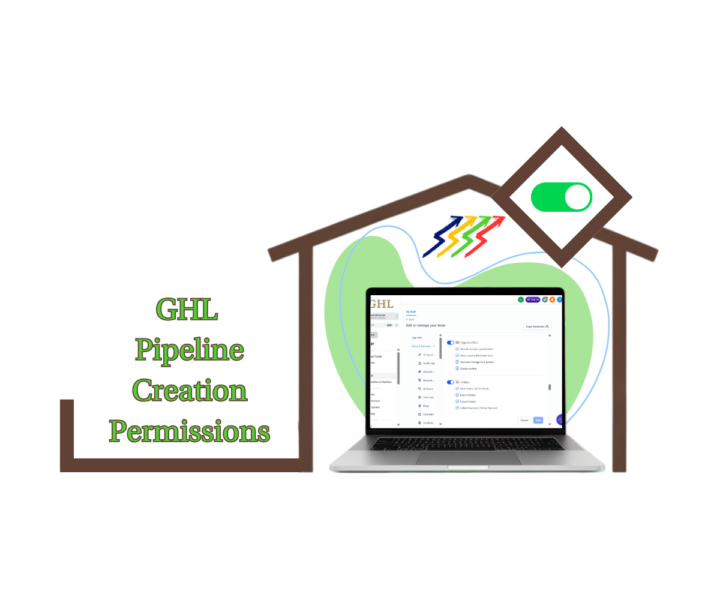
New GHL Permission Gives You More Control Over Your CRM
Ever opened your Opportunities section and found duplicate pipelines that nobody remembers creating? 😅 As your team grows, it's easy for extra pipelines to appear, making your CRM harder to manage and your reporting less reliable. That's why this new GHL update is so useful. GHL Pipeline Creation Permissions now let Agency Admins and Account Admins decide exactly who can: ✅ Create new pipelines ✅ Clone existing pipelines ✅ Duplicate pipelines That means you can give your sales team everything they need to manage opportunities without giving everyone permission to change your CRM structure. Why this matters: 🔒 Protect your CRM from accidental changes. 📈 Keep your pipelines clean and standardized. 👥 Give every team member the right level of access. ⚡ Reduce duplicate pipelines and unnecessary admin work. It's one of those small updates that can make a big difference as your business scales. We've put together a complete step-by-step guide showing: • What the new permission does • Why it matters • How to enable it • Best practices for agencies and growing teams • Frequently asked questions 👇 How will you use this new permission? Will you restrict pipeline creation to admins only, or will managers have access too? Let us know in the comments! 📖 Check out all the details at GoHighLevel Growth Garage → https://gohighlevelgrowth.com/ghl-updates/ghl-pipeline-creation-permissions-guide/

21h •
📞 Create Your First Voice AI Agent
Imagine answering every phone call—even when you're busy, after hours, or helping another customer. That's exactly what GoHighLevel Voice AI makes possible. A Voice AI Agent can answer calls, speak naturally with customers, qualify leads, book appointments, and keep conversations moving without needing someone from your team to answer every call. In our latest GHL Growth Garage Complete Guide, you'll learn everything you need to create and configure your first Voice AI Agent. 🚀 Inside this guide you'll learn: 👉 What Voice AI is and how it works 👉 How to create a new Voice AI Agent 👉 How to configure the General Settings 👉 How to build effective AI Prompts 👉 How to add Business Knowledge 👉 How to configure AI Actions 👉 How to connect your Calendar for appointment booking 👉 How to assign a business phone number 👉 How to test your Voice AI Agent before going live 👉 Pro tips to improve AI conversations 👉 Common mistakes to avoid 👉 Best practices for long-term success Voice AI does more than answer phone calls. It helps your business stay available 24/7, provides consistent customer service, captures more qualified leads, and reduces the time your team spends handling routine enquiries. As your business grows, your Voice AI Agent grows with you. By reviewing call transcripts, updating your prompts, and expanding your business knowledge, you can continue improving every customer conversation. If you're ready to automate your business phone calls, this guide is the perfect place to start. It includes beginner-friendly instructions, practical tips, and a complete step-by-step walkthrough to help you launch your first Voice AI Agent with confidence. Full Post Here! 💬 Have you started using Voice AI in GoHighLevel? Share your experience, your favourite feature, or your biggest takeaway in the comments below! We'd love to hear how Voice AI is helping you grow your business. 🚀
0
0

Jul '25 •
Latest and Greatest GHL Updates folks!
Jack here, rolling out the latest and greatest from the GoHighLevel world. I've been tuning in to the recent GHL Changelog, and let me tell you, there are some slick new upgrades that are gonna supercharge your systems! Here's the lowdown on what's new: Conversation AI Gets Smarter with Round Robin Calendars Your Conversation AI is leveling up! It can now book appointments directly with a contact's assigned user when using round-robin calendars. This means no more random assignments, just seamless continuity in your customer experience. To enable this, simply head to your calendar settings, edit a round-robin calendar, and toggle on "Always book with the contact’s assigned user." No changes needed inside Conversation AI! Stay in the Loop with Snapshot Notification Preferences Ever wish you knew exactly when your snapshot pushes were done? Now you can! Agency Admins can opt-in to receive email notifications once a snapshot push completes. These emails will even tell you how many pushes succeeded or failed, with a link to the full history. This means better communication and faster troubleshooting for your team. Find this in "My Snapshots" under the three-dot menu, then "Edit Snapshot" and the "Notification Preference" tab. Unleash Your Creativity with Smarter Visuals and Content AI Get ready to make your visuals pop and your copy shine! Ask AI now lets you generate and edit images directly. Just type a prompt, and boom—instant visuals. Need to tweak an existing image or refine your text? Ask AI handles it conversationally, remembering your session history for iterative improvements. This feature is a game-changer for social posts, email creatives, and websites, and it's available for accounts with AI Employee access. You'll find "Edit with Ask AI" under the AI button in Content AI-enabled areas like Social Planner. Smoother Webinar Creation with UX Improvements We've tightened up the webinar creation process to make it even easier. You'll now find required field validation, improved date, time, and timezone pickers, and enhanced tooltips to prevent errors. Plus, you can now edit the date and time when cloning webinars, making template reuse a breeze.

1-30 of 908

skool.com/ghl-growth-garage
GoHighLevel Updates, Guides, Tools, Training, Marketing Strategies and More!! 🔧🔨Free Business Snapshot!!
Leaderboard (30-day)
1

+1
2

+1
3

+1
4

+1
Powered by