Activity
Mon
Wed
Fri
Sun
Feb
Mar
Apr
May
Jun
Jul
Aug
Sep
Oct
Nov
Dec
What is this?
Less
More
Memberships
Make $1k-$10k in 30 days
12k members • Free
Wholesaling Real Estate
61.4k members • Free
Adonis Gang
185.4k members • Free
4D Copywriting Community
62.7k members • Free
AI Automation (A-Z)
121.5k members • Free
AI Automation Agency Hub
278.4k members • Free
AI Automation Society
219.7k members • Free
5 contributions to Make $1k-$10k in 30 days

2d •
Pomodoro Technique - Real Life Example
If you are familiar with this technique, its overwhelming for you. If not, then no worries. I will try to elaborate this with a scenario, which will help you understand and implement that on different tasks of your life. Scenario: You have just made up your mind by doing the walk in a park for about an hour or two. You have geared yourself with essential gadgets, and reached in a park and about to begin your task. You just need to setup the digital watch stop-time of about 25 minutes and make sure to take a rest of 5 minutes. This technique will help rewire your brain to consistently perform that task without any distraction or procrastination. Repeat this process twice a day if you are on a beginner level. The only catch here would be that you need to be focused at start while doing it and perform that walking without any break. Other Cases: If you are trying to build the habit of Book Reading or developing new skills in the age of AI in 2026 onwards, you can implement this technique in it. How'd you like this one? Let me know in the comments. Let's grow together and bring peace in other's life! Cheers!!!
1 like • 2d
@Soha Ali If I can tell you in a more layman terms, it simply means that you have to perform any kind of task for total of 30 minutes (25 minutes for working and 5 minutes for taking a break to regain energy). By doing this, your brain will not feel over-worked or body will not be exhausted. If you are successful, then repeat this process according to your requirement.
0 likes • 15h
@Abdul Muqeet Sure Mate 😇


1 like • 2d
Nice Work. Keep Grinding!
2d •
Update your Software - Pyramid of Learning - Key Takeaways | 27/12/2025
The following are the key points which have been deduced from that lecture: 1. The only way to have a better understanding and logic building of any topic in any field is by taking notes by hand and by teaching that subject to other people. 2. Always have a clear goal while learning anything, spend your resources (whether it be energy, time or money where required) on that to the fullest of your potential, and always believe in the process. Rest assured, time will tell the difference lately. 3. A hasty nature and mindset would be of no benefit in any aspect of life, whether in a professional environment or when dealing with your personal matters. Missed any takeaway by any chance? Do let me know in the comments!!! Let's grow together and bring peace in other's life. Cheers.
1
0
4d •
💥 Design Ready, Symbols Aligned - yet the Specs & Instructions screamed “unprofessional.” Here’s what happened next.
Story Time and Tips to remember - 25 Dec 2025 🧰 So, basically, it was about 3 weeks old while working on Low-Voltage Home Automation Designing project for US based Upwork client. I was told to provide the design layout with proper labeling, schedules, legends, RACK Specs and instruction notes embedded on it. 😕 Everything was going perfectly smooth, from designing the layout to labels/legends tables on CAD file. Yet the major problem arose when I got stuck on what to write about specs and instruction notes. I needed that "high-end firm" polish for the client, so I ran a quick experiment. I pitted GPT vs. Gemini on the same specific task: 👉 Write a professional RACK specifications and Wiring Diagram notes for a CAD drawing set. Here is what happened: 1️⃣ **Gemini absolutely smoked it**: It was concise, realistic, and spoke "Electrician." It gave me technical wording I could drop straight into a layout without editing. 2️⃣ **GPT was lagging**: It felt like a corporate intern—vague, wordy, and just a step behind on the technical nuances. It was fine for brainstorming, but not for precision. 🤯 The "Wait, What?" Moment: I decided to get meta. I pasted Gemini’s response into GPT and vice versa, and asked both of them to compare responses. **_GPT actually admitted defeat: It pointed out that Gemini’s version was more professional and better suited for a technical environment._** 🔄 When the AI starts admitting its competitor is smarter, you know the game has changed. The Real Insight: - 🚫 Don’t be loyal to one LLM: Tool-blindness is a real risk in engineering. - 🧠 Compare and Retrospect: Don't just take the first answer. Cross-reference. - 🛠️ Pick tools intentionally: Use GPT for the "quick-and-dirty" drafts; use Gemini for the technical deep-dives. **My New Technical Workflow:** 1️⃣ GPT for rapid phrasing options and general ideas. 2️⃣ Gemini for realistic spec lines and technical legends. 3️⃣ Human Judgment to make sure it actually works in the field. _The result_? ⏱️ Hours saved on documentation. 📐 Cleaner CAD sets that look like a pro designed them.
1 like • 4d
@Areej Iftikhar Thanks for recommendation.

⭐
Aug 30 •
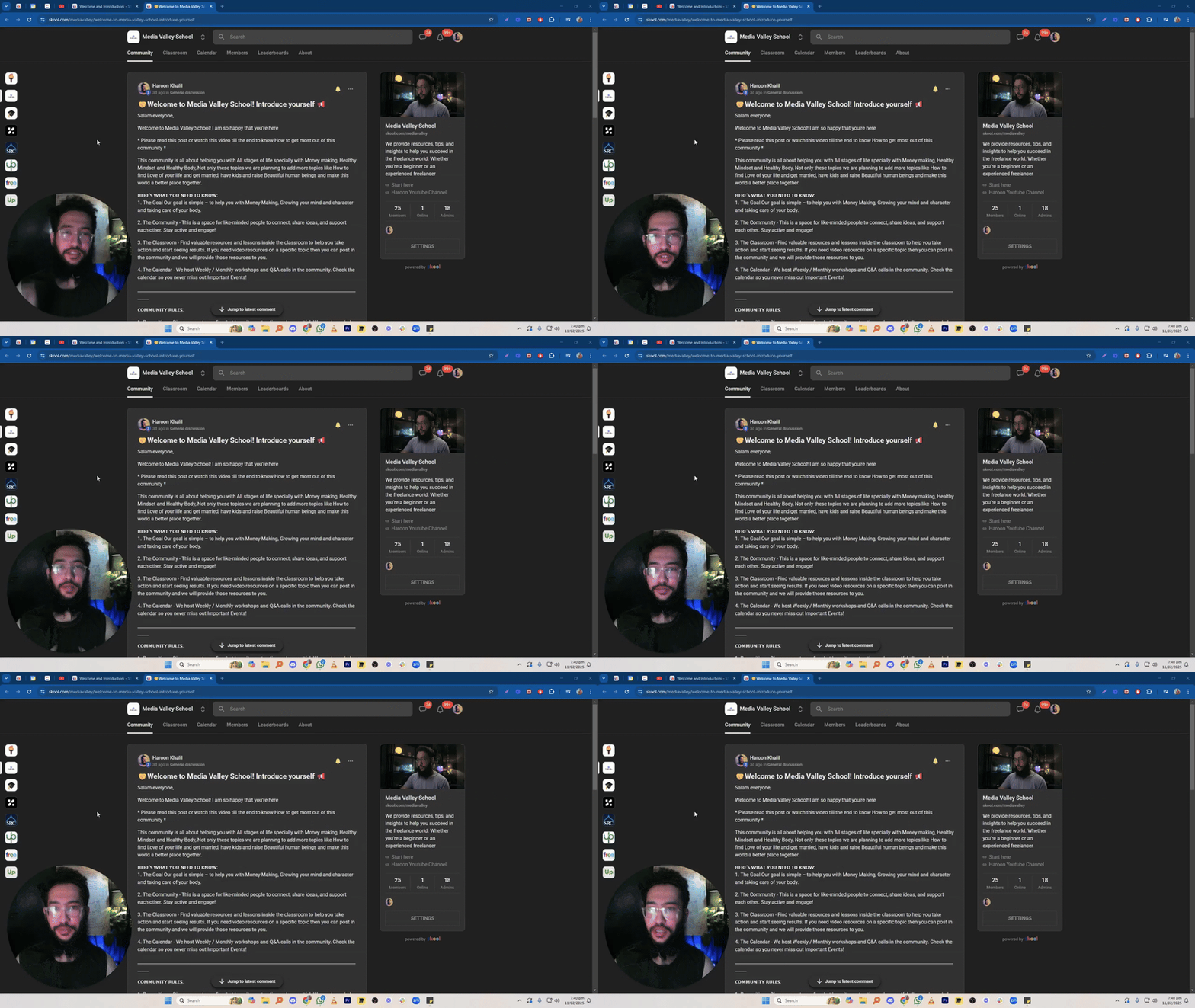
🤝Welcome to Media Valley School! Introduce yourself 📢
Salam everyone, Welcome to Media Valley School! I am so happy that you’re here * Please read this post or watch this video till the end to know How to get most out of this community * This community is all about helping you with All stages of life specially with Money making, Healthy Mindset and Healthy Body, Not only these topics we are planning to add more topics like How to find Love of your life and get married, have kids and raise Beautiful human beings and make this world a better place together. 𝗛𝗘𝗥𝗘'𝗦 𝗪𝗛𝗔𝗧 𝗬𝗢𝗨 𝗡𝗘𝗘𝗗 𝗧𝗢 𝗞𝗡𝗢𝗪: 1. The Goal Our goal is simple – to help you with Money Making, Growing your mind and character and taking care of your body. 2. The Community - This is a space for like-minded people to connect, share ideas, and support each other. Stay active and engage! 3. The Classroom - Find valuable resources and lessons inside the classroom to help you take action and start seeing results. If you need video resources on a specific topic then you can post in the community and we will provide those resources to you. 4. The Calendar - We host Weekly / Monthly workshops and Q&A calls in the community. Check the calendar so you never miss out Important Events! ______________________________________________________________________________________________________ 𝗖𝗢𝗠𝗠𝗨𝗡𝗜𝗧𝗬 𝗥𝗨𝗟𝗘𝗦: 1. Be positive – Disagreements are fine, but keep it constructive and respectful. We need your help to make this community THE BEST COMMUNITY so help us by giving us feedback in a positive way. 2. Make an effort – Post in the right category, stay on-topic, and add value. 3. No promotions – No self-promoting, ads, or links to your content. Violating this will get you banned. 4. No DM-ing other members to sell anything or to invite them to another community/group. Please note that scammers will use chats and other groups to communicate with you as we cannot track their activity there. 5. No low-quality posts/spam. Let's work together to make this community a valuable space for everyone.
1 like • 13d
@Rahat Jabeen Jazak Allah 😇
0 likes • 13d
@Arslan Ahmed Ansari Jazak Allah 😇
1-5 of 5

Active 15h ago
Joined Dec 14, 2025