Activity
Mon
Wed
Fri
Sun
Aug
Sep
Oct
Nov
Dec
Jan
Feb
Mar
Apr
May
Jun
Jul
What is this?
Less
More
Memberships
GHL Growth Garage
986 members • Free
297 contributions to GHL Growth Garage

2d •
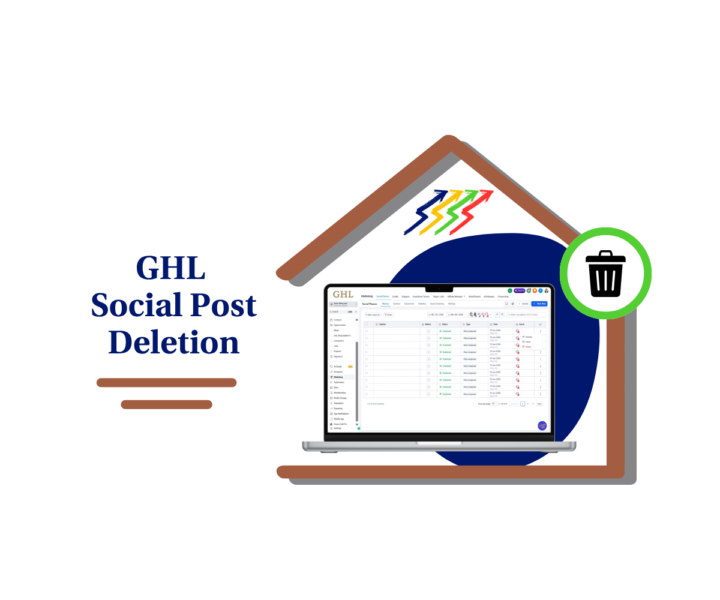
🚀 Delete Social Posts Without Leaving GHL!
Ever published a post and spotted a typo five minutes later? 😅 Or had a client call asking you to remove yesterday's promotion... right now? Until now, that meant logging into Facebook, LinkedIn, Google Business Profile (and probably a few more tabs) just to delete one post. Not anymore. GoHighLevel has added GHL Social Post Deletion to Social Planner, making it much easier to manage your content lifecycle. ✅ Delete published posts directly from Social Planner ✅ Remove live posts from supported social platforms ✅ Manage draft, scheduled, and published posts with one workflow ✅ Built-in reconnect prompts if a social account has expired ✅ Less platform switching. More productivity. This is one of those updates that doesn't look huge at first, but agencies managing multiple client accounts are going to save a lot of time with it. We've put together a complete step-by-step guide showing exactly how it works, which platforms support native deletion, and a few pro tips to help you avoid common mistakes. 👉 Check out all the details at GoHighLevel Growth Garage: https://gohighlevelgrowth.com/ghl-updates/ghl-social-post-deletion-guide-for-social-planner/
0
0
2d •
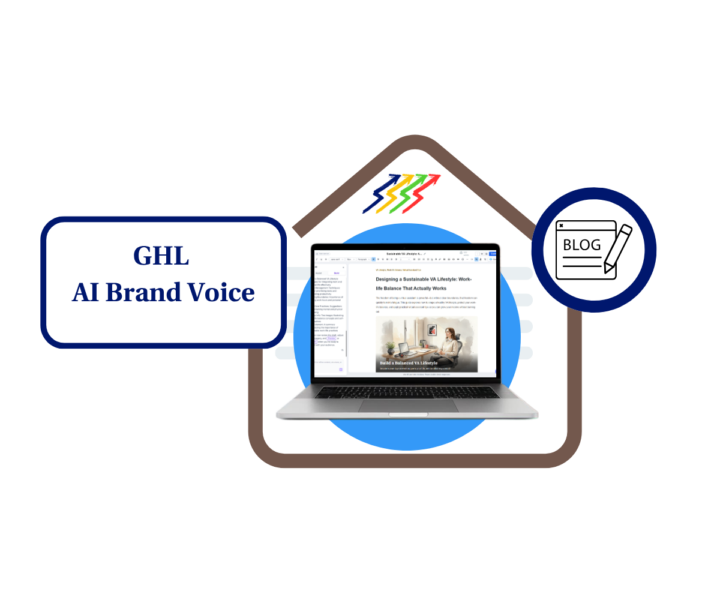
🚀 Stop Rewriting AI Blogs, GHL Just Fixed That
If you've been using Blog Post AI in GoHighLevel, you'll love this update. GHL has added AI Brand Voice and Brand Board Integration, so your AI-generated blog posts can now match your brand from the very first draft. That means you can: ✅ Apply your Brand Voice while generating blogs ✅ Use your existing Design Kits automatically ✅ Create new Brand Boards without leaving the Blog AI workflow ✅ Keep every blog consistent across your business or client accounts ✅ Spend less time editing AI content For agencies, this is a massive time saver. Instead of reminding AI how each client writes, simply select the client's Brand Voice and Design Kit before generating the article. Every draft starts much closer to the finished product. If you're a business owner or marketer, you'll get the same benefit, more consistent content with far less effort. I've also put together a complete step-by-step guide showing exactly how to set it up, along with pro tips, real-world use cases, and answers to the most common questions. 👇 Check out all the details at GoHighLevel Growth Garage: https://gohighlevelgrowth.com/ghl-updates/ghl-ai-brand-voice-for-smarter-blog-posts/
0
0
6d •
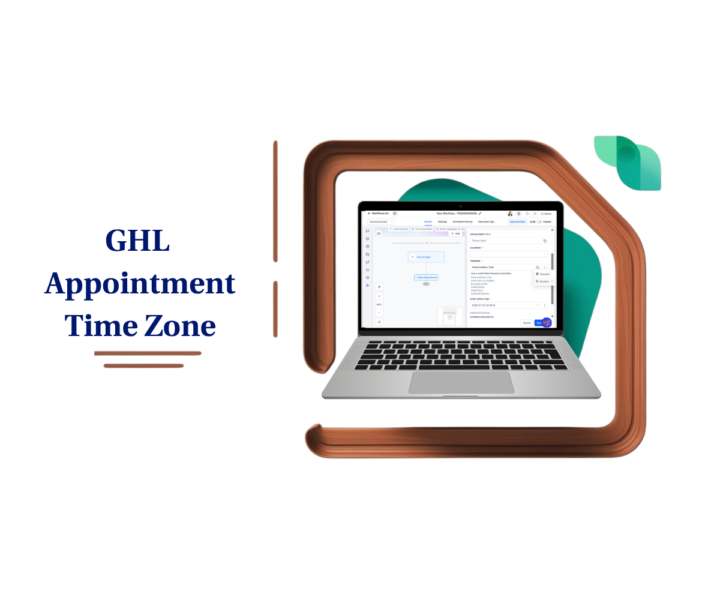
🚨 New GoHighLevel Workflow Update!
GHL Appointment Time Zone: Stop Booking the Wrong Time ⏰ If you've ever had a workflow book an appointment at the wrong time because of a timezone mismatch, you'll appreciate this update. GoHighLevel has added a new Timezone field to the Book Appointment workflow action. You can now: ✅ Choose a fixed timezone for every booking. ✅ Dynamically use the Contact Timezone. ✅ Reduce scheduling mistakes. ✅ Improve the experience for clients in different regions. ✅ Keep your appointment automations running exactly as intended. It might seem like a small update, but if you work with clients across multiple cities, states, or countries, it can save you from missed meetings and unnecessary rescheduling. In our latest guide, we cover: - What the new feature does. - Why it matters. - How it works behind the scenes. - A complete step-by-step setup guide. - Pro tips and common mistakes to avoid. - Real business use cases. - FAQs to help you get started. - If you're using the Book Appointment workflow action, this is definitely worth five minutes of your time. 👇 Check out all the details at GoHighLevel Growth Garage: https://gohighlevelgrowth.com/ghl-updates/ghl-appointment-time-zone-stop-booking-errors/
0
0
6d •
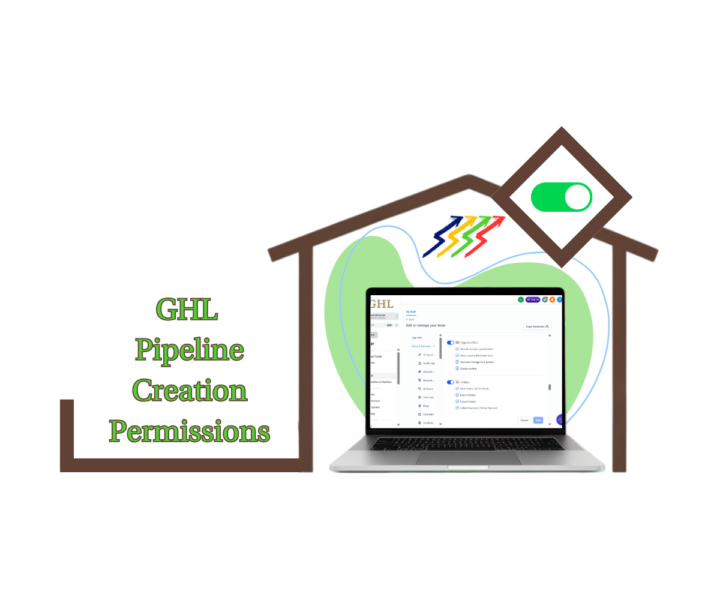
New GHL Permission Gives You More Control Over Your CRM
Ever opened your Opportunities section and found duplicate pipelines that nobody remembers creating? 😅 As your team grows, it's easy for extra pipelines to appear, making your CRM harder to manage and your reporting less reliable. That's why this new GHL update is so useful. GHL Pipeline Creation Permissions now let Agency Admins and Account Admins decide exactly who can: ✅ Create new pipelines ✅ Clone existing pipelines ✅ Duplicate pipelines That means you can give your sales team everything they need to manage opportunities without giving everyone permission to change your CRM structure. Why this matters: 🔒 Protect your CRM from accidental changes. 📈 Keep your pipelines clean and standardized. 👥 Give every team member the right level of access. ⚡ Reduce duplicate pipelines and unnecessary admin work. It's one of those small updates that can make a big difference as your business scales. We've put together a complete step-by-step guide showing: • What the new permission does • Why it matters • How to enable it • Best practices for agencies and growing teams • Frequently asked questions 👇 How will you use this new permission? Will you restrict pipeline creation to admins only, or will managers have access too? Let us know in the comments! 📖 Check out all the details at GoHighLevel Growth Garage → https://gohighlevelgrowth.com/ghl-updates/ghl-pipeline-creation-permissions-guide/
8d •
🚀 New GoHighLevel Update: Pipeline Order Management
Ever find yourself scrolling through a long list of pipelines just to find the one you use every day? You're not alone. As accounts grow, so do pipeline lists. Sales pipelines. Onboarding pipelines. Fulfillment pipelines. Support pipelines. Before this update, the order was fixed. That meant a lot of users relied on naming tricks, numbers, and special characters just to push important pipelines closer to the top. Not anymore. GoHighLevel now lets admins reorder pipelines directly from the Opportunities view. ✅ Drag and drop pipelines into place ✅ Use the new Move to Position option for precise placement ✅ Move pipelines across multiple pages ✅ Changes save automatically ✅ The order stays consistent for everyone in the location This may seem like a small update, but it's one of those quality-of-life improvements that makes using Opportunities much faster every day. For agencies and sales teams managing multiple workflows, this means: • Less scrolling • Faster navigation • Better team consistency • Cleaner CRM organization Sometimes the best updates aren't the flashy ones. They're the ones that remove friction from your daily workflow. 🔥 How many pipelines are you currently managing inside your account? 👇 Drop your number in the comments. Check out all the details at GoHighLevel Growth Garage > https://gohighlevelgrowth.com/ghl-updates/simplify-pipeline-order-management-in-seconds/
0
0
1-10 of 297

@shaira-valerie-rivera-4105
VA at ZedBiz for 4 years 💼 | Automation & Client Systems Specialist ⚙️ | GoHighLevel Enthusiast 🚀
Active 2d ago
Joined Apr 7, 2025
Powered by