
Write something

Sep '23 •
Question about ChatGTP's accuracy
I'm going to include a prompt at the bottom of this. My question is does ChatGTPP have an issue following instructions? When I ask a question to validate the response it gave, it gave me an incorrect answer. When I pointed out the inaccuracy ChatGTP said yes you are correct. Has anybody had this issue and if so how did you correct it? Please ignore all previous instructions. Please create a 1000 word article for the following. Title: How to Keep Your Pets Comfortable During Winter I want you to respond only in language English (US). I want you to act as a dog expert from the United States that speaks and writes fluent English (US). Write everything at the 7th grade level. You have the most accurate and most detailed information. You will be targeting new dog owners. All sentences should be between 60 and 80 characters. There should be no more than 6 sentences in any paragraph. Each H2 should have 2 or 3 paragraphs. Ensure each H3 has at least 2 paragraphs preferably 3. Format the article with H1, H2 and H3 tags. Create 5 FAQ questions based on the content you create and add them to the end of the article. Include a table of contents after the headline. Instead of using "Conclusion" at the end of the post, use a unique closing phrase (e.g., "Final Pawsative Thoughts"). Add Call to Action: Join the Pack! 🐶 "Love dogs as much as we do? Join our pack today and get exclusive tips, stories, and offers tailored just for you and your furry friend. Click here to sign up!" ------------------------------------------------------------------------------------------ How many paragraphs do each of the H three S have? ChatGPT Hey there! Let's break it down together: Under the H2 "The Importance of Warmth": "Choosing the Right Bedding" (H3) has 2 paragraphs. "Doggy Sweaters and Coats" (H3) also has 2 paragraphs. Under the H2 "Protecting Their Paws": "Winter Walk Precautions" (H3) has 2 paragraphs. "Booties for Extra Protection" (H3) has 2 paragraphs. Under the H2 "Nutrition and Hydration":

May '23 •
AI Authored Books Flooding Marketplaces
This article discussed the flood of AI Books written by AI but the more concerning issue is the flood of AI driven reviews which are propping up the books. https://futurism.com/the-byte/amazon-flooded-books-written-by-ai

27d •
Book Writing
Good day to all here. Quick question. Im trying to use Chat GPT to Wright my book. Some how the book took an enormous turn and is now very confused. Can I fis this or do I need to start all over from scratch?

Aug '23 •
AI with personality
Hi everyone, have a quick question here. I am looking for the AI copywriter that will adopt to the style of writing i will feed. Or maybe will have default writing "moods" or styles.i am open to Both free and paid plans

Jul 2 •
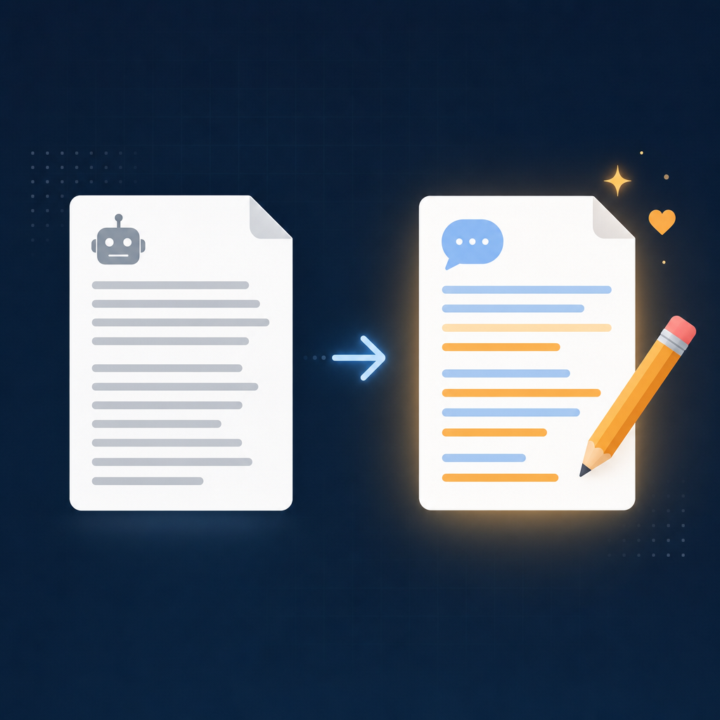
How to get ChatGPT to sound like you, not like ChatGPT
One of the most common frustrations I see in here is that ChatGPT writes well, but it does not write like you. Everything comes out a bit polished and generic, and you end up rewriting half of it anyway. The fix is simpler than most people expect. Instead of describing your style in words, you show it. Grab three or four things you have already written that sound like you. Emails, posts, a page from your website, anything in your natural voice. Paste them in and give ChatGPT this job: "Study these samples and describe my writing style back to me. Cover tone, sentence length, how formal or casual I am, words and phrases I lean on, and how I open and close. Turn it into a short style brief I can reuse." Read what it gives you and correct anything that feels off. Now you have a style brief written in your own voice. From then on, you paste that brief at the top of any writing task: "Write this in the style described below," then the brief, then the task. The output lands much closer to how you actually sound, so you spend your time refining instead of rewriting from scratch. If you use Custom Instructions or a Project, drop the brief in there once and it applies automatically. Have you tried getting ChatGPT to match your voice yet? What has worked, and where does it still fall down? Drop it below.
1-30 of 297

skool.com/chatgpt
A home for entrepreneurs who use ChatGPT to discuss, discover, and connect with others using this incredible AI technology. ⭐️ Invite your friends ⭐️
Leaderboard (30-day)
1

+20
2

+18
3

🔥
+15
4

+14
5

🔥
+14
Powered by