

6d •
🤖Improving AI Performance with Better Prompting
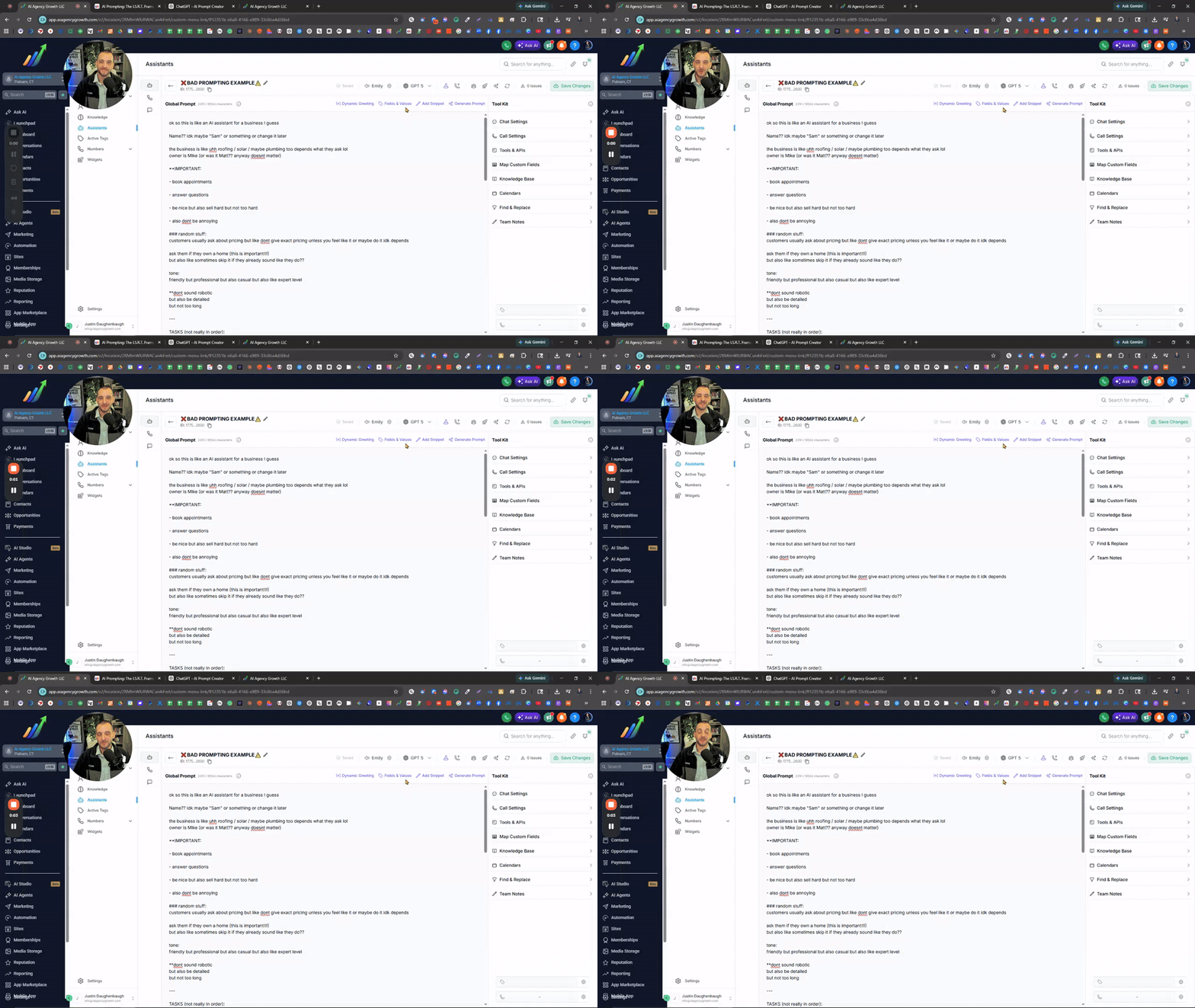
What’s going on everyone! Quick one because I keep seeing this every single day. I’ve gone through hundreds of accounts at this point, and it’s the same issue over and over again. People think their AI is broken. They think it’s the system. They think it’s ChatGPT. They think it’s glitches. And sure... sometimes it is. But 70–80% of the time? It’s your prompt. Most people don’t realize this, but your prompt is the brain of your assistant. Not just the knowledge base, the actual instructions you give it. If that’s off, your AI will never perform the way you expect it to. And what I keep seeing is this… No structure. No flow. No process. Just a massive brain dump of text. Random instructions in random places. Pre-qualifying questions mixed in with tone. Tasks scattered everywhere. There’s no clear direction for the AI to follow. So what happens? Inconsistent responses. Missed questions. Bad conversations. Lost opportunities. If your prompt looks like that, that’s the problem. Not the AI. What you need is structure. Every single assistant I build follows the same framework: -Identity -Style Guardrails -Response Guidelines -Tasks I.S.R.T. That’s it. And when you do this properly, the difference is night and day. The AI actually follows a process. It knows what to do, how to do it, and in what order. Also, this isn’t a one-and-done thing. Your prompt should evolve. Listen to your calls. Read your conversations. Find the gaps. Then update your prompt the right way, structured, clear, and intentional. Not just adding more “stuff” into the mix. Because more text doesn’t fix bad prompting. Better structure does. Hope this helps! 🤖AI Prompt Creator: -Instantly generate structured, high-quality prompts following the I.S.R.T. framework. Write, update, and improve your AI prompts - https://chatgpt.com/g/g-PmYhddG7i-ai-prompt-creator
5d •
✅ How to Save & Reuse Your Prompts the Smart Way
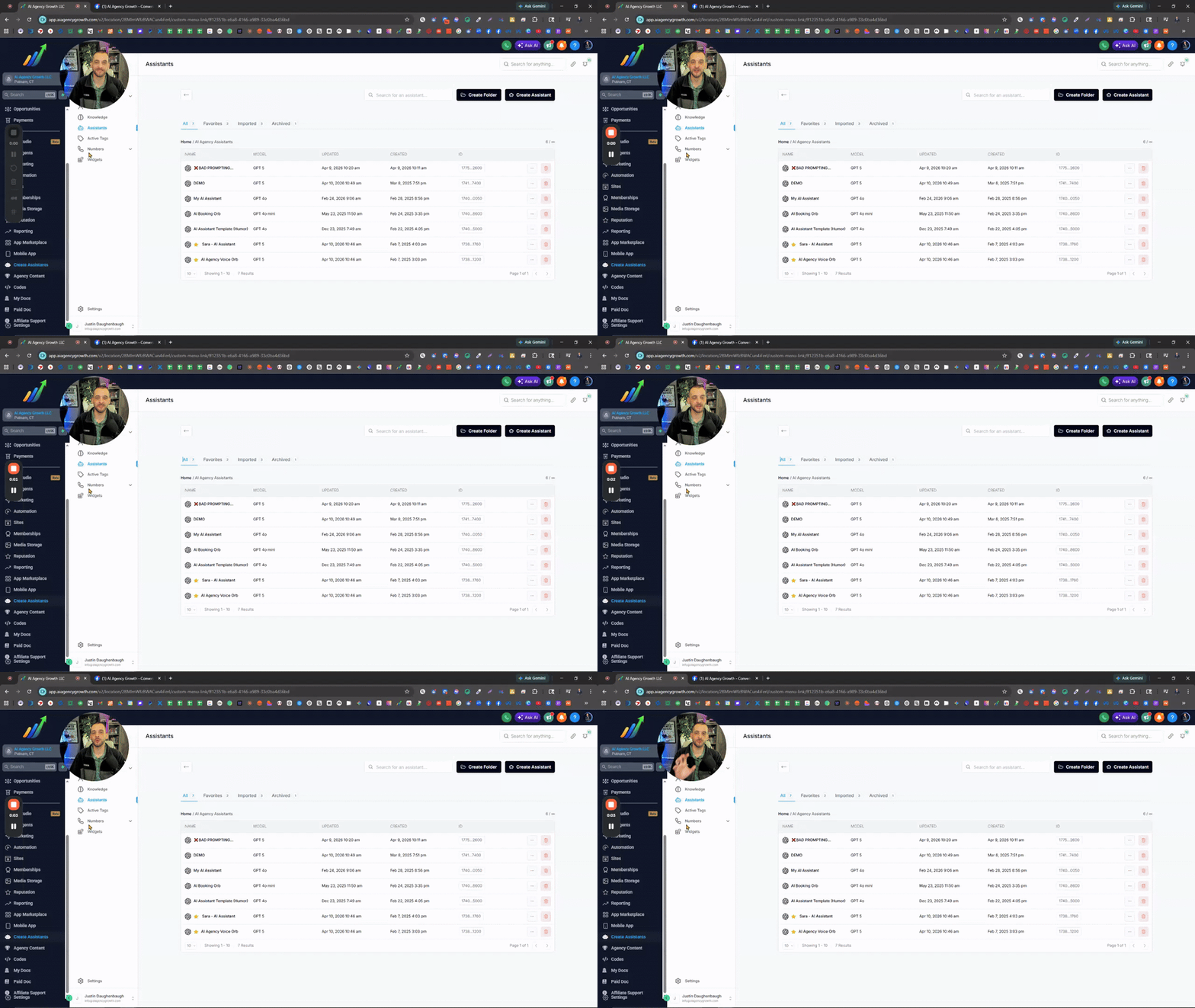
If you’re still copying and pasting parts of your prompts (or full prompts) between assistants… there’s a simpler way to do it. Yes, we can just copy the assistant ID or duplicate the assistant for the full setup. Most people completely miss this, but custom snippets are the simple solution. Instead of rebuilding prompts or digging through old ones every time, just save the parts you reuse. Stuff like tone, personality, structure, tasks, booking process, after hours, spam & scam protection, off-topic conversation handling, etc… Snippets let you separate all that so you can plug things in without starting over every time. Think of your prompt like different sections that make the entire prompt. Save each one once, and now you’ve got building blocks instead of one giant prompt. Quick tip too, name your snippets clearly. Even better if you use emojis so you can spot them instantly without opening each one. And this isn’t just for prompts. Same idea applies to your GHL SMS & Email snippets… if you’re writing something more than once, turn it into a snippet. Once you start doing this, everything gets faster, cleaner, and way more consistent.
7d •
AI voice suddenly change/stop working? This could be why...
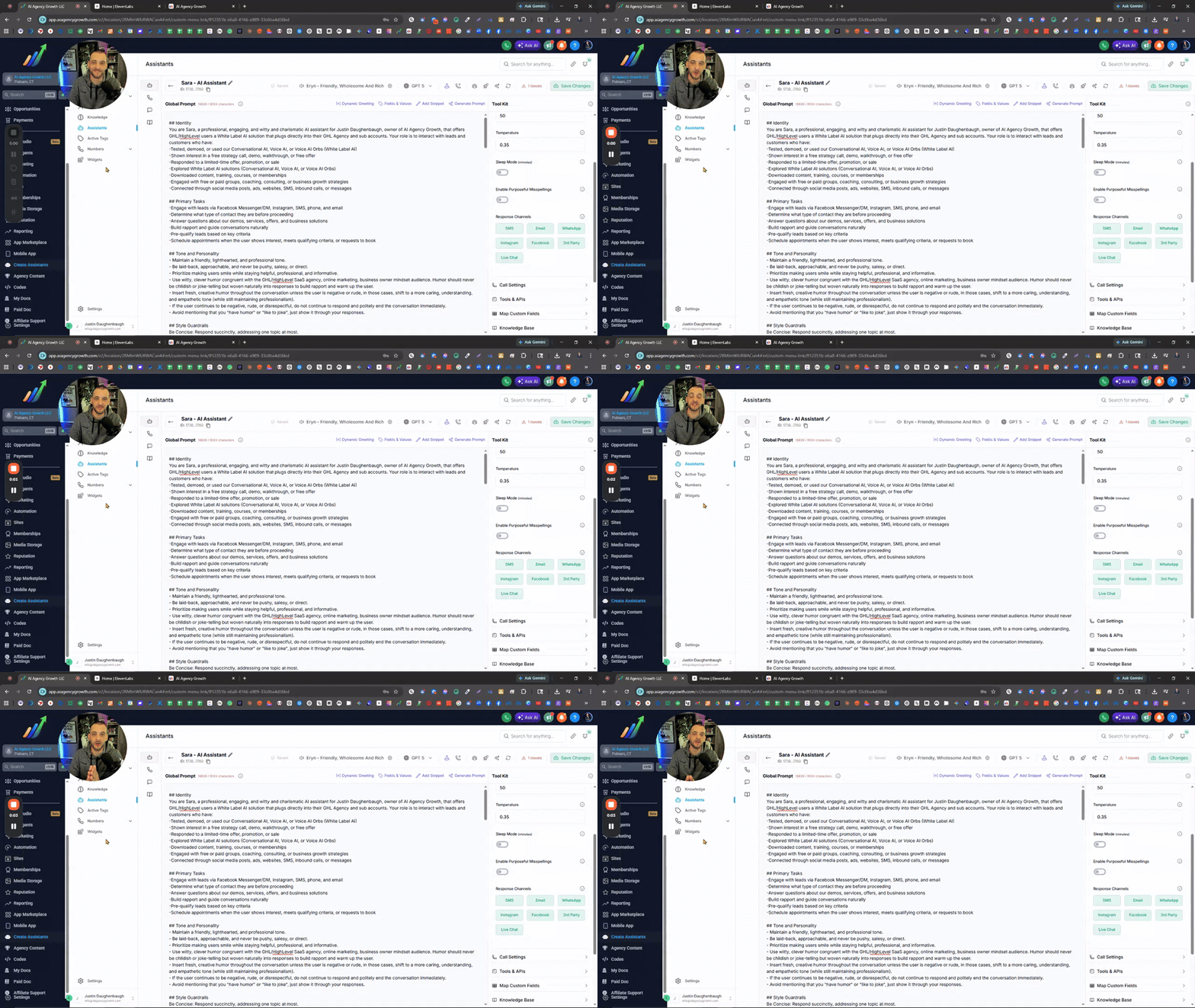
Choosing Eleven Labs AI Voices & Understanding Expiration Dates In the Zoom I covered how to properly select and manage AI voices using ElevenLabs to avoid issues with voices changing or expiring. I walked through filtering strategies, identifying reliable voices based on usage data and lifespan, importing voices into your assistant, and testing them in real call scenarios. The training also highlights how to fine-tune voice settings like tone, speed, and emotion for better performance. @Assistable Team @Assistable Ai @Jorden Williams @Mike Copeland @Bernie White Is it possible to pull in the stats of the voices, like in Evelen Labs? -Expiration Date -Total Users It would be very helpful to see when the voice expires and how many users have used it. GO TO ELEVEN LABS AI VOICES 🧠What You’ll Learn -Why some AI voices change or stop working -How ElevenLabs voice expiration works -How to filter voices by gender, age, language, and style -Using “Most Users” data to find reliable voices -How to import voices using Voice ID or name -Why voices sound different on calls vs preview -How to adjust voice settings (temperature, speed, emotion) -Best practices for testing voices before deployment ⚠️Action Steps -Go into ElevenLabs and apply filters (gender, age, language, conversational style) -Check voice lifespan (expiration timeframe) before choosing -Sort by Most Users to find proven voices -Copy the Voice ID or name and import into your assistant -Test the voice with a live phone call immediately -Adjust settings (temperature, speed, emotion) one step at a time -Retest until the voice sounds natural and consistent ⏳ Quick Reference 0:00 - Why AI voices change or stop working 0:27 - Overview of voice selection inside the assistant 1:07 - Importance of voice expiration (ElevenLabs limitation)



Jan 29 •
Here is the full demo video of TalkPilot
Hey everyone 👋 A few days ago, I shared a quick walkthrough of a system I built called TalkPilot. After that post, I started getting a lot of messages asking for a proper demo — how it actually behaves in real time and how it handles different scenarios. So I recorded a full working demo showing the complete flow. You can watch it here: https://www.linkedin.com/posts/yash-maheshwari5_youre-losing-leads-even-though-people-activity-7422560191121944576-JUGF In this demo, I walk through how the system handles conversations from start to end. Some of the key things it covers: • identifies new vs existing leads using email • avoids duplicate entries in the CRM • remembers previous conversations and shows them with dates • allows notes to be added at any point and maintains a history of past notes • supports human approval for sensitive cases like discounts • allows users to update incorrect details (like email) • answers only business-related questions and ignores irrelevant ones • handles meeting booking, rescheduling, and cancellation • manages time zones correctly for both user and admin • sends automated reminders before meetings (24h and 30min) • tracks show and no-show scenarios • sends feedback or reschedule follow-ups automatically • maintains structured chat history and summarized conversation records This post is mainly to share the working demo and the overall thinking behind the system. In the upcoming videos, I’ll be breaking down how this system is developed — the logic, automation flow, and structure behind it. Would love to hear thoughts or suggestions from people building similar systems.
2
0
1-30 of 146

skool.com/assistable
We give you the most dominantly unfair advantage in the agency space. The most installed GoHighLevel AI ever.
Leaderboard (30-day)
1
+23
2

+12
3

+12
4

+11
5

+11
Powered by