Activity
Mon
Wed
Fri
Sun
Apr
May
Jun
Jul
Aug
Sep
Oct
Nov
Dec
Jan
Feb
Mar
What is this?
Less
More
Memberships
Resolve School
238 members • Free
WP AI Success Hub
18 members • $27/month
AI Ranking (FREE)
6.6k members • Free
AI Ranking
501 members • $27/month
16 contributions to Resolve School

3d •
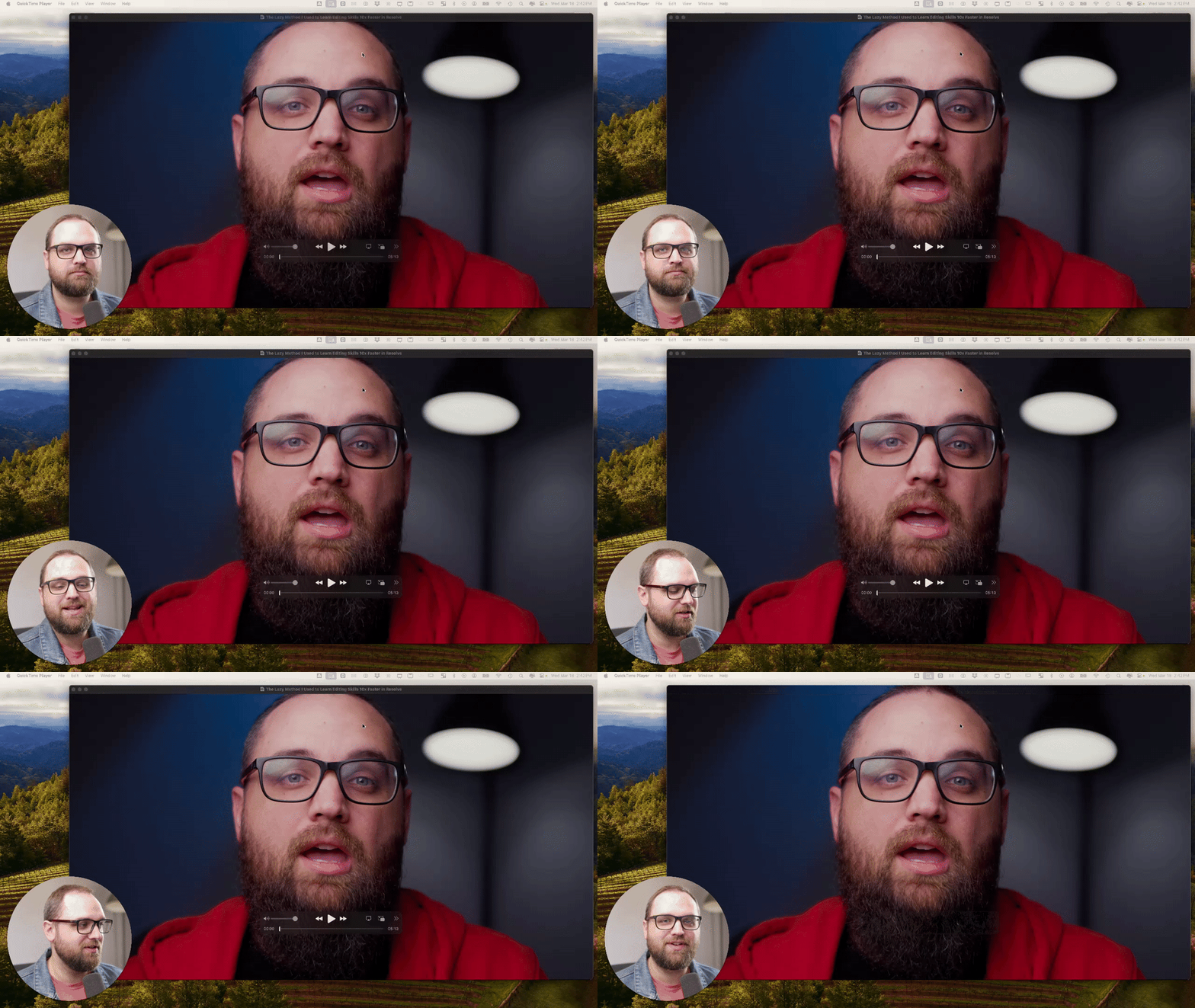
🎬 Editing Breakdown: What I’d Fix In This Intro
I’m going to start to do more breakdowns inside the community. The goal of these posts isn’t just learning the software. But it’s learning how to make better videos overall. That includes editing, storytelling, pacing, lighting, and the full video process. In this simple breakdown, I walk through an intro from one of my recent videos and talk about: - pacing - structure - editing choices - what I’d improve next time Drop your critiques in the comments below 👇

1 like • 3d
Nice!👍
9d •
🔥 FUSION EXPLAINED (IN PLAIN ENGLISH)
If Fusion has ever felt confusing, this is one of the best beginner explanations I’ve seen. Casey Feris does a great job breaking down what Fusion actually is and how it works without making it feel complicated. He walks through the basics of nodes, how things connect together, and how Fusion fits into your normal editing workflow inside Resolve. If you’ve opened the Fusion page before and immediately thought “nope… not today”, this is a really good place to start. He also shows a few simple examples so you can see how things like effects, masks, and merges actually work together. Once you understand that basic structure, Fusion starts to make a lot more sense. This is a great foundational video if you want to eventually get into: - Motion graphics - Visual effects - Masks and compositing - Building graphics inside Resolve Give it a watch and let me know in the comments: Have you used Fusion much yet, or does it still feel pretty confusing? And if you watch the video, tell me if anything finally clicked for you.
1 like • 9d
Good discussion for tomorrow - I've tried following Casey's tuts on this, but it doesn't seem to work. Therefore I gave up 😕
22d •
Rough cut - challenge
During our last online meeting I was challenged to create a video. So I did! 😎 This is not the video that I had in mind. But hey! I went down an AI rabbit hole. To find out why this video and the back-story you'll have to attend today's meeting. ************************************** This is my rough cut - if you have any suggestions or comments, come-on out to the online meeting.

2 likes • 13d
@Ota Werks I've been watching videos on Claude and have a ChatGPT subscription. I'm also considering installing the new ChatGPT Codex for Windows. On this project I used my free credits from Gemini - when I signed up, they gave me $400 in credits. Went through them in two months. 😕 I used Gemini for this project; the total cost of video rendering was $61. Gemini is not cheap! I also have an account with OpenAI.art, where I have been utilizing its AI video rendering to enhance my Etsy listing.
0 likes • 13d
Yup we're off topic - DM sent
28d •
🏆 Friday Wins 👊 (a day late)
I’m posting this on Saturday, but it still counts. 😁 What did you work on this week inside Resolve? Did you start a new edit, finish something that’s been sitting on your timeline, clean up audio, tighten a rough cut, or just spend a little time getting more comfortable in the software? Just curious what moved forward for you this week. Drop it below.👇 Big progress, small progress, all of it counts.

1 like • 28d
I watched the Project Setup and Organization chapters in the class room 👍
Feb 19 •
✨The New FujiFilm Film Stock LUT Pack Is Now Inside the Classroom
I just added the FujiFilm Film Stock LUT Pack to the Resolve School classroom. This pack includes 11 finishing LUTs inspired by classic Fuji film stocks and designed to emulate the feel of a film print. These are not corrective LUTs. They are meant to sit at the very end of your color pipeline, after exposure, white balance, and contrast are already dialed in. Think of them as the final layer that gives your footage cohesion, contrast discipline, and subtle film character. Fuji-inspired looks tend to lean slightly cleaner and more restrained compared to warmer print styles. You get controlled saturation, refined highlight roll-off, natural skin tones, and a consistent tonal response that feels intentional instead of overly processed. The goal is not heavy stylization. The goal is a finished image that feels cohesive and polished. HOW YOU CAN GET IT You have two options: 1. You can purchase the FujiFilm LUT pack individually inside the classroom if you want this specific look. 2. Or you can join the Premium Membership and get access to: - All LUT packs and presets - The full classroom - The 3-Hour Edit System - Live Calls and resources If you’re already building inside Resolve consistently, Premium usually makes more sense long term. If you grab the pack and use it on a project, drop a still frame or short clip in the comments. I’d love to see how you’re using it and what footage you’re applying it to. QUICK POLL Where are you at with LUTs?
Poll
6 members have voted

2 likes • Feb 19
@Andrew Farmer We've discussed LUTS; most of them don't return the colour grade I'm going for.... I appreciate the reasoning and ideas, but... I'd rather see a complete course on colouring on how to colour grade than add the LUTS to speed up my process. PS I do play a lot with LUTS, and preset to see if I can get a better colour grade, But I've yet to find one that jumps out at me. Something to discuss at the next online meeting. I also play with https://retouch4.me/videoplugins I'll have to download your LUTs and give them a try. 👍
1-10 of 16
@bob-wild-5704
Old guy with too many hobbies on a perpetual learning curve.
Live as if you were to die tomorrow. Learn as if you were to live forever.
Active 1d ago
Joined Jan 20, 2026
Vancouver Island