

2d •
FRIDAY WINS 🏆 & VIDEO FEEDBACK 🎬
Let’s hear what went well this week. Big or small, it all counts. Anything related to your video work. Some ideas: - Finished a video - Landed a client - Upgraded gear - Tried something new - Improved something you’ve been working on Drop your win below. Always good to see what people are building. VIDEO FEEDBACK 🎬 Trying something new here. If you’re working on a real video and want feedback, send me a DM with a link. I’m going to pick one or two submissions and do a full breakdown for the community. So if you submit, just know this won’t be a private critique, it’ll be something I walk through and share so everyone can learn from it. You can send: - A rough cut - A finished video - A short section you’re unsure about If there’s something specific you want me to focus on, let me know when you send it.

3d •
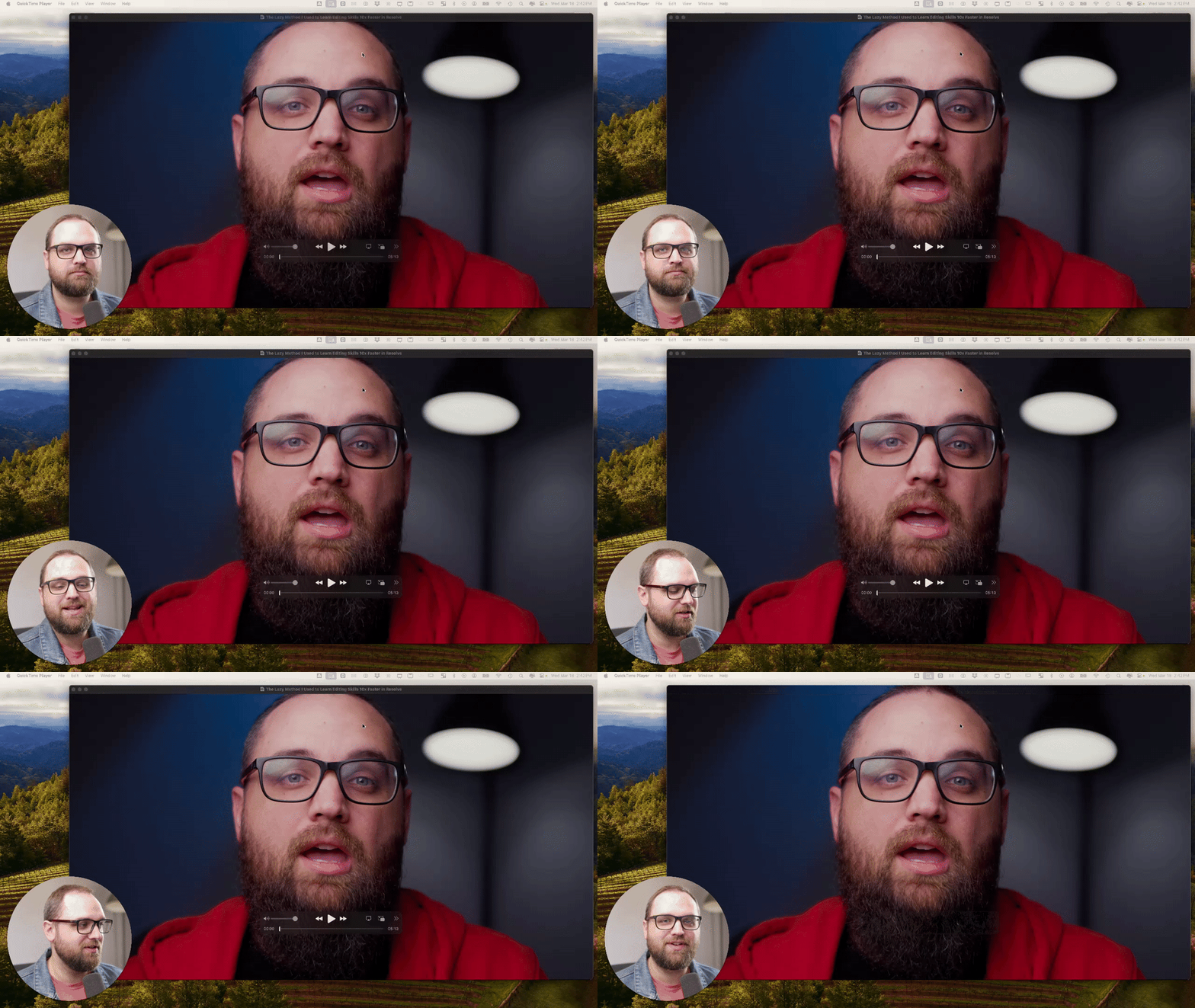
🎬 Editing Breakdown: What I’d Fix In This Intro
I’m going to start to do more breakdowns inside the community. The goal of these posts isn’t just learning the software. But it’s learning how to make better videos overall. That includes editing, storytelling, pacing, lighting, and the full video process. In this simple breakdown, I walk through an intro from one of my recent videos and talk about: - pacing - structure - editing choices - what I’d improve next time Drop your critiques in the comments below 👇

22d •
Rough cut - challenge
During our last online meeting I was challenged to create a video. So I did! 😎 This is not the video that I had in mind. But hey! I went down an AI rabbit hole. To find out why this video and the back-story you'll have to attend today's meeting. ************************************** This is my rough cut - if you have any suggestions or comments, come-on out to the online meeting.

15d •
Friday Wins 🏆 + Editing Insight
Happy Friday everyone. Let’s hear the wins from this week, big or small. Did you finish a video? Solve a problem that had you stuck? Figure out a tool in Resolve that finally clicked? Drop your wins below so we can celebrate them together. Even the small ones count. Sometimes the real win is just opening Resolve and getting a little more comfortable on the timeline. 🤔 One question for the week: What’s one editing insight or realization you had recently? Maybe something that made your edits faster. Something that made Resolve less confusing. Or just a small shift in how you approach editing. Here’s mine. I realized this week I had been ignoring a shortcut that instantly zooms the timeline out so you can see the entire edit at once, and then with one key press jumps you right back to the exact zoom level and position you were at before. (SHIFT+Z) It’s such a small thing, but it makes it way easier to quickly check the full structure of an edit without losing your place on the timeline. Sometimes the best workflow improvements are just little shortcuts like that. Curious what clicked for you this week.

28d •
Film Look Challenge Winner 🎬 Let’s Recreate It
Earlier this week, I posted three different film looks and asked you to vote. Film Look #3 (Sinners) won. So in this video, I walk through recreating that look step by step inside Resolve. We break it down the way it should be broken down: ✅ Match exposure and contrast first ✅ Analyze skin tones and background separation ✅ Use curves for hue control ✅ Add subtle glow ✅ Finish with film grain The goal wasn’t to perfectly copy it. The goal was to understand how to think through recreating a look. Now it’s your turn. 🏆 CHALLENGE: Download the reference still and practice clip from the classroom, or use your own footage, and recreate this look yourself. Post your result in the comments below this post by next Saturday. 👇 You can: ✅ Use the provided practice video clip ✅ Use the reference still only ✅ Or use your own clip entirely What matters is that you try to match the tonal balance, skin warmth, cool background, and overall contrast structure. This walkthrough video will also live in the classroom for archiving purposes, along with: ✅ The reference image ✅ The downloadable PowerGrade ✅ The practice clip Check it out in the classroom too. Let’s see what you come up with.
1-12 of 12
powered by
skool.com/creator-lab-2518
🥇 #1 Ranked DaVinci Resolve community on Skool 🔥
Built for creators who want to make better videos using tools like DaVinci Resolve.
Suggested communities
Powered by