Activity
Mon
Wed
Fri
Sun
Oct
Nov
Dec
Jan
Feb
Mar
Apr
May
Jun
Jul
Aug
Sep
What is this?
Less
More
AI Automation Society Plus
3.5k members • $129/month
AI Bits and Pieces
876 members • Free
3 contributions to AI Bits and Pieces

Jan 30 •
🔵 New Classroom for the AI Curious!
AI Bits & Pieces just launched a new training module for the AI Curious. You’re noticing how things that once felt familiar — writing, planning, searching, deciding — are now being reshaped in real time by AI. Not just a disruption.A clear evolution. AI is becoming a life skill, the same way search, email, and spreadsheets once did. This isn’t about being technical. It’s about understanding how AI can amplify your productivity by leveraging what you already have — your creativity. That’s where this community begins. AI Bits & Pieces — helping people and businesses adopt AI with confidence. Go to the Classroom to start your AI journey with confidence: AI Curious


5 likes • Jan 30
Nice
Jan 26 •
💎 Prompt Series Part 3 of 5: When LLM Selection Starts to Matter
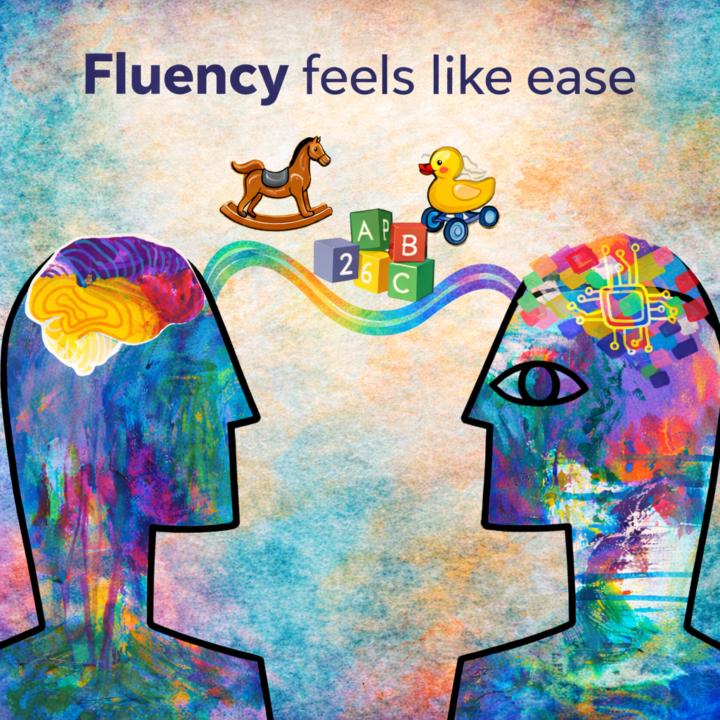
After learning how to prompt clearly and iterate effectively, a natural question emerges: Does it matter which LLM I use if I’m iterating well? In the short run, the honest answer is no. If you’re clear in your intent and willing to refine direction, most modern LLMs will get you where you need to go. Prompting and iteration do a lot of the heavy lifting early on. That’s why many people experience an initial breakthrough and think, “Okay, I’ve got this.” And they do. At first. 💎 Why Iteration Levels the Field Early When you’re iterating well, you’re doing a few important things: - Clarifying what you actually want - Responding to output instead of restarting - Adjusting direction in small, intentional steps Those behaviors transfer. They work across LLMs because the interaction pattern is the same: input → response → refinement. In that phase, differences between LLMs fade into the background. You’re building skill, not dependency. 💎 When Fit Begins to Show Up As AI becomes something you use regularly—not occasionally—another shift starts to happen. You’re no longer experimenting. You’re working. And that’s when fit begins to show up. Not in dramatic ways In small ones that compound over time. You notice how an LLM responds to follow-ups. How much structure it assumes. How easily you can steer it without over-explaining. Tone and writing style are often where this becomes most obvious. Some people gravitate toward Claude because it feels more measured, structured, and editorial. Others prefer ChatGPT because it feels more conversational, adaptive, and easy to steer through quick iteration. Neither is better. They simply feel different to work with. And once AI becomes part of your daily rhythm, those differences start to matter. To be clear, this isn’t about specialty capabilities like coding, image creation, or domain-specific features. It’s about how naturally an LLM mirrors: - Your tone - Your writing style - The way you think through ideas
2 likes • Jan 26
@Tars Ai tars haha🤌
2 likes • Jan 26
@Michael Wacht i like the movie
Jan 18 •
GitHub 101: For Non-Tech People
See "check my GitHub repo" everywhere but have no clue what people are talking about? Same here. So here's a simple explanation. What is GitHub? Think Google Drive, but for code. The big difference: it tracks a detailed history of every change. Every save-point. Every edit. By who, when, why. Why do people use it? → Version control - Want to go back to yesterday's code? No problem. → Collaboration - Multiple people on the same code without chaos → Backup - Your work is safe online → Portfolio - For developers, their GitHub is their resume What is a repo (repository)? Just a project. Building a website? That's one repo. All code, files, and history in one place. The basic flow: Create a repo (new project) Write/change code on your computer "Commit" your changes (save-point) "Push" to GitHub (upload) Others can "pull" (download) and work with it Private vs Public This one tripped me up: → Private repo = only you (and who you invite) can see it → Public repo = everyone can see and use your code For client work: ALWAYS private. Their business logic, API keys, custom flows - that shouldn't be public. Best practices you need to know: → Use branches (parallel worlds for your code - test new features separately) → Write clear commit messages ("Fixed login bug" not "fix stuff") → Create a README.md (explains what your project does) → Use .gitignore (keeps passwords and API keys out of your repo) Practical example for AI automation: You're building an AI chatbot for a client: Create repo "client-x-chatbot" (private) Claude Code writes the code Push to GitHub after each feature Client gets access (transparency) Bug? See exactly what changed New client? Copy the repo and adjust Deployment story GitHub is often the middle step: Write code → Push to GitHub → Automatic deployment to production Platforms like Vercel or Netlify deploy automatically every time you push to GitHub. This is called CI/CD (Continuous Integration/Continuous Deployment).

1 like • Jan 18
@Michael Wacht 🤝
1-3 of 3

Active 12d ago
Joined Jan 18, 2026
Powered by