

Aug 11 •
48F, evaluation of irregular menses, sleep disturbance, and hair changes.
48F. Irregular cycles, 3am wakeups, and she's tweezing her chin. Cycles were a reliable 28 days until last year. Now anywhere from 23 days to 7 weeks, heavier when they come. Wakes at 3am most nights. Shorter fuse than usual. Separately: coarse chin hairs, jawline breakouts she hasn't had since her twenties, and a part that keeps widening. Vertex thinning, frontal hairline intact. BMI 29. We draw a baseline — FSH, estradiol, total and free T, DHEA-S, TSH, CBC, ferritin, insulin. Not to diagnose her. Over 45 with cycle changes and symptoms, that's clinical. We draw it because you can't go back for a baseline two years from now. Everything comes back normal. FSH up a little. Estradiol mid-range. Total testosterone mid-normal. Free T upper end. Insulin high-normal. She has two hormonal problems anyway. One: no hot flashes, no dryness, but she's fragmenting sleep and bleeding heavier. That's not low estrogen. That's anovulatory cycling — no corpus luteum, no luteal progesterone, estradiol still swinging and periodically overshooting. Two: mid-normal testosterone, growing chin hair. Not a contradiction. Androgens decline slowly with age, estradiol falls off a cliff, so the ratio shifts even when the number doesn't. Add 5α-reductase converting testosterone to DHT — far more potent at the receptor — and you get androgen signal her total T will never show. Vertex thinning with an intact hairline and jawline acne are DHT's signature. Her insulin isn't incidental either; 5α-reductase runs hotter in insulin resistance. Normal panel, two problems. Neither one is a level — one's a ratio, the other's a conversion. That's the whole case for knowing the pathway. Not so you order a fancier test. So a normal result stops ending your thinking. Module 9 covers all of it. Classroom → Module 9: Hormones New chin hair and a widening part in a perimenopausal patient — what's your first move?
Poll
2 members have voted
1
0

Jul 14 •
The Medical Weight Loss Playbook now has a full provider workbook
The workbook is live inside the weight loss module (M12). It runs alongside all sections, and it is built to be filled in while you go through the course, then kept on your desk after. What's inside: - Fill-in-the-blank key concepts for every section, so you are actively pulling the material instead of passively watching - Clinical reference tables you will keep: the FDA-approved medication quick reference, the baseline lab panel with targets and rationale, EOSS staging, HOMA-IR calculation, protein targets by body weight, and the 20-week visit-by-visit program map - The language substitution card, which is the page most providers print first. Every stigmatizing phrase we default to, with the disease-model replacement next to it - The 12-week non-response algorithm, so you work through six modifiable factors before you ever label a patient a non-responder - Apply It to My Practice prompts that force you to look at your own panel, not a hypothetical one - Monday Morning Actions at the end of each section, three things you can execute within 48 hours The point of the workbook is not note-taking. It is conversion. You watch a section, you write down what your current protocol actually is, and you see the gap. Then you close it. A few things you will be able to do by the time you finish it: - Calculate HOMA-IR and explain insulin resistance to a patient in plain language - Dose and titrate semaglutide and tirzepatide, and know which agent fits which phenotype - Vet a compounding pharmacy against six criteria before you sign anything - Cite STEP 1, SURMOUNT-1, SELECT, and FLOW from memory in a PA appeal - Run a structured 20-week program with a defined agenda for all 10 visits Download it, print it, and start Section 1 this week.
3
0

Jul 12 •
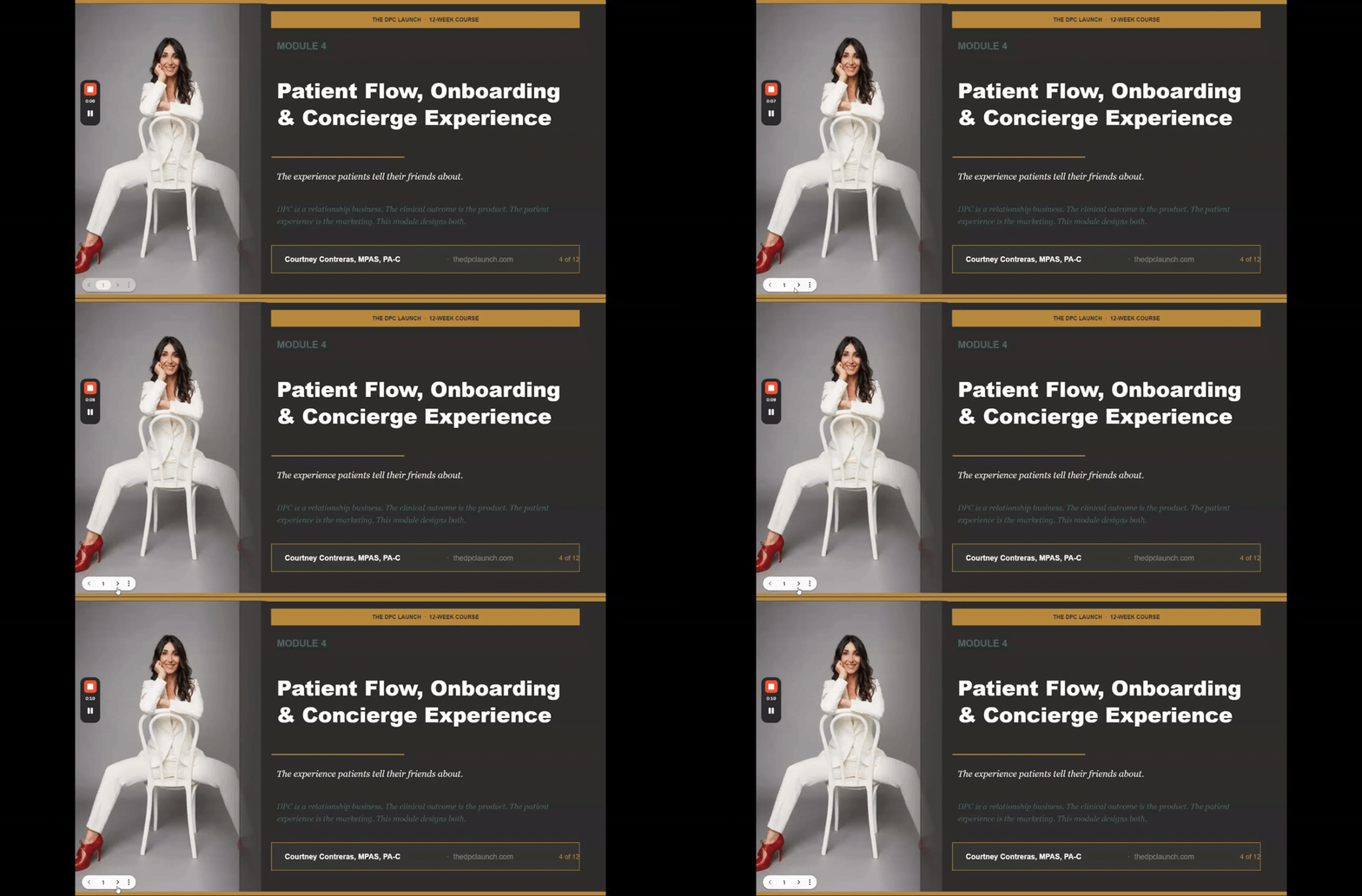
Module 4: SOPs and the Patient Experience
This one covers the part most new DPC practices get wrong: what actually happens after someone signs up. Inside Module 4 we walk through: - How to onboard a patient from signup to first visit - How to build protocols your team can run without you - How to explain the difference between DPC and concierge when a patient asks - How to set expectations for refills, direct communication, and booking, so patients know exactly how to reach you and use their membership We also spend real time on the first 90 days. Whether you are starting someone on a hormone protocol, sending new prescriptions, or getting that follow-up on the calendar, those first three months are what tells a patient this is different from anything they have had before. That impression is either built on purpose or left to chance, and this module is how you build it on purpose. Watch the overview and bring your questions to Tuesday Night MasterMind! This module is available to purchase separately if you've already built your DPC clinic and are just curious how to install S.O.P.s and patient flow. This is the module that you need to purchase.
0
0
Jun 28 •
Resource: Patient Self-Injection Demo (Insulin Syringe)
Sharing a short patient-facing video you can reuse in your own practice for any med your patients self-administer with an insulin syringe (GLP-1s, peptides, etc). It walks through the full process at a patient's level: supply gathering, vial prep (foil cap off, stopper stays), drawing the dose after injecting air into the vial, site cleaning, 90 degree insertion, slow injection, and proper sharps disposal with no reuse. How to put it to work: drop it into your onboarding sequence, your patient portal, or a welcome packet so new self-injecting patients have it before their first dose. It cuts down on repeat "how do I do this" messages and standardizes the instructions your whole team gives. One note before you share it: the video tells patients to follow their provider's specific dosing instructions rather than naming any dose, which keeps it reusable across meds and compliant for general distribution. Pair it with your own dose-specific guidance per patient.
1
0
Jun 12 •
EMR Demo with DecodaHealth
I just did an amazing Demo with Decodahealth. Probably the most progressive AI EMR. Personal Bias.. I am switching EMR from Optimanta. This is the cash pay model with integrated EMR for aesthetics an wellness. Who would be interested in a demo open to all levels hosted on the Tuesday night MasterMind. I can arrange and set a date.
Poll
4 members have voted
1-30 of 30

skool.com/the-dpc-launch-8518
For licensed providers (MD/DO/NP/PA) and Entrepreneurs building direct primary care practices. Clinical playbooks, business systems, expert coaching.
Powered by