
Write something

1d •
LinkedIn Profile Feedback
I've worked on IT products for the past 15+ years. Which made sense to niche down on Product recruitment. @Russell Liebowitz I am following your journey with restarting your agency. Here is my LinkedIn profile and website, I would love to get your feedback 🙂 www.linkedin.com/in/imrand https://www.productwisetalent.com
1
0

Jul 1 •
CV Screening short Automation
Been manually screening resumes for hours. Here's what setup I've figured out: 1. Generate Gmail App Password Go to: https://myaccount.google.com/apppasswords, enter any name, generate → you get a 16-character password. Copy it and save somewhere. 2. Buy Anthropic API Credit https://console.anthropic.com/account/billing/overview ($5 starter, goes as far as you need, usually more than a month) 3. Copy both in Claude with this prompt ___ I'm screening candidates. Use my Google App password [copy previously saved password] and Anthropic API key [copy key] to analyze them and generate a report following my criteria. My criteria: - Min 2 years [role] - Must have: [skills] - [Location preference] For each candidate, return: MATCH or NO MATCH + one sentence why. After analyzing all: Generate a summary report with: - Total screened - Number of matches - Top candidates ranked by fit - Candidates to reject with clear reasons ___ That's it. Claude handles everything. If anything is unclear, let me know. Hope this helps you 🙏

Aug 13 •
How I stopped candidates going silent mid process
Hi all, I've been dealing with candidates going completely silent after the first outreach message and I know a lot of you have run into this too. Spent some time working through it last week, and here's what actually moved the needle for me: 1. Send the first message with a specific reason you're reaching out, not a generic template. 2. Follow up on day 3 with a different angle, not just "just checking in". 3. Use a short video or voice note for the second touch, response rates jump noticeably. Happy to clarify anything, hope this helps 🙏

Jul 1 •
🚀 Midweek Check-In
Let’s see where everyone is this week… 👇 Drop your answers in the comments: ✅ What’s the ONE recruiting goal you’re working on right now? Examples:
• Landing your first client
• Getting more candidate submissions
• Learning your ATS/CRM
• Building your LinkedIn presence
• Making more cold calls
• Closing your first placement
• Automating your recruiting process And tell us 👉 What’s the biggest thing slowing you down? The Launch Pad community is here to help, and chances are someone else has already worked through the same challenge. Remember: Progress beats perfection. Even one conversation, one outreach message, or one new connection today moves your recruiting business forward. Let’s help each other win. 💪
Jun 8 •
🚀 What's Your Biggest Recruiting Challenge Right Now?
Let's help each other out. Whether you're: ✅ Looking for your first client ✅ Struggling to fill a difficult role ✅ Trying to generate more candidate leads ✅ Building your recruiting business from scratch ✅ Scaling beyond a few placements a month Drop your biggest challenge in the comments. Not your biggest win. Not what’s going great. What's the ONE thing that's currently slowing you down? Russ, Danielle, Chloe, and other members of the community will jump in throughout the week with ideas, strategies, and feedback. Remember: Someone else in this group has probably already solved the problem you're facing. Let's learn from each other. 👇
1-26 of 26
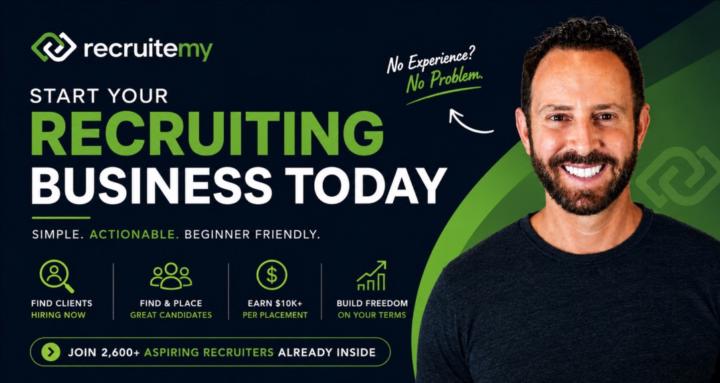
skool.com/recruitemy
How to start a recruiting business from home, even if you’ve never recruited before.
Leaderboard (30-day)
1
+8
2

+6
3
+5
4

+4
5

+4
Powered by