
🔥
2d • Weekly Challenges
Monday, Monday
I really do not want to go to the daily grind today. Got too many fun things going for the folks here! Spent most of my time in WCP today ironing out details while working on the how to walk thrus.
Notepad! The default edit pane is now a single page NOTEPAD. a place to jot random things. It is always accessible by the yellow notepad button in the upper left hand corner. It is about as simple as it gets. it's only option is a down arrow to save the contents to your local drive. It creates a WCP_Notepad file with the current date and time as a markdown (text) file. Select the contents and delete to clear it. It's just a single page and is share across every book and series with the same page.
The default text on the notepad guide folks to the help in the corner and to our skool page here for additional help.
Quick Start Button! Primarily for first timers but great for all of us. Opens an unnamed series, unnamed book, and unnamed file. If these already exist it will create new ones. you can rename them with the right click menu. It then jumps you to the API keys to enter a key and there is basic instrux there now. Then jump back and start writing
The Feedback button may go away soon as the helpdesk link in the lower left corner [SOS] is now live so you can open a service ticket, that can be tracked and responded too,
Remember the chatbot is there for help as well
10
16 comments
Monday, Monday
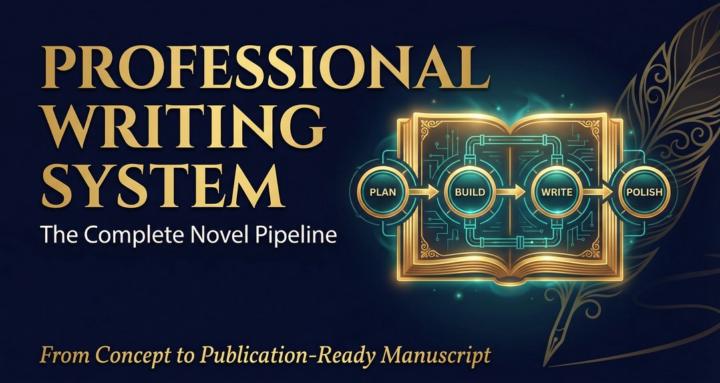
skool.com/pws-community-for-writers-8447
Stop writing alone. WordCrafter.Pro pairs you with expert personas across story, character, prose, editorial, and MARKETING. Free trial.
Leaderboard (30-day)
1

🔥
+363
2

🔥
+301
3

+235
4

🔥
+233
5

+212
Powered by