
Write something
28d •
Live Call Now: New PublishFlow Update and Open KDP Q&A
Join us live now: https://meet.google.com/zae-reiw-pwj In this call, I will show the three big new updates we released this week: #1 New BRD Tool #2 51 new Visuals A+ Content Templates #3 The Video Ads Tool And at the end and in between waiting times, we have room for an open Q/A. See you in the call!
30d •
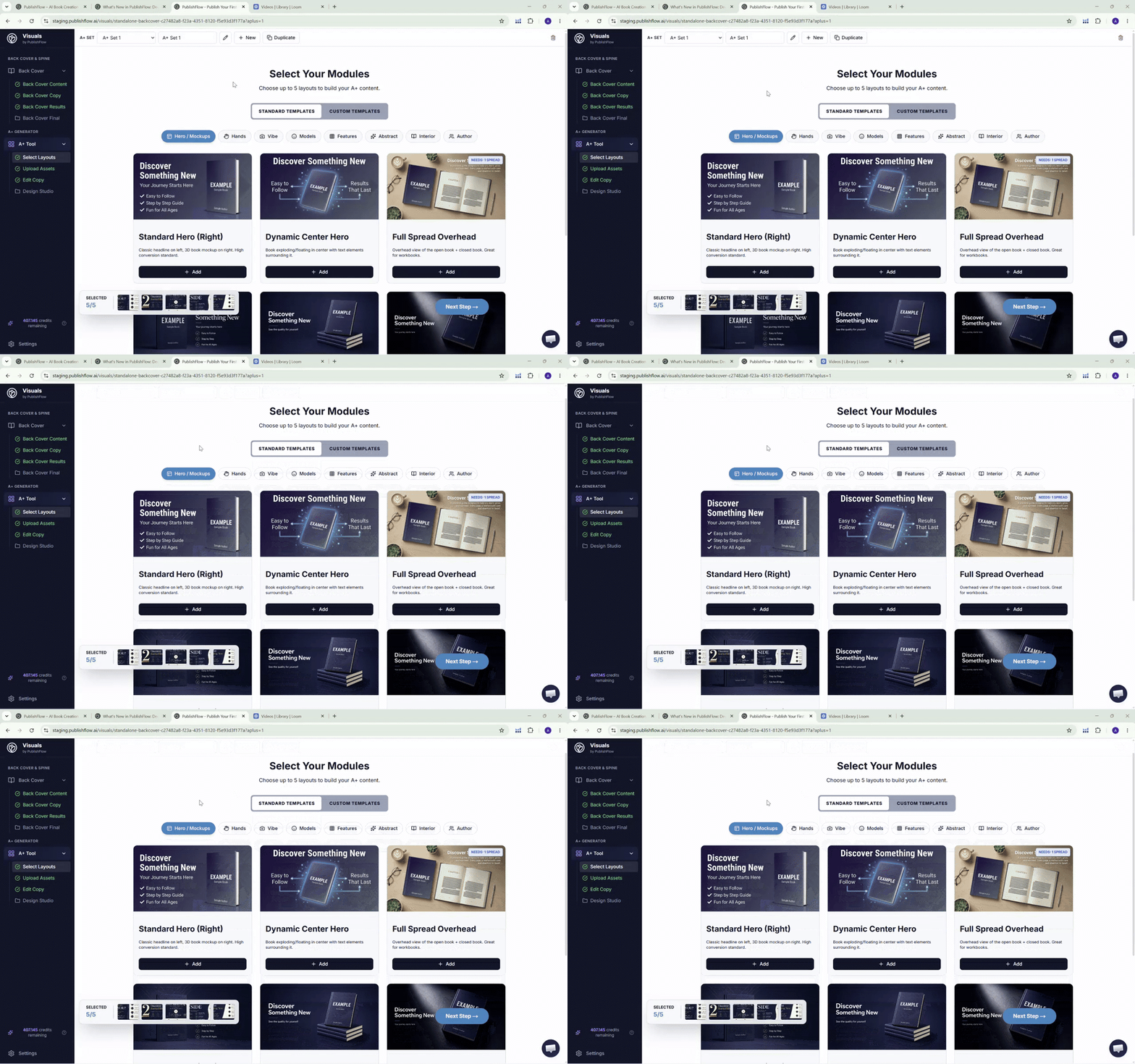
🖼️ 51 new A+ Content Templaets + Custom Template Builder
As mentioned 2 weeks ago: 🎯 We now have 51 new A+ content templates. We released them with the new update 2 days ago. Some of you maybe have already worked with them. In the attached video, I walk through all the new banners and our new Custom A+ Content Template Builder. Feel free to ask your questions or tell us your feedback in the comments. 🙌🏼 🆕 Other News: We now have a knowledge hub on our website with a blog, guides, and multiple articles about KDP, self-publishing, and PublishFlow updates. With new updates multiple times a week. There is also a full article about the new update; feel free to check it out: https://publishflow.ai/knowledge-hub/blog/whats-new-july-2026/ P.S. Please keep in mind our live call this Saturday at 5 PM CET. I will show the full update there in detail, plus we have time for an open Q&A about any self-publishing question. You will find more information in our Calendar tab here in skool.
Mar 22 •
Welcome! 🎉 [read this to get started]
Welcome to the KPD Publishers by PublishFlow Skool community! This Skool brings together both PublishFlow users and external self-publishers who are eager to learn more about the software or KDP publishing in general. To get the most out of the group, please follow these 3 steps if you're new here: ✅ 1. Make a post to introduce yourself: - Your name - How long have you been doing Self Publishing? - Are you an active PublishFlow user? - What is your 12-month goal with Self Publishing? - How can PublishFlow & I help you reach this goal? ✅ 2. Ask questions and help each other. In my experience, a community thrives because of its members. So be active, ask questions, and help one another. I was a member of the KDP School community for years and was always one of the most active members because I learned so much myself by asking questions and helping others. My goal is to create a lively, supportive atmosphere here. ✅ 3. Join our live calls where we talk publishing and create books together. We host weekly or biweekly live streams here in the community where we discuss publishing, brainstorm ideas, and write books together in real time. Click on the “Calendar” tab to find the date of our live calls. I'm glad you're part of this community, and I look forward to getting to know you through posts or calls! If you've never heard of PublishFlow, take a look at our website here
Jul 21 •
🚀 BIG update: Video Ads out now + live call on Saturday
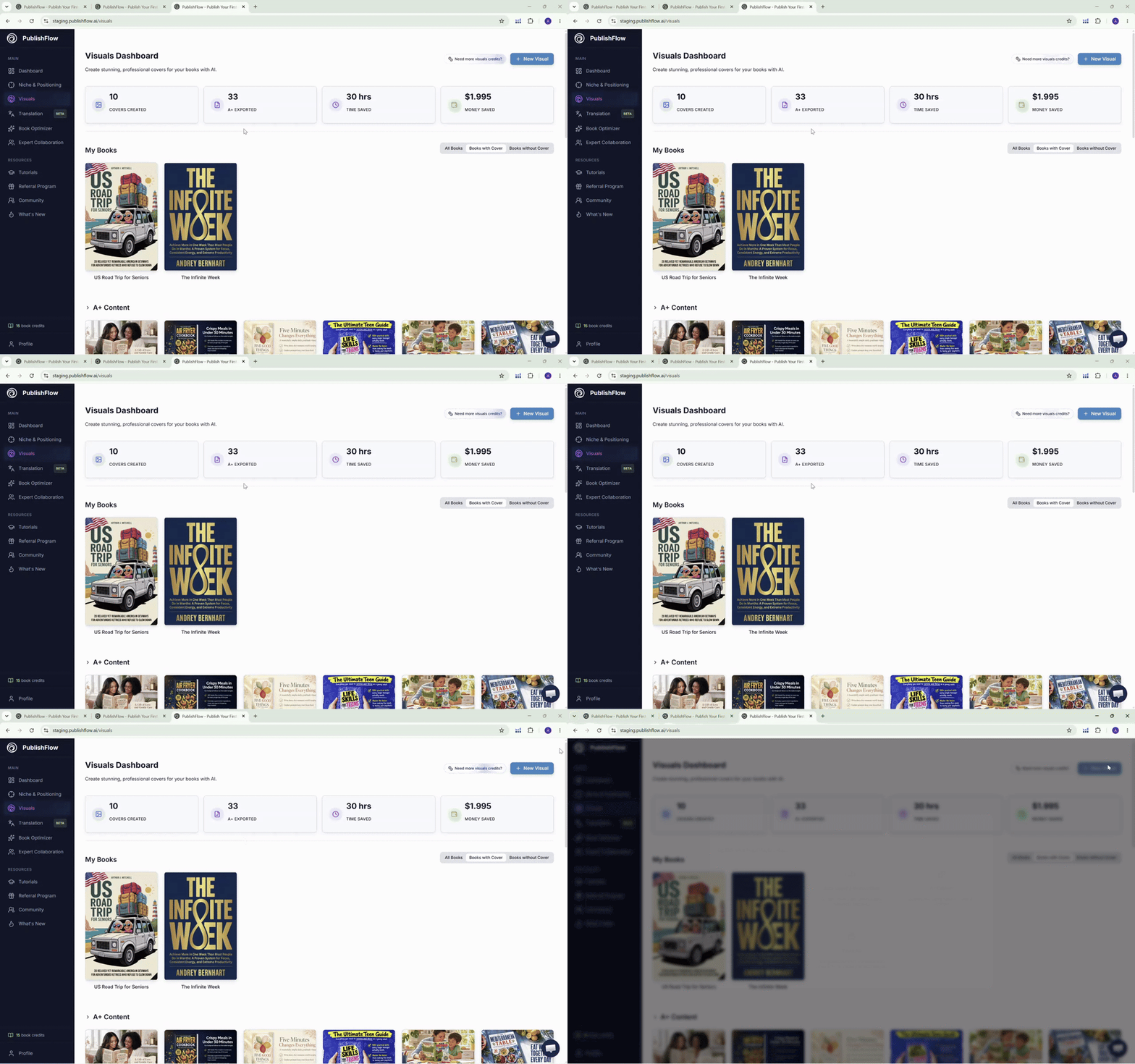
Over the last 3 weeks we worked on 3 big updates, new features and improvements for PublishFlow. You can see and use ALL of them today. I will showcase them in detail over the coming days with more posts here in Skool. Plus, I will show the new features in a live call this Saturday. The first big new feature I want to talk about today: 🎬 The Video Ads Tool. I already showed a beta version a month ago in a live call. And now it's out for all Pro subscribers! I have been using these exact video ads for my books for months now, with amazing results. Video ads are, at least for me, some of the most efficient ads I run in my account. (Of course, that are my books; ad results always vary.) 💵 Before our AI video ads workflow, I paid $50 for a cheap video ad and $80-100 if I asked a UGC influencer... ...now it's less than $10 per video ad. So feel free to try it out! The tool is now available in Visuals. If you have any questions, write them below or bring them to the call on Saturday. 💬 📅 The call is this Saturday, July 25th, at 5 PM CET | 11 AM EST | 8 AM PST. I will give some inputs on video ads, how to set them up and how to run them, plus I will talk about the other new features. At the end we will have an open Q&A for all of your questions regarding KDP in general. 👉 Go to the Calendar tab here in Skool to save the date. P.S. We updated our website too; feel free to check it out! publishflow.ai P.P. One of the big updates are the 51 new Visuals templates I briefly showed in a post last week. Feel free to test them already.
Apr 28 •
Important: Scammers are impersonating me. Please read
Please read it through. My identity has been stolen. There are people out there pretending to be me and selling coachings, mentorings, or other programs under my name. These are scams. I have nothing to do with them. I ONLY offer PublishFlow as a product. No coaching or similar. Everything beside PublishFlow is NOT ME. These are my only real email addresses: - [email protected] (main business email) - [email protected] (privat) Anything else is not me. No matter how similar the address looks (dashes, numbers, different endings), no matter the profile picture, no matter the story: If it isn't one of these two addresses, it isn't me. If you've already paid or shared personal information, here's what to do: 1. Secure the evidence. Screenshots of every chat, profile, payment, and email thread. Do this BEFORE you block or delete anything. 2. Get your money back.Credit card: call your bank immediately and request a chargeback.PayPal: open a dispute in the Resolution Center (180-day window).Bank transfer / SEPA: contact your bank and ask for a recall — the faster, the better the chances.Crypto: practically unrecoverable, but document everything anyway. 3. File a police report. Go to your local police or your country's online crime portal. Keywords: fraud and identity theft. A report is important for chargebacks and platform takedowns. 4. Report the scammer's email address to Google (if it's a @gmail.com address):Easiest way: open one of their emails in Gmail → click the three dots (More) in the top right → choose "Report phishing" (best option for scams) or "Report spam". This flags the address directly to Google's abuse team.Stronger report: go to Google's official abuse reporting page — search Google for "report Gmail abuse" or "Gmail impersonation report". Submit the scammer's address, paste the email content, and explicitly mention "impersonation / identity theft".If it's NOT a Gmail address (e.g. Outlook, Yahoo, custom domain): report to that provider's abuse team. For custom domains, you can also report to the domain registrar. Search the domain on whois.com to see who hosts it, then send the abuse report there. 5. Block the contact. Email address, phone number, profile; block everything so they can't keep pressuring you. 6. Consumer protection agency. If your country has one (Verbraucherzentrale in Germany, Citizens Advice in the UK, FTC in the US, etc.), report the case. They track these scams and can pressure platforms. 7. Let me know. Please send a screenshot or the scammer's email/handle to [email protected]. The more I see, the better I can warn others and get profiles taken down.
1-22 of 22
skool.com/publishflow
Advanced Self Publishing discussions about everything regarding Amazon KDP and also the software PublishFlow
Leaderboard (30-day)
1

+19
2

+17
3

+17
4

+16
5

+15
Powered by