Activity
Mon
Wed
Fri
Sun
Nov
Dec
Jan
Feb
Mar
Apr
May
Jun
Jul
Aug
Sep
Oct
What is this?
Less
More
Driven Publishers
4.7k
Free
4 contributions to KDP Publishers by PublishFlow

13h •
New in PublishFlow: write in your own voice, 80+ new Design Studio elements, and table tools ✨
Hey everyone 👋 Big update today, here are the highlights: ✍️ Write in your own voice Upload a writing sample and PublishFlow learns your phrasing, rhythm and habits, then writes your book in that voice. Paste in anything from 500 up to 20,000 words (blog posts, newsletters, an old book). The more it reads, the better it captures what’s really you. Then just switch off any habits you don’t want repeated. It’s worth the time, this decides how your whole book sounds. 🎨 Design Studio - 80+ elements now have their own print look (rating scales, timelines, letters, poems, warning boxes and more), instead of all looking like plain boxes. - Hover any element to preview how it’ll print, before you add it. - More picture control: move pictures between chapters, create one right where you need it, or set pictures per chapter. - Page breaks, single-chapter previews, and cleaner print overall. 📝 Writing - Edit tables by hand: add or delete rows and columns. - A more reliable writing assistant. 🖼️ Covers & Visuals - New AI-designed spine artwork connecting your front and back cover. - A+ content: edit banner texts and get up to 10 design options. Give it a try and tell us how you like it 👇 Andrey & Roman


2 likes • 12h
Another exciting update! I'm starting a new book today, so I'm looking forward to trying the changes. The picture control update sounds promising as it was something I had struggled with previously. The rest of the changes seem very useful as well. Thank you for always improving the tool and listening to our feedback!

7d •
Publish Flow
What is the best way for me to be introduced to publishflow on how it works with the new updates. I would like an overview of it before I start diving into it so it, something I could watch that not too long. Thanks
1 like • 7d
Roman uploaded a new PublishFlow tutorial yesterday. Maybe it will help! You can find it in this community under "important information"
7d •
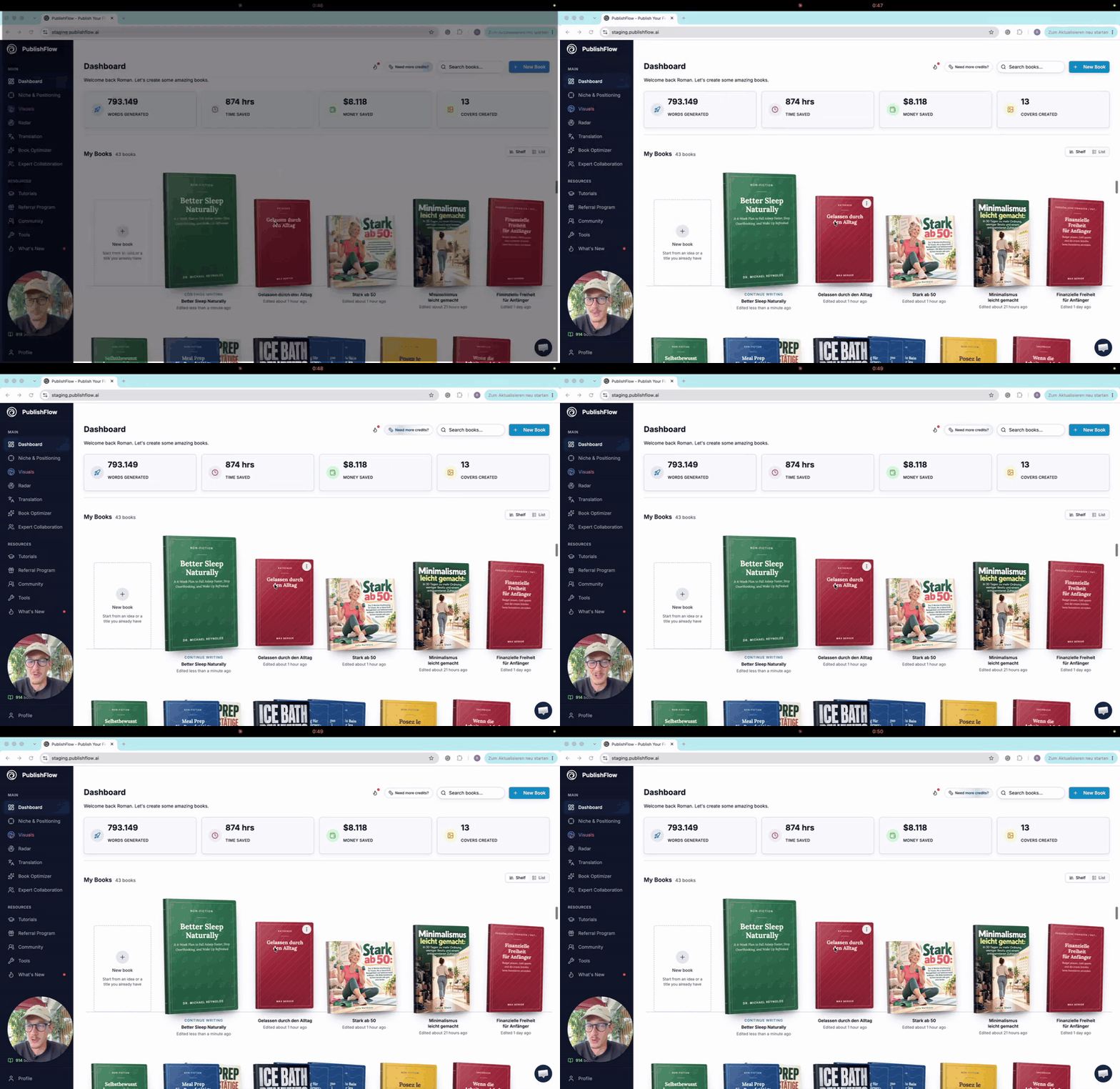
🎥 Two new tutorials: a PublishFlow overview and an in-depth look at Radar AI
I've recorded two new videos. Both are worth a look, whether you already use PublishFlow or just want to see how it works: 1. Your first book project: the most important tools at a glance 📚 I walk through the key tools in PublishFlow, from the first idea through title, outline and writing to revision and export. I also go into the visuals tool and what is possible in it. It's not a deep dive (I skip some steps during the book creation part) but an overview, so you can see how a book project runs with us. Length: about 26 minutes at 1.5x speed. https://www.loom.com/share/e2d15a4184e04d70bacf24fee626b08f 2. Radar AI in depth 📡 This tutorial explores how Radar AI tracks your books and sales, provides alerts, and offers recommendations for your next book and advertising strategy. I demonstrate how to work with the AI agent to optimize your ads and start a new book project informed by your previous sales data. Finally, I walk through the challenge and explain how it works. Length: about 7 minutes at 1.5x speed. https://www.loom.com/share/384d911ceea54b0e989297e7d332bc64 Already using PublishFlow? Both videos will appear in the app under Tutorials, where Radar AI now has its own category. Not using PublishFlow yet? The overview is the quickest way to see how a book comes together with PublishFlow. No sign-up needed, just watch. Questions? Leave them in the comments & we'll be happy to respond to those. 💬 Enjoy! 😄
1 like • 7d
Thank you Roman!

12d •
🚀 New in PublishFlow: a new writing tool, a reader panel and cheaper Visuals
On Friday, a release with more than 200 changes went live. Here are the big ones: ✍️ A new writing tool. You approve a short style sample, and your book is written section by section in exactly that voice. Several chapters at once, each one aware of what came before. 👥 The reader panel. Three AI test readers, each a typical reader of your book, and an editor read the whole manuscript. Every note points to the exact chapters, so you fix problems before your real readers find them. 🎨 Magic Studio 2.0. Click an element to remove it, drag it to move it, or place your own logo on the cover. 💸 Cheaper Visuals. Most actions now cost up to 60% fewer credits. Free edit starts at 20 credits, HQ upscales at 30. 📊 Radar Alerts. Radar now flags the books that are ready to scale and the ads that are losing money, every morning. Every new book you start uses the new writing tool. Books you already started keep their current workflow. Everything in detail, with screenshots, is in this article: 👉 https://publishflow.ai/knowledge-hub/blog/whats-new-october-2026/ And remember: every book you create from October 1 counts toward the Q4 Challenge. Try it on your next book and tell me in the comments what you think. 🙌🏼
2 likes • 11d
Those are exciting changes! I'm looking forward to try them on my next book
1-4 of 4

Active 2h ago
Joined Jun 9, 2026
Powered by