Activity
Mon
Wed
Fri
Sun
Nov
Dec
Jan
Feb
Mar
Apr
May
Jun
Jul
Aug
Sep
Oct
What is this?
Less
More
25 contributions to KDP Publishers by PublishFlow
1d •
New in PublishFlow: write in your own voice, 80+ new Design Studio elements, and table tools ✨
Hey everyone 👋 Big update today, here are the highlights: ✍️ Write in your own voice Upload a writing sample and PublishFlow learns your phrasing, rhythm and habits, then writes your book in that voice. Paste in anything from 500 up to 20,000 words (blog posts, newsletters, an old book). The more it reads, the better it captures what’s really you. Then just switch off any habits you don’t want repeated. It’s worth the time, this decides how your whole book sounds. 🎨 Design Studio - 80+ elements now have their own print look (rating scales, timelines, letters, poems, warning boxes and more), instead of all looking like plain boxes. - Hover any element to preview how it’ll print, before you add it. - More picture control: move pictures between chapters, create one right where you need it, or set pictures per chapter. - Page breaks, single-chapter previews, and cleaner print overall. 📝 Writing - Edit tables by hand: add or delete rows and columns. - A more reliable writing assistant. 🖼️ Covers & Visuals - New AI-designed spine artwork connecting your front and back cover. - A+ content: edit banner texts and get up to 10 design options. Give it a try and tell us how you like it 👇 Andrey & Roman


7d •
Need help with formatting tool
@Varvara Todorovic @Roman Redl can someone contact me please ? I need some assitance with the formatting and visuals tool
0 likes • 7d
Hello Ljubitza Let’s do a call in 5 min. Is google meet ok for you? I’ll send you the link in our chat.
8d •
🎥 Two new tutorials: a PublishFlow overview and an in-depth look at Radar AI
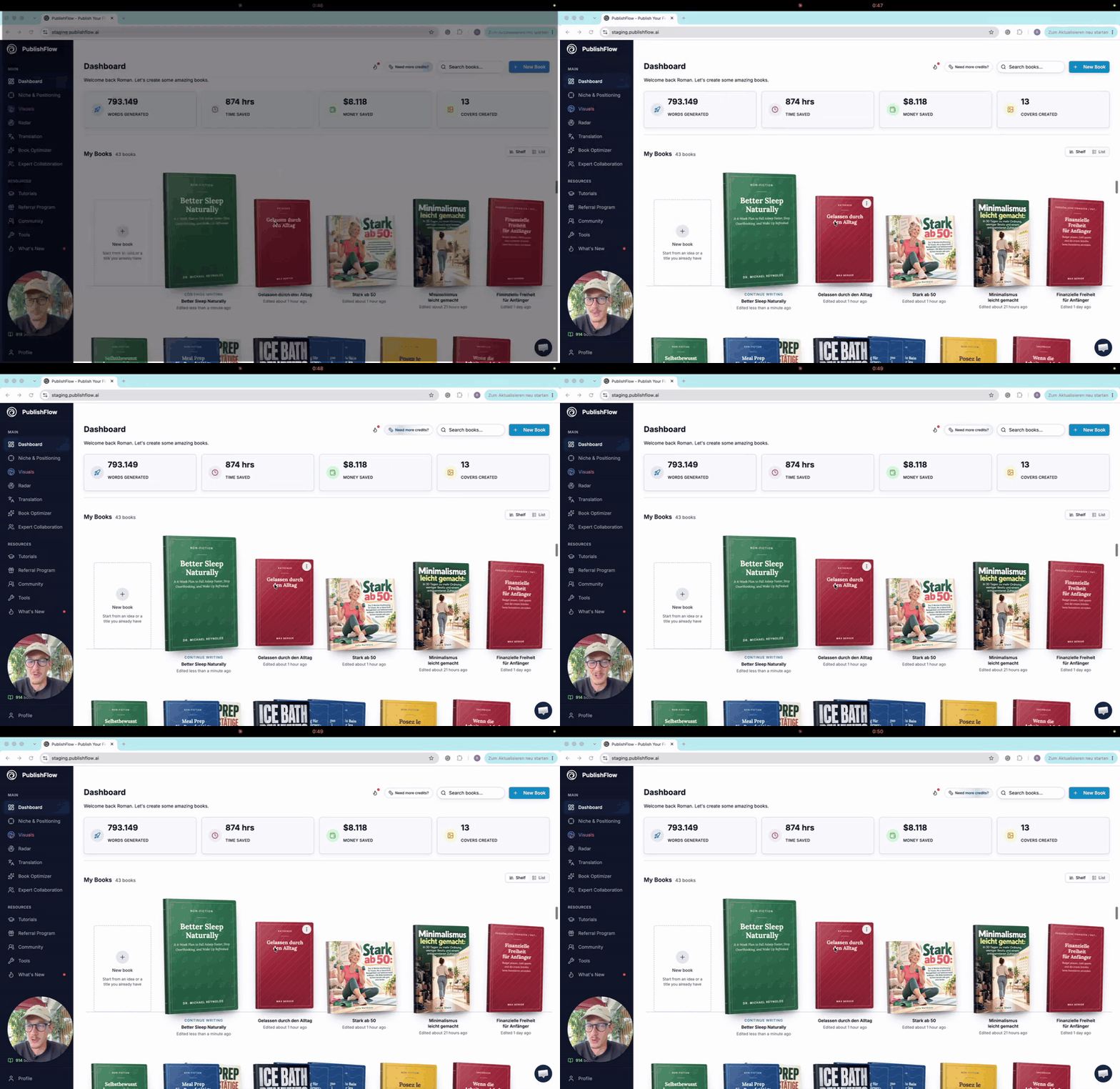
I've recorded two new videos. Both are worth a look, whether you already use PublishFlow or just want to see how it works: 1. Your first book project: the most important tools at a glance 📚 I walk through the key tools in PublishFlow, from the first idea through title, outline and writing to revision and export. I also go into the visuals tool and what is possible in it. It's not a deep dive (I skip some steps during the book creation part) but an overview, so you can see how a book project runs with us. Length: about 26 minutes at 1.5x speed. https://www.loom.com/share/e2d15a4184e04d70bacf24fee626b08f 2. Radar AI in depth 📡 This tutorial explores how Radar AI tracks your books and sales, provides alerts, and offers recommendations for your next book and advertising strategy. I demonstrate how to work with the AI agent to optimize your ads and start a new book project informed by your previous sales data. Finally, I walk through the challenge and explain how it works. Length: about 7 minutes at 1.5x speed. https://www.loom.com/share/384d911ceea54b0e989297e7d332bc64 Already using PublishFlow? Both videos will appear in the app under Tutorials, where Radar AI now has its own category. Not using PublishFlow yet? The overview is the quickest way to see how a book comes together with PublishFlow. No sign-up needed, just watch. Questions? Leave them in the comments & we'll be happy to respond to those. 💬 Enjoy! 😄

10d •
Informacion sobre publicidad
Tengo una consulta, estoy por adquirir PublisFlow, ya vi el video DEMO de Andrey pero no eoncontre informacion acerca de que la herramienta tenga algo para hacer publicidad, sin embargo veo que viene una actializacion con alarma para detectar movimientos a realizar en las campañas, mi consulta es: Si trae herrmientas para ayudar con la publicidad? Aqui en la comunidad encuentro algo de capacitacion para publicidad? Gracias...
1 like • 9d
Hi Raul! As @Ljubitza Kouris mentioned, Facebook Ads are supported in PublishFlow, as are Amazon video ads. You may also be thinking of RadarAI. It lets you connect your PublisherChamp account to PublishFlow, get information about your books sales performance (royalties & adspent), set email alerts and discuss them with an AI agent. I’ve just recorded a Loom video showing how it works. You can watch it here: https://www.loom.com/share/384d911ceea54b0e989297e7d332bc64
10d •
Saludos desde Mexico
Hola, soy Raul Medellin y escribo desde Mexico, no se si al escribir cada uno de los miembros que lo quiera leer pueda verlo en su idioma, en mi caso es el español latino. Tengo pocos meses autopublicando, ya tengo un par de libros en KDP y me han gustado los videos de Andrey aportan demasiado, muchas gracias. Recien conoci PublishFlow y esta semana voy a comprar la herramienta para empezar a usarla y mi objetivo es publicar dos libros este mes, solo tengo que validar los nichos y trabajar con la herramienta, veo que algunos videos se pueden configurar para tener subtitulos y algunos no, desearia que toda la informacion tuviera opcion de ver en otros idiomas, por ahora muchas gracias y estare conversando de mi avance, saludos desde Mexico a la comunidad.
1 like • 9d
Hi Raul, welcome to our Skool community! It’s great to have you here. We’re confident PublishFlow can help you publish your books, and we’re excited to follow your progress toward your goal of publishing two books this month. If you have any questions or need any help, write us privately here or inside the support chat inside PublishFlow :) Thanks for suggesting Spanish subtitles. We’ll look into it! Greetings to Mexico!
1-10 of 25
Active 4h ago
Joined Mar 23, 2026
Limassol, Cyprus
Powered by