

Feb 16 •
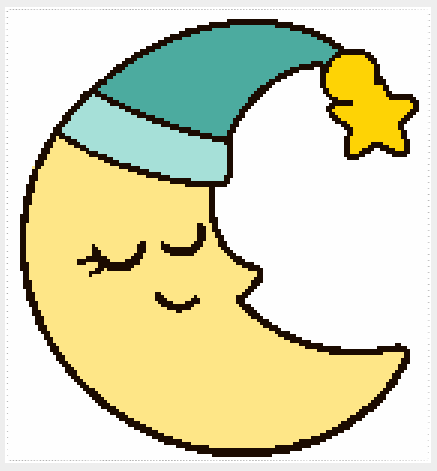
Pattern #2 Corner 2 Corner (C2C) using Stitch Fiddle
Today I used my prompt on artislty to genrate images that would work in a crochet pattern. the prompt I used below to create this and the full pattern will be available for my premium tier. The Freemium tier the chart will be available for you just comment below if you would like the chart to crochet. Also if you don't crochet you can always use the prompts to generate a coloring page instead just tweak the prompts.
Feb 16 •
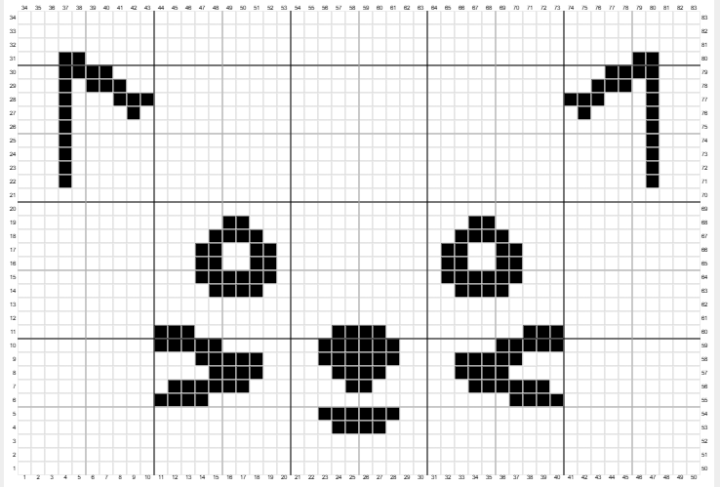
Pattern #1 Corner 2 Corner (C2C) using Stitch fiddle
Today I used my prompt on artistly to generate images that would work in a crochet pattern. the prompt I used below to create this and the full pattern will be available for my premium tier. The Freemium tier the chart will be available for you just comment below if you would like the chart to crochet.
Feb 10 •
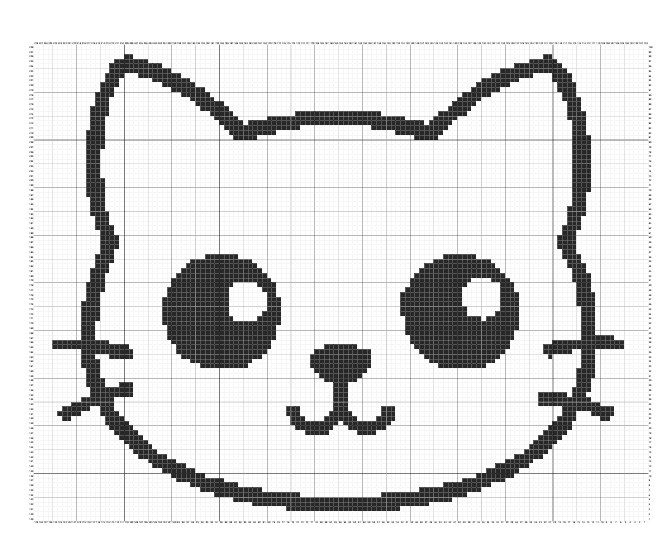
Ai Artwork
Today I'm going to use my AI artwork to create a pattern using stitchfiddle.com The program is free to use. There is also a paid version where you have more options. I do have the paid version of this so mine may look different. 1. Goto www.stitchfiddle.com. 2. Click Signup/login. Follow the steps to do that. 3. Design your own patterns with Stitch fiddle. Choose your craft. There are 10 options to choose from. Select one. 4. For example Crochet. So you we could click that option 5. It takes you to What kind of crochet project? So select the one that best describes the one you like to try. 6. Crochet colowork usually works for me. Select that. 7. Next the yarn type pops up. I usually select. No preference. 8. Then how to start comes up with 5 options. I usually pick from picture. 9. Tap to choose picture. Upload any image want to. 10. Once that happens it gives you the image turned into a pattern of your choice. https://gamma.app/docs/Turn-AI-Art-into-Stitch-Patterns-pshrtboy9ui70wi

Jan 30 •
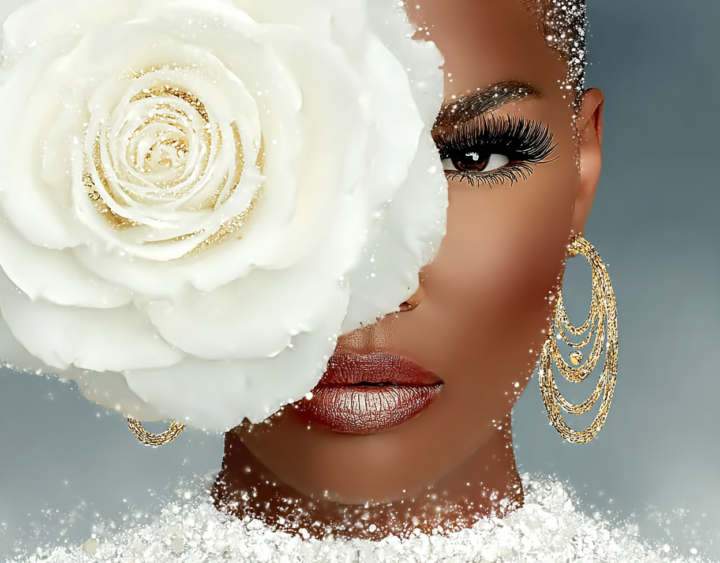
Digital image to Crochet pattern
What do you think about this! This is an image that I created using Midjourney from a prompt that I created. I then take this image and upload it to my account on stitch fiddle and turn it into whatever type of pattern I want there are many choices. I can crochet it, knit it, or bead it. The pdf file is just a chart of the image to give you an idea of what it looks like.
1-8 of 8
powered by
skool.com/learn-ai-crafting-with-kismae-2030
A community that empowers crocheters and crafters to easily design and generate graphs (Graphgans and pixel art) using different tools.
Suggested communities
Powered by