
Feb 10 (edited) • Craft of the Day!
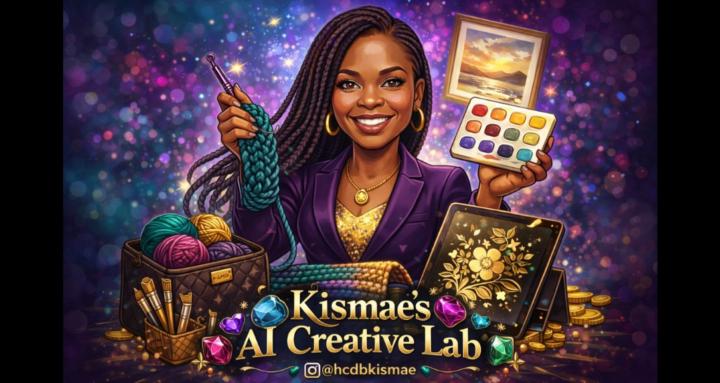
Ai Artwork
Today I'm going to use my AI artwork to create a pattern using stitchfiddle.com
The program is free to use. There is also a paid version where you have more options. I do have the paid version of this so mine may look different.
- Goto www.stitchfiddle.com.
- Click Signup/login. Follow the steps to do that.
- Design your own patterns with Stitch fiddle. Choose your craft. There are 10 options to choose from. Select one.
- For example Crochet. So you we could click that option
- It takes you to What kind of crochet project? So select the one that best describes the one you like to try.
- Crochet colowork usually works for me. Select that.
- Next the yarn type pops up. I usually select. No preference.
- Then how to start comes up with 5 options. I usually pick from picture.
- Tap to choose picture. Upload any image want to.
- Once that happens it gives you the image turned into a pattern of your choice.
0:11
3
2 comments
Ai Artwork
powered by
skool.com/learn-ai-crafting-with-kismae-2030
A community that empowers crocheters and crafters to easily design and generate graphs (Graphgans and pixel art) using different tools.
Suggested communities
Powered by