

🔥
3d •
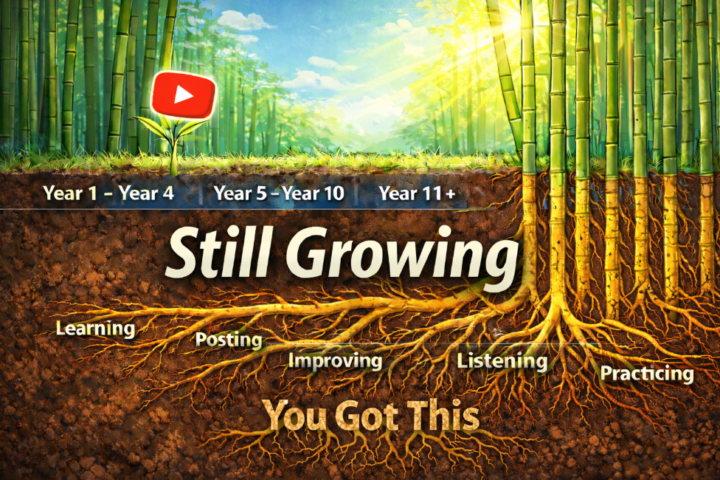
YouTube - It's okay if you're scared to be on camera😁
💥 Everyone starts nervous • Nobody feels confident at first • Feeling awkward is normal • This happens to everyone 💥 Look at your favorite YouTubers • They look calm and fearless now • Go watch their first videos • You will see they were nervous too 💥 That feeling is part of the process • Being uncomfortable does not mean you are bad • It means you are new • New always feels weird at first 💥 You get comfortable by doing it • Confidence does not come before posting • It comes from posting over time • Each video makes it easier 💥 Many people do not like their voice or habits • They do not like how they sound • They notice little habits or quirks • This makes them feel shy on camera 💥 What you dislike can help you stand out • People like real and honest creators • Being yourself makes you different • Different is what people look for 💥 Someone will like you just as you are • Your voice, accent, or style matters • Your look and speech are part of you • Many people will connect with that 💥 Keep going like they did • They did not start confident • They became comfortable by showing up • If you keep recording, you will too
🔥
11d •
YouTube - Preparing instead of uploading is the problem
💥 Most YouTube Beginners Feel Busy, Not Brave • Research feels productive, but it keeps you safe • Planning feels smart, but nothing gets tested • Watching tips feels like work, but no one sees you • Posting is the only part that feels uncomfortable You are not building a masterpiece. You are building momentum. 💥 Why This Keeps Channels Small • You cannot learn YouTube without feedback • You cannot build confidence without being seen • You cannot improve what you refuse to upload YouTube rewards action, not comfort. 💥 The Shift That Changes Everything • Make decisions faster • Let the video be imperfect • Use feedback instead of opinions • Treat uploads as practice, not performance Progress starts when you stop hiding behind being ready. 💥 What I Tell Every Beginner • Aim to get one percent better each upload • Do not try to fix everything at once • Improve one small thing at a time • Let consistency do the heavy lifting That is how real channels are built.

🔥
17d •
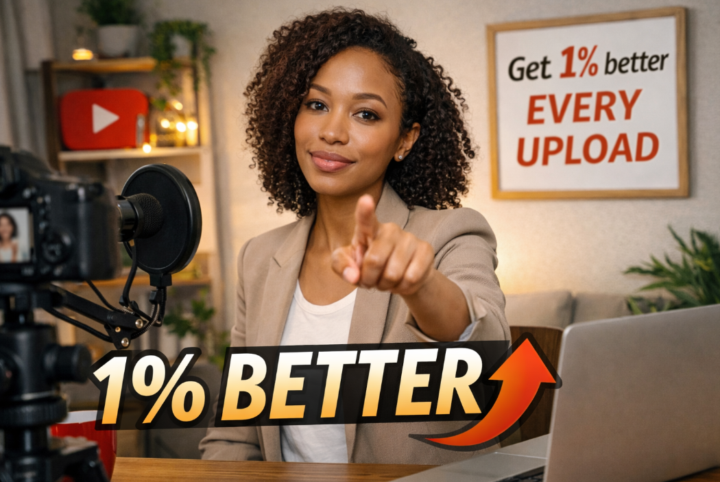
YouTube - Get 1% better every upload
💥 Why it feels overwhelming • Too many creators • Too many opinions • Too many “right ways” 💥 The real problem • You are trying to improve everything at once • That creates noise, not progress 💥 The right starting point • Pick one skill • Improve it slightly • That is it 💥 This is the one percent rule • One small improvement per upload • Not perfection • Just better than last time 💥 What to focus on first • Thumbnails or titles • Or simply getting comfortable on camera • Only one at a time 💥 Why this works • Small wins build confidence • Confidence reduces overwhelm • Momentum replaces motivation 💥 Simple rule to remember • Do not chase more information • Chase one percent improvement • That is how you move forward
4
0
🔥
26d •
YouTube - How To Ask Without Turning People Off
💥 The quick answer • Do not ask for everything at once • Ask for one thing only 💥 What happens when you stack asks • It feels like an ad break It can lower attention because it interrupts the value • It can make you look less confident 💥 What it does to the viewer • Too many asks creates pressure • Pressure creates resistance • Resistance makes people do nothing 💥 When to ask • Ask after you have delivered real value • A good rule is around 30 percent into the video, right after your first strong win • You can also ask near the end once they are satisfied • If you ask at the start keep it to one short line 💥 What to ask for and why • If you want more subscribers ask after a strong win so it feels earned • If you want comments ask a specific question right after a key point • If you want people to watch longer tell them what is coming next and why it matters • If you want shares ask only when the video solves a problem they know a friend has 💥 How to say it so it lands • Make it about them • Keep it short • Tie it to what they just got 💥 Lines you can use • If this helped you, subscribe for more like it • Quick question, what are you stuck on right now • The next part is the most important, do not skip it • If you know someone dealing with this, send it to them

🔥
Dec '25 •
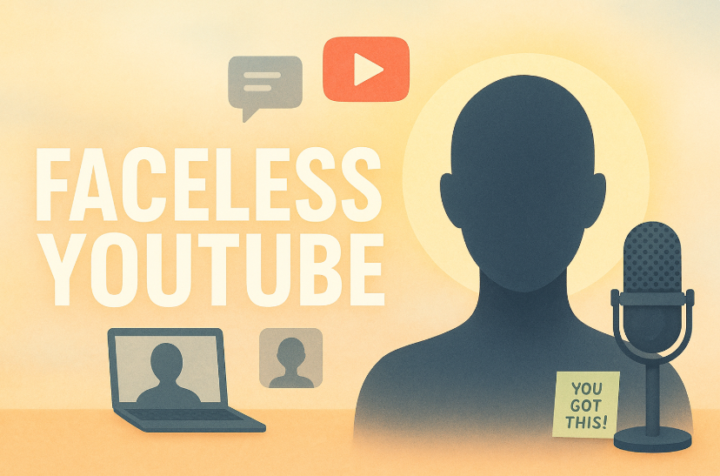
YouTube - Face or Faceless? How to choose the right path for you.
💥Let’s clear this up once and for all. You do NOT need to show your face on YouTube to succeed. And showing your face does NOT automatically make someone trustworthy. Both formats work. Both formats can fail. 💥 First. Let’s clear up a common misconception 💥 • Being on camera does NOT equal trust • There are untrustworthy people on camera every day • There are faceless channels delivering massive value • Trust comes from consistency • Trust comes from clarity• Trust comes from helping the viewer Not from a face. 💥 Why people choose faceless channels (all valid reasons) 💥 • Privacy concerns • Personal safety • Family safety • Professional or work related reasons • Legal considerations • Creative or format preference • Introversion • Camera anxiety • Limited time or scalability needs • Simply not wanting to be on camera No one needs to justify this choice. 💥 Important distinction people often miss 💥 There is a difference between • I do not want to be on camera • I want to be on camera but I am nervous Both are valid.They just need different guidance. • Pressure helps no one • Support helps everyone 💥 Yes. Faceless channels actually work 💥 This is not a theory.This is reality. • Faceless channels are growing fast • They work when done intentionally • They fail when value is ignored • The viewer still comes first Same rules apply. • Searchable • Scalable • Bingeable 💥 Three faceless YouTube formats that consistently work 💥 🔥 Narrated voiceover channels • Storytelling • Explainers • History • Commentary • Book breakdowns • Your real voice or a voice clone • Research matters • Production quality matters 🔥 B roll and visual driven channels • Motivational content • Poetry or spoken word • ASMR • Ambient visuals • Quotes and loops • Broad appeal • Often lower RPM • Massive volume potential 🔥 Tutorial and demo channels • Screen recordings • Software walkthroughs • Overhead desk demos • Step by step teaching • No face required • High value • Strong trust builder
1-30 of 107

skool.com/digitalroadmapaiacademy
Turn AI from overwhelm into a clear system that runs your business, frees your time, and lets you focus on the work that actually moves the needle.
Leaderboard (30-day)
1

+79
2

+75
3
🔥
+66
4
+53
5

🔥
+52
Powered by