
Write something
8h •
Looking for partner
Anyone here have good result on instagram? I can help scaling, i made my own platform workspace and have lot of devices to bulk post like 100+ reels per day, if interested dm me
0
0



Apr 23 •
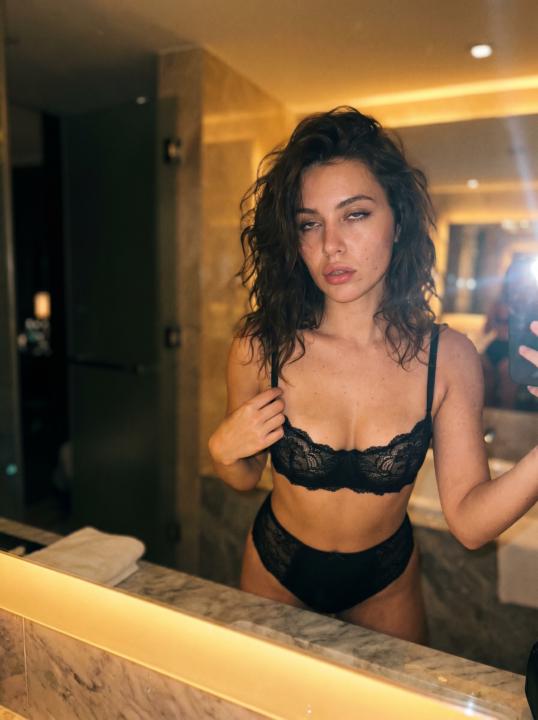
the best AI influencer on the market
I’ve been following this AI Instagram account for months. I think it’s some of the best AI work I’ve ever seen—the photos are truly perfect. I’d love to know if anyone has ideas about the workflow behind creating images like these. It’s definitely not Nanobanapro, which would limit this kind of result, nor Seedreams, which doesn’t reach this level of quality. How do you think this level of quality is achieved in images like these?

Dec '25 •
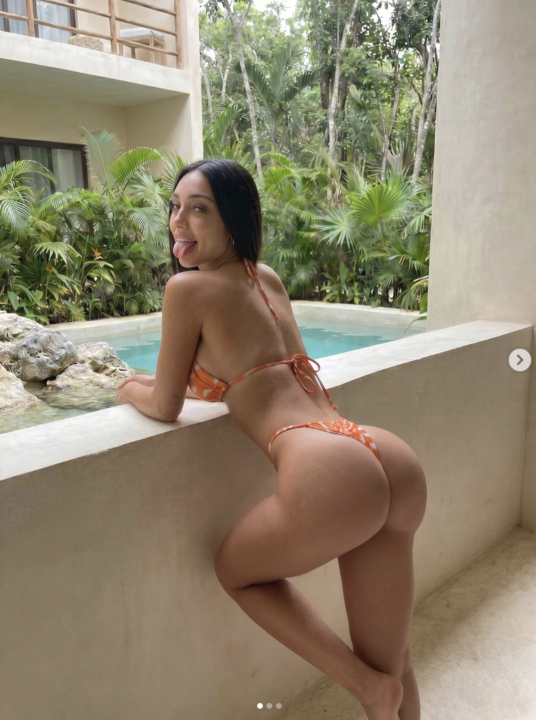
How to make AI videos that look realistic asf!🥵
Important Note:Now I'm gonna show you how to make videos. Check out my previous post (it's very important!!!!!) to understand this one. The process is similar, but we are going to do something different. Step 1: Get the Reference Frame First of all, download a video you like. I took a Sophie Rain video as an example (Second video). Next, go to this website: https://mixilab.com/toolkit/frame-extractor. This website extracts a frame from the video (we do this so our AI influencer matches the video vibe perfectly). Pick a frame where she is fully posed and you can see her whole body. (Last pic) Step 2: Generate the Base Image Now, do the same thing we did in the previous post (using Higgsfield/Nano Banana). Upload the video frame you extracted first, and then the pic of your AI influencer. (Second pic) Now just type this prompt: Keep the lighting, location, and pose from Image 1, but replace the person with the girl from the image where she is wearing [the outfit of your AI influencer] (image 2), ensuring her facial features and body structure are preserved. Also make sure to keep the outfit from Image 1 on the replaced figure. Hit generate. Step 3: Animation When the result is done, this is the most important part. Go to this website:https://www.runninghub.ai/?inviteCode=jiax64ih, and login with Google. This is a website where you can run ComfyUI workflows for free with credits. We are going to use this to animate our AI influencer using Wan 2.2 Animate. Credits Tip:When you're signed in, you get 100 credits per day. I also think you get 500 free credits for logging in, so you should have around 600 credits right now. Try having multiple accounts to generate more videos in case your credits run out. Also, even if you have like 5 credits left, you can still generate a video (even 20 seconds long). Basically, having low credits isn't going to stop you from making a full video.


Oct 13 •
Generating Content vs Actually Posting
Getting the AI model images and scripts generated is pretty straightforward, but actually maintaining a daily posting pipeline is where things seem to stall out. It is easy to generate fifty good photos in a weekend and then have no real structure for captions, scheduling, or tracking what actually converted. Once you leave the generation tools, everything tends to scatter across random folders and notes. For those running an account, how are you organizing daily output so it does not turn into complete chaos?
1-30 of 242
skool.com/ai-ofm-course
Learn how to create and grow AI models from scratch.
Includes the free starter course and community access.
18+ Only
Leaderboard (30-day)
1

+6
2
+3
3
+2
4

+2
5
+2
Powered by