Activity
Mon
Wed
Fri
Sun
Dec
Jan
Feb
Mar
Apr
May
Jun
Jul
Aug
Sep
Oct
Nov
What is this?
Less
More
Your First $5k Club w/ARLAN
34.3k
5.0
Free
Self Worth Challenge
4k
Free
Expert Coach Certification
22.7k
5.0
Free
The Digital Plug
545
4.8
Free
$10K Challenge
11.4k
4.8
Free
K2X Real Estate Training
1.3k
Free
4D Copywriting Community
65.9k
Free
Growth Hub 365
13.6k
Free
Excel Mastery
1.8k
Free
14 contributions to AI-Driven Agent Network

Sep 10 •
What does your AI-Org Chart Look Like?
Most agents start with the wrong question: "Which AI tool should I use?" The better question is: "What team do I need around me?" True leverage isn't found in a single chatbot. It’s in building a small team of AI specialists equipped with your specific context, a set of skills, connected tools, and standards. If you want to start building your AI Team, here's a few roles I recommend adding to the lineup: - Chief of Staff: Routes work to team members and keeps context across your different businesses. - Lead Follow-Up Specialist: Prioritizes opportunities and drafts replies in your clients DISC language. - Marketing Assistant: Turns listings and expertise into campaigns and assets. - Client Care Coordinator: Elevates your client experience to earn repeat and referral business. - Operations Manager: Reviews SOPs, recurring work, and bottlenecks. Ten years ago, building this team required multiple hires and six figures in payroll. Today, $100/month in AI software unlocks these exact capabilities which is absolutely wild to think about. Here's my recommendation, forget about Claude vs ChatGPT comparison for a minute. Sketch the 3 to 5 specialists your business needs most, then decide what each one needs to know, do, and access. If you've built a CustomGPT, Agent, GrokBot, Hermes Agent, OpenClaw Agent etc. drop in the chat how it's been a game changer for you compared to the old way of using AI ↓


0 likes • 27d
Framing it around specific roles makes a lot more sense than just adding more random tools to the mix. It really highlights how much simpler things get once you define what you actually need help with first.

Jun 23 •
One Prompt Newsletter in Claude.
Type this into Claude and be amazed. I save the newsletter as HTML so that it fits nicely into KW Command Emails :) - obviously, customize as needed. PROMPT: You are a real estate agent and a graphics artist. I need you to create a two page newsletter that I can email to my clients in Henderson, Nevada. Find me interesting events, activities coming up in the city and some interesting market stats. I am with Keller Williams Marketplace and I want it in html code so I can paste it back into KW Command. Make sure you have active links so that the readers can find more information. Remind me every month on the 25th to do this. Ask me any questions you need to do a good job.
1 like • 27d
Asking Claude to generate it directly as HTML saves so much time with the formatting.

Sep 22 •
FOCUS
Not sure if this happens to anyone else here, but AI keeps generating more information and more extraordinary things I could be building — and for someone with ADD, that can actually work against me. Because obviously it's way more fun to be creating apps, websites and things like that than it is to sit down and make calls. So I tried something, and I've been running it for a week: I asked Claude to simply not let me do anything until I give it the OK that I made my 5 calls, which is my daily goal. And I can tell you it really works. Right now I'm taking it further with ChatGPT — designing a coach that activates when I say "good morning" and walks me through what I have to do that day, keeps me from getting distracted, and only then gives me the green light to go play with everything AI lets me do. Does anyone else deal with something similar? I really want to hit my 20%... but a lot of the time the 80% turned out to be way more fun.
0 likes • 27d
I like the idea of saving the fun stuff for after the important tasks are done. I’d keep the 3 calls on a Floment AI project card and use Claude afterward for the automation work. It’s easy to spend hours tweaking workflows and still put off the calls that actually move things forward.
28d •
The Real Estate AI Silo
Prompting Claude to draft listing copy or clean up contact notes feels like an immediate win. The headache usually starts twenty minutes later when you realize that great output is trapped in a chat tab while your actual transaction deadlines, MLS sheets, and client calls live across three completely different screens. \ Speeding up an individual task is easy, but tying the result back into your daily pipeline before something slips is where the friction hits. Where do AI outputs usually get lost in your day-to-day workflow?
0
0
May 18 •
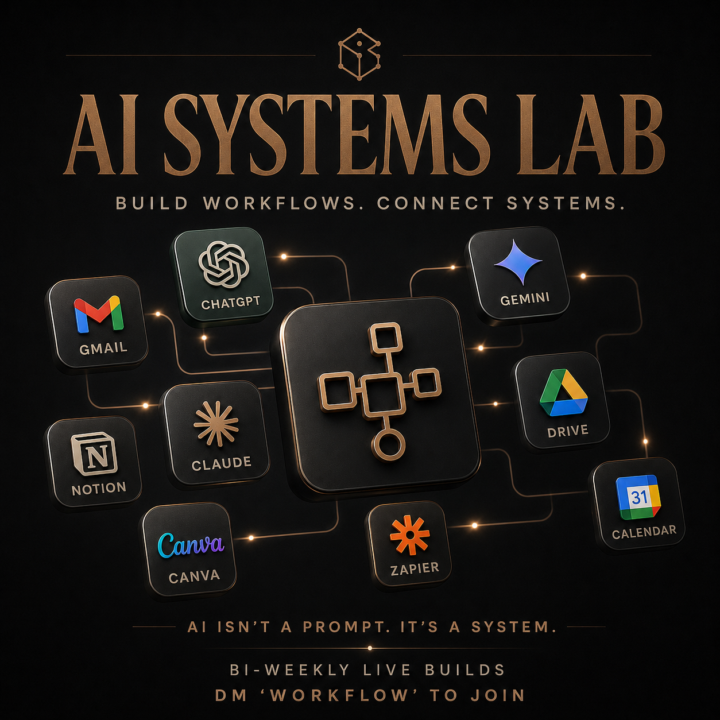
Build Your AI Operating System with us on the Next Call
You’ve opened ChatGPT or Claude at least a dozen times this month. You type a prompt, get a decent answer, copy-paste, move on. Tomorrow you’ll do the same thing again from scratch…because none of it is saved as a repeatable system in your business. That’s where most agents, leaders and business owners are with AI right now: Using it like a smarter Google experience. Getting answers one at a time. Never turning any of it into something that streamlines business and makes life easier. The gap is workflow design. Knowing how to take a process you do every week, break it into steps, feed it the right inputs, and build it so the AI runs it the same way every time and becomes a digital employee for your business. That’s exactly what we do in our bi-weekly mastermind, The AI Systems Lab. Every other week we get on Zoom for 60 minutes and integrate AI into your business systems. - Setting up Automations - Claude CoWork Strategies - Building your AI Second Brain Walk out of those sessions with AI workflows you can use immediately to grow your business and earn 5-7 hours of your time back each week. 𝗧𝗼𝗺𝗼𝗿𝗿𝗼𝘄 𝘄𝗲’𝗿𝗲 𝗯𝘂𝗶𝗹𝗱𝗶𝗻𝗴 𝗔𝗜 𝘄𝗼𝗿𝗸𝗳𝗹𝗼𝘄𝘀 𝗹𝗶𝘃𝗲 and you'll have at least one installed before we end the call. If you want the Zoom link, DM me “𝗪𝗢𝗥𝗞𝗙𝗟𝗢𝗪” and I’ll send you the details. You can also unlock the 75-Day AI Challenge inside Skool for $99/month. That gives you access to the bi-weekly AI Systems Lab, session replays, workflow assets, and the full 75-day challenge designed to help you become a top 10% user of AI in your business. Send “WORKFLOW” or click on the 75-day challenge and we'll see you on tomorrows call.
0 likes • Oct 2
Turning one off prompt sessions into an actual repeatable routine is usually where things break down. When mapping out a new process, I like defining the broad steps in Google Docs first before assigning the active steps. From there, I drop the milestones onto project cards in Floment AI to track daily tasks so the execution stays consistent week to week.
1-10 of 14

@tony-iverson-7089
Building things online and trying to optimize my daily workflow. Here to learn from founders who are a few steps ahead.
Active 20d ago
Joined Jul 8, 2026
Powered by