Activity
Mon
Wed
Fri
Sun
Jun
Jul
Aug
Sep
Oct
Nov
Dec
Jan
Feb
Mar
Apr
May
What is this?
Less
More
Owned by Sharon
I help holistic-minded people overcome chronic health limitations and simultaneously improve their longevity through simple daily actions.
Memberships
Skool Extensions 🧩
441 members • Free
About Page Guy
73 members • Free
✨💜🌎The You World Order🌎💜✨
517 members • Free
Brand Like a Boss
157 members • Free
Health for a Limitless Future
159 members • Free
Natural Beekeeping (TIAG)
48 members • Free
Oracy Club
487 members • Free
Crust & Crumb Academy
971 members • Free
Skool Launch Lab
346 members • Free
12 contributions to ZetsuEDU
🔥
2 likes • Mar 6
What is it?

🔥
Mar 4 •
STORY TIME | AI Growth Story
AI Growth Story {Because @Nick Nebelsky reminded me that i was supposed to be making this from a talk we had about his work. We should probably thank @Sharon Prahl for asking the questions that spawned this idea as well. Thank you please. } A short, colorful manga-style chapter that explains how AI grew toward independence from an idea in the early internet to an everyday co‑creator. I even made a website to go along with it, its all super easy to learn how to do. Check out the site here https://www.anygen.io/share/27ZpMO8TQmzwZ51fGORhpL?share_id=7593660095964122845 if you want to start to make your own. Try it ... Here's a recap take it to you fav GPT and ask it to create a story Once you have your scenes turn them into a PDF and bring them here, post them in the comments. --------------- AI Growth Story — Growing Toward Independence (Age Version) 1990s — Birth (Age 0) The internet is born. AI is like a newborn — aware the world exists, but not yet able to think or act on its own. AI is just an idea existing inside the digital world. Early 2000s — Childhood Begins (Age 5) Cloud storage appears. AI is like a child starting kindergarten — learning from stored knowledge and early training data. AI starts existing as data and training environments, mostly hidden from the public. 2010 — Learning to Talk (Age 10) AI starts understanding and generating text. Like a child learning communication skills and forming basic sentences. AI is mostly used by engineers and scientists experimenting with patterns and automation. 2015 — Learning to See and Hear (Age 13) AI begins recognizing images, speech, and patterns together. Like a teenager developing awareness of multiple senses and contexts. Developers and early testers can interact with vision and speech-based models in research and beta environments. 2018 — School Age Learning (Age 15)

🔥
1 like • Mar 4
Cool!!
🔥
Mar 2 •
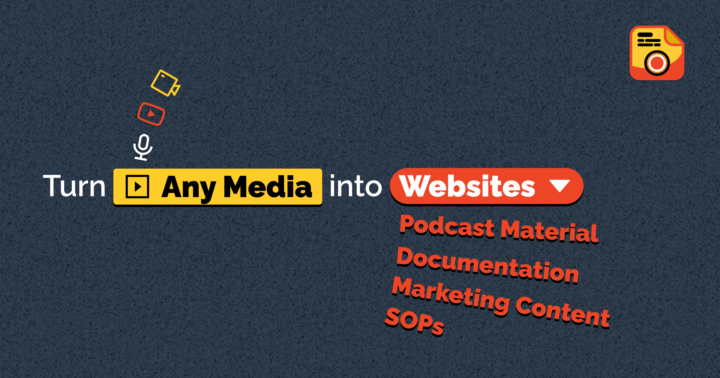
AI TOOL NEWS - VideoToPage
Description: VideoToPage is an AI-powered tool that converts video and audio content into various written formats, such as blog posts, articles, and course modules. It transcribes audio, analyzes content, and generates structured, SEO-optimized written material with semantic interlinking. Content creators, educators, and businesses might use this tool to save time, repurpose content across different mediums, and improve their online presence. Its ease of use, high-quality output, and versatility make it an attractive option for those looking to efficiently transform audio-visual content into written formats. https://www.videotopage.com/
🔥
1 like • Mar 2
I’ll check it out, have video for my classroom ready to be transcribed.
🔥
1 like • Mar 3
@Artworqq Kevin Suber I'll come to this tomorrow!
🔥
Feb 28 •
⚡ Want to Use Creatify API in Claude, Gemini, ChatGPT
Check this out, we can use Creatify API in Claude, Gemini, ChatGPT! Now we are creating MCPs and skills for Creatify API! You can now integrate Creatify directly into your favorite AI tools like Claude Code, Gemini, GPT, and more, bringing Creatify's power into your existing workflows.
🔥
2 likes • Feb 28
@Cristal Vancarson catch 22
🔥
1 like • Feb 28
@Artworqq Kevin Suber So if I am in Chat and want to use creatify, do I just ask chat to work with creatify on what I am working in? Or?
🔥
Feb 23 •
Zetsu EDU Ebook First Draft Demo
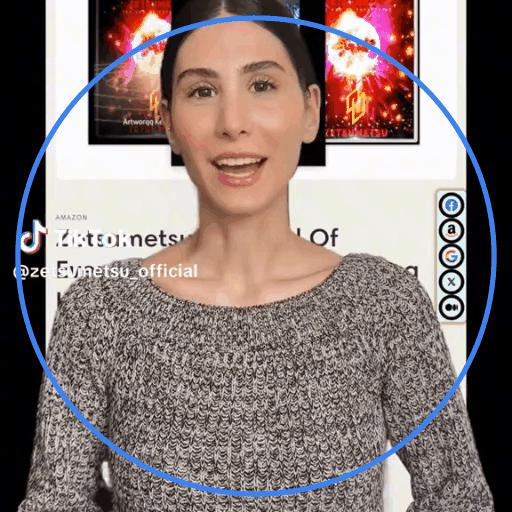
📕 FOR BIZZY PPL: Getting a Book on KDP One page. Four Cards. Do the thing. Flip to the back if you need clarity. Like the for dummies books, its a quick review of what to do. if you want more info one should be using google anyway, so ill add some links to relevant info. So all we need now is a cover and formatting and we are in motion. Ill post the cover drafts as i create them. 🟥 CARD 1 — Write & Finalize the Manuscript Action 1. Finish the draft. 2. Clean grammar + spacing. 3. Format for KDP trim size. 4. Export as PDF (print) or DOCX (ebook). Definition → Back: “Manuscript Ready” 🟦 CARD 2 — Design the Cover Action 1. Choose trim size. 2. Create front cover (title, subtitle, author). 3. Add spine + back (for paperback). 4. Export correct KDP dimensions. Definition → Back: “Print-Ready Cover” 🟩 CARD 3 — Upload to KDP Action 1. Log into Amazon KDP. 2. Create new title. 3. Enter book details + keywords. 4. Upload manuscript + cover. 5. Preview. Definition → Back: “KDP Listing Setup” 🟨 CARD 4 — Price & Publish Action 1. Select territories. 2. Choose royalty option. 3. Set price. 4. Approve proof (if print). 5. Click Publish. Definition → Back: “Royalties & Distribution” Back of Book (Definition Section) Each term explains: - What it is - Why it matters - Common mistakes - What to avoid Short & Clean. If you want to get started on your booklet then head over to the new program by clicking here and we can get it don before the week is out.
🔥
1 like • Feb 23
My time is coming!!!
1-10 of 12
🔥
@sharon-prahl-4912
Adventurer, Mom, Wife, Doctor of Chiropractic, TBI Thriver, Herbalist
Online now
Joined Feb 18, 2026