Activity
Mon
Wed
Fri
Sun
Mar
Apr
May
Jun
Jul
Aug
Sep
Oct
Nov
Dec
Jan
Feb
What is this?
Less
More
Memberships
AI Automation Society
249.6k members • Free
AI Automation First Client
1.1k members • Free
AI Automation Agency Hub
290.5k members • Free
5 contributions to AI Automation First Client

2d •
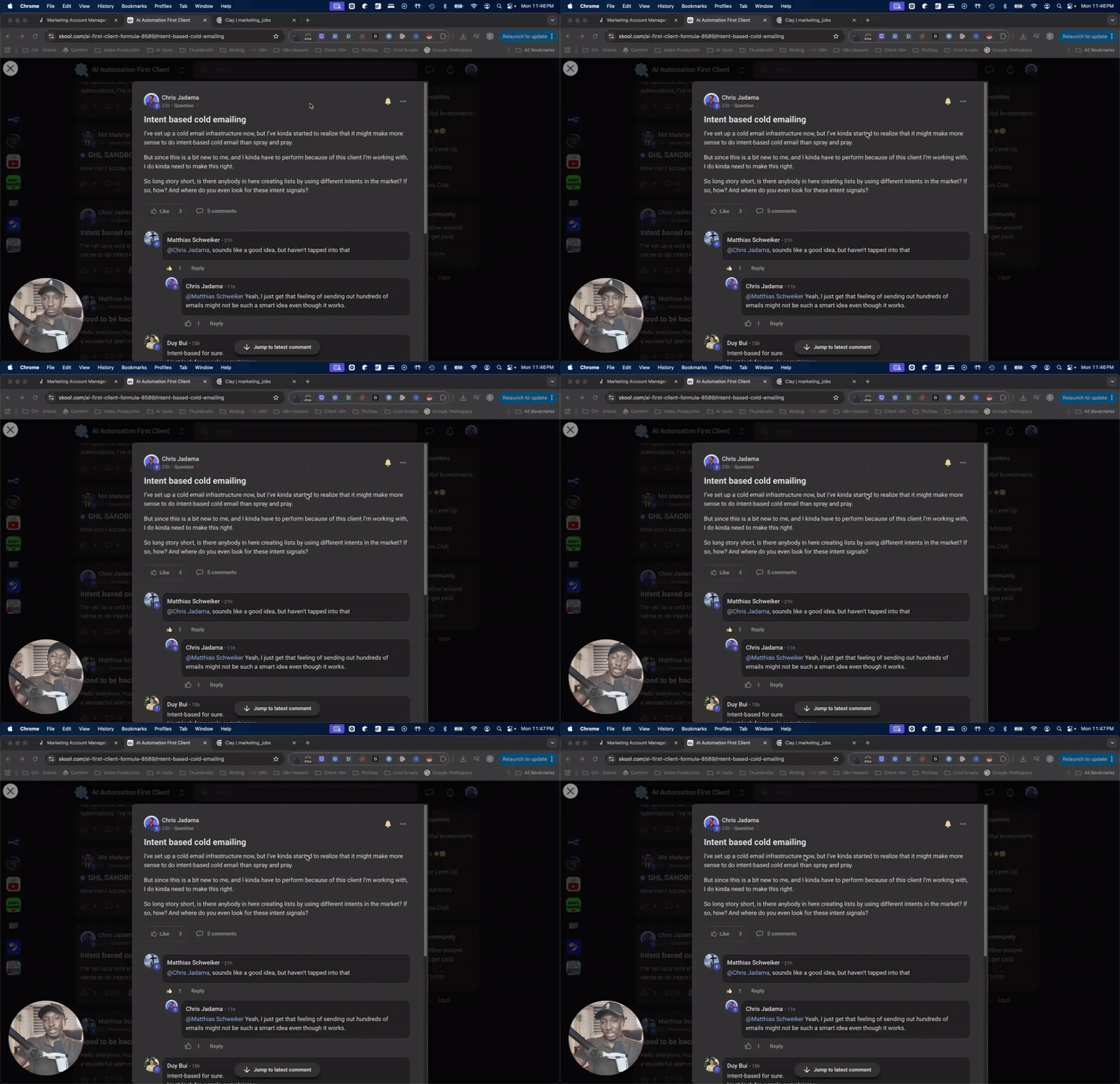
Working on the intent-based cold email system.
Status so far: I’ve found 440 emails, which is not really enough, but it’s a start at least. Next step is to clean the leads, and after that start sending emails to the recruiters :)

1 like • 2d
@Chris Jadama Great Chris,Keep shining 🌟!
2d •
Invisible Leak !
I’ve spent the last few weeks obsessing over 'The Invisible Leak.' In my work building AI agents and automations, I’ve realized that most businesses don't die from big mistakes. They bleed out from 1,000 tiny manual tasks. Every time you copy-paste data, manually follow up on a lead, or spend an hour on a report, you aren't just losing time—you're losing the 'Brain Equity' needed to scale. I don't just build applications; I plug the leaks. If your business feels like it’s running in place, you don't need more staff. You need better systems. Currently opening up space for two new projects. Let’s stop the bleeding.
1 like • 2d
@Duy Bui That’s a gold-tier suggestion, Duy! You’re right.The math makes the 'leak' impossible to ignore. I’ll definitely be incorporating more specific ROI breakdowns in my next few case studies. Appreciate the insight!
7d •
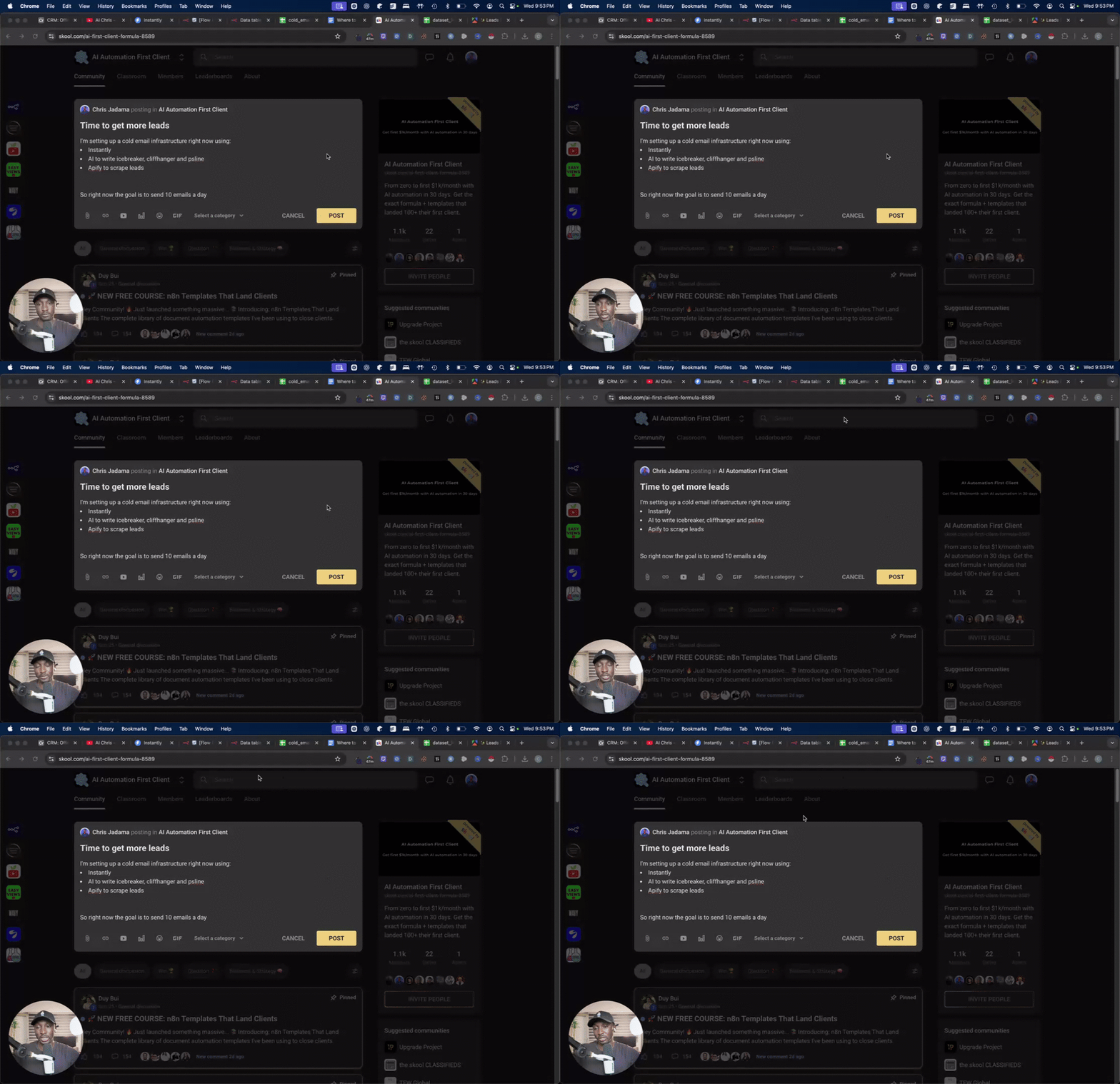
Time to get more leads
I'm setting up a cold email infrastructure right now using: - Instantly - AI to write icebreaker, cliffhanger and psline - Apify to scrape leads Just wanted to share the process in case somebody else want to copy it and try it out. But this is how I'm approaching cold emails right now.
1 like • 6d
@Chris Jadama Thank you bro. That's Awesome.

Sep '25 •
Your Complete 30-Day Roadmap to Landing Your First $1,000+ Client
Welcome founding member! You're literally one of the first people here, and that's exactly where you want to be. The Promise: Follow this exact roadmap for 30 days. Land your first automation client. Or I'll personally help you until you do. WEEK 1: Build Your Authority (Even Starting from Zero) Day 1-2: The Foundation Setup Download these templates: Github Awesome Templates Day 3-4: Your Tech Stack Here's exactly what I use (most are free): - Automation: n8n, Zapier, or Make (pick ONE) - PDF Processing: Any tool you want (my suggestion: PDF Vector - go-to for reliability - free tier handles 100 pages) - Communication: Loom for demos, Calendly for bookings - Contracts: HelloSign or PandaDoc free tier Day 5-7: Your First "Proof" Create ONE simple automation that shows value: - Invoice extractor (Gmail → Spreadsheet) - Document organizer (Dropbox → Organized folders) - Research compiler (Web → Summary report) Assignment: Post your automation in comments. Get feedback from everyone. WEEK 2: Book Your First 5 Discovery Calls The 3-Message Method That Actually Works: Message 1: The Observation "Hey [Name], noticed you mentioned struggling with [specific problem]. Mind if I share something that might help?" Message 2: The Value "I built a simple automation that handles exactly this. Takes about 10 minutes to set up. Want me to show you how it works?" Message 3: The Close "I can jump on a quick call Tuesday or Thursday to walk through it. Which works better?" Where to Send These: - Your existing LinkedIn connections - Facebook groups you're already in - Local business owners you know - Previous colleagues or clients Goal: 5 calls booked by end of week 2 WEEK 3: Demo and Close Your First Deal The Problem Calculator Framework: Step 1: "How many hours per week does your team spend on [manual task]?" Step 2: "What's the average hourly rate?" Step 3: "So that's costing you $[amount] per month..."
3 likes • 10d
@Duy Bui This is by far the most knowledgeable and honest community I’ve ever come across.The value shared here is real, practical, and focused on actual results — not just theory or hype. The admin, Duy Bui, is an amazing guy with deep knowledge and genuine integrity. He openly shares real templates, real pricing, and real client wins, and actually wants members to succeed — not stay stuck learning forever. This community truly empowers builders. No gatekeeping, no fluff — just real support for people who want to build, earn, and grow.Proud to be part of it. 💪🔥
10d •
Client Paid $4,200 in Duplicate Expense Reimbursements First Year 🔥
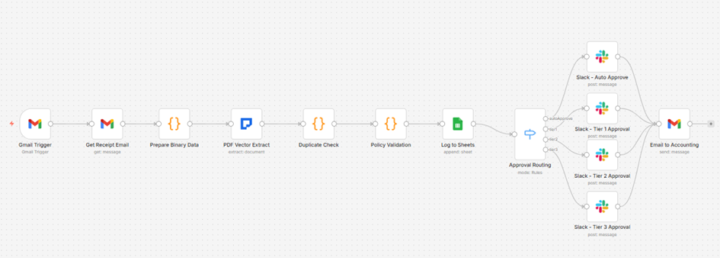
Growing company. 450 expense receipts monthly. Manual processing by accounting team. Duplicate submissions happening. Policy enforcement inconsistent. Approval routing chaotic. Built automated expense tracker with duplicate detection and policy validation. THE CLIENT'S SITUATION: Finance team handling receipts via email inbox. Each receipt requiring manual extraction of merchant, date, amount. Entry into spreadsheet. Policy checking against limits. Approval routing determination. 15 minutes per receipt average. Critical problem: No duplicate detection system. Same receipt submitted multiple times gets processed multiple times. Discovery happens during monthly reconciliation. Requesting refunds from employees creates awkward situations. Year one audit revealed 37 duplicate reimbursements totaling $4,200. Same expense paid twice, sometimes three times. No systematic prevention. Policy compliance suffering. Meal expense limit: $50. One clerk approves $75 receipt. Different clerk flags identical amount as violation. Employees receiving inconsistent messages about company policy. THE AUTOMATION WORKFLOW: 13-node system using Gmail monitoring, PDF Vector document extraction, duplicate detection, policy validation, approval routing, Google Sheets database, Slack notifications, and accounting email summaries. Gmail trigger watches for "Receipt" or "Expense" emails. Downloads PDF attachments automatically. PDF Vector extracts complete receipt data - merchant, date, line items, subtotal, tax, total. Duplicate detection fingerprints each receipt. Merchant plus date plus total creates unique ID. Checks against historical database. Prevents reprocessing. Policy validation assigns categories based on merchant. Meals $50 limit, lodging $200, transportation $100, office $500, other $100. Compliance checked automatically. Approval routing based on expense amount regardless of category. Under $100 auto-approved with Slack notification only. $100-$500 routes to Tier 1 manager approval request. $500-$1,000 routes to Tier 2 senior manager. Over $1,000 requires executive approval. Appropriate person notified via Slack automatically.
2 likes • 10d
Great breakdown. Curious how many companies don’t even realize how much they’re losing to silent duplicates like this.
1-5 of 5

@haseeb-ahmed-8317
I build AI agents, automations, and applications that help businesses save time and operate more efficiently. Open to new projects.
Active 2h ago
Joined Jan 25, 2026
Pakistan