Activity
Mon
Wed
Fri
Sun
Jun
Jul
Aug
Sep
Oct
Nov
Dec
Jan
Feb
Mar
Apr
May
What is this?
Less
More
Memberships
Cloud Residents · US Credit
754 members • Free
24 contributions to Cloud Residents · US Credit

26d •
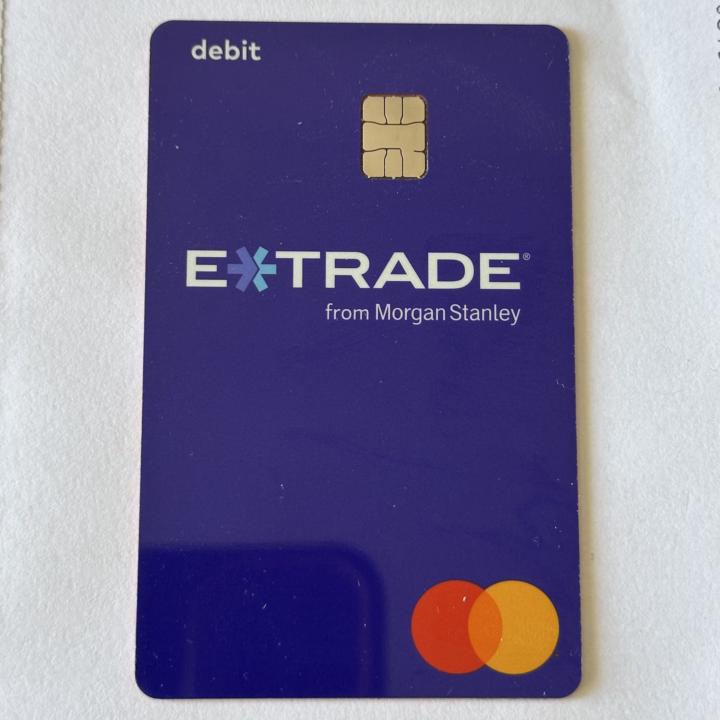
E*TRADE debit card/account: opened without ITIN or SSN
I was able to get an E*TRADE cash/brokerage account with debit card without an ITIN or SSN, using my foreign address during the process. A few useful things about it: - No monthly maintenance fee - E*TRADE Mastercard debit card - the card can be mailed to a US mailing address (or maybe even foreign) - supports bill pay can be used to pay credit cards - comes with ACH and routing number - unlimited ATM fee refunds worldwide (yet to be tested) For non-US residents, this can be a pretty practical option if you just want a light, easy-to-get US banking for basic payments, debit card use, ATM access, and paying US credit cards.

0 likes • 25d
I can't change the country :(
27d •
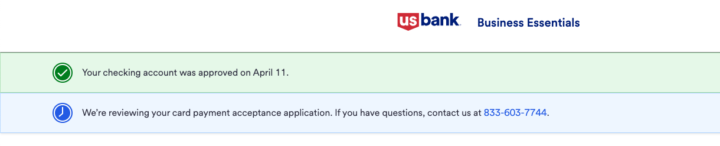
US Bank Business Approved Instantly
I submitted the application using my personal US Bank login (single-owned LLC, EIN with ITIN). I funded the initial $100 from my personal US Bank account. Submitted using RedPocket internet.
0 likes • 27d
@Ain - Cloud Resident Damn! That's a great combo

28d •
Revolut Business verification
Has anyone had any issue verifying their LLC info with Revolut saying that the company name and EIN does not match with their records. I guess it could be that my LLC is new?
1 like • 27d
Contact support, your LLC/ein is very new and its database has not been updated
Feb 25 •
US Bank Checking Account Approved
Helloooo 👋 I opened a US Bank Smartly Checking account, and this was the process: 1. I applied online using a U.S. IP (Tello) on February 21. 2. I waited 2 business days (February 23 and 24). 3. Since I didn’t receive a response, I called the Customer Authentication Department at 866-268-7231. The wait time was about 2 hours 🫠 4. During the call, the agent told me I needed to provide a photo ID and my ITIN letter, giving me the option to send them via fax or email. I chose the email option. However, the email I received contained a link for an automated verification process that only required my ID and a selfie (I used my foreign passport). 5. I completed the automated ID verification + selfie process (I used my country’s passport). After completing the verification, the account was approved instantly. 6. called US Bank again through the regular customer service line. I authenticated using the last 4 digits of my ITIN + an SMS code. I selected the option for help with the app or website and requested my account number so I could register in the app. And that’s it. After about 6–12 months, I will send Form W-8BEN by fax to update/correct my tax status.
0 likes • Mar 1
@Jonathan Mas Just to build more relationship history with US Bank, since for example they don’t allow you to edit personal information until you’ve had the account for more than one month.
1 like • Apr 7
@Samim Shaikh Roaming data, US IP
Mar 31 •
Chase with Nova Credit
I wanted to ask if anyone had any experience using their home country's history with Chase through Nova Credit to open a card and also if it's worth it?
1 like • Mar 31
DAMN, I thought it was still just Amex and Verizon, I would have imported my Chase credit too, bruh 🫠
1-10 of 24
Active 10h ago
Joined Feb 1, 2026
Powered by