Activity
Mon
Wed
Fri
Sun
May
Jun
Jul
Aug
Sep
Oct
Nov
Dec
Jan
Feb
Mar
What is this?
Less
More
Memberships
Assistable.ai
3.4k members • Free
Health Pro CEO Academy
219 members • Free
Community Builders
8.2k members • Free
CATALYST
19 members • $25/m
27 contributions to Health Pro CEO Academy

25d •
🔧 Tech Tuesday is LIVE today!
Bring your list of 5 tech problems and I'll craft solutions in real time — so you can see exactly how we break down and solve challenges fast. 👀 Watch the process. Steal the framework. Level up. ⏰ 5:30 PM — starts in under 10 minutes Check below for the link when time hits! See you in there! — Christian
0 likes • 25d
https://zoom.us/j/91279181415?pwd=1SylbRLgf1lY14uRZpj3KMqleAbZgV.1
Feb 17 •
🚀 Quick Win: Connect Your Domain to Google (So Your Website Actually Shows Up)
If your website is hiding on page 12… or doesn’t show up even when you type the full business name… this is the fix. I recorded a walkthrough a year ago showing how to connect your domain properly through Google Analytics + GoHighLevel, then submit your sitemap so Google indexes your pages faster. This is roughly a 10-minute setup. Then Google takes about 7 days to fully register and update everything on their side. Here’s the exact process I’m using. Step 1: Create your Google Analytics Account + Property 1. Go to Google Analytics 2. Click Create Account 3. Create a new Property for your main website domain Important notes: - Do this for your main domain (example: yourbusiness.com) - Set the correct timezone for your business or your audience - When it asks what you want to track… just select everything Step 2: Add your Website as a “Web” data stream 1. Choose Web 2. Enter your website URL Heads up: - Make sure your URL format matches your real site - Example: if your website is non-www, do NOT paste it as www Step 3: Copy the Google Tag into GoHighLevel 1. Google will generate a Google Tag 2. Copy it 3. In GoHighLevel go to: 4. Paste the tag 5. Save That’s the tracking connection. Step 4: Update SEO Metadata the right way Inside the page editor: 1. Click SEO Metadata / SEO Mapping 2. Fill out: - Title (keep it under ~70 characters) - Description (keep it under ~155 characters) - Author (keep consistent on every page) - Favicon - Social Image Keywords tip: Use longer phrases first. Long phrases rank faster because fewer sites compete for them. Example: - “Valentine’s fitness transformation” - “New Heits Fitness consultation”Instead of just: - “fitness” Step 5: Add Custom Meta Tags + Canonical URL This is the part most people miss. Custom Meta Tags Add these meta tags: - title - description - keywords Match the content to what you used in SEO metadata.
1
0
Feb 17 •
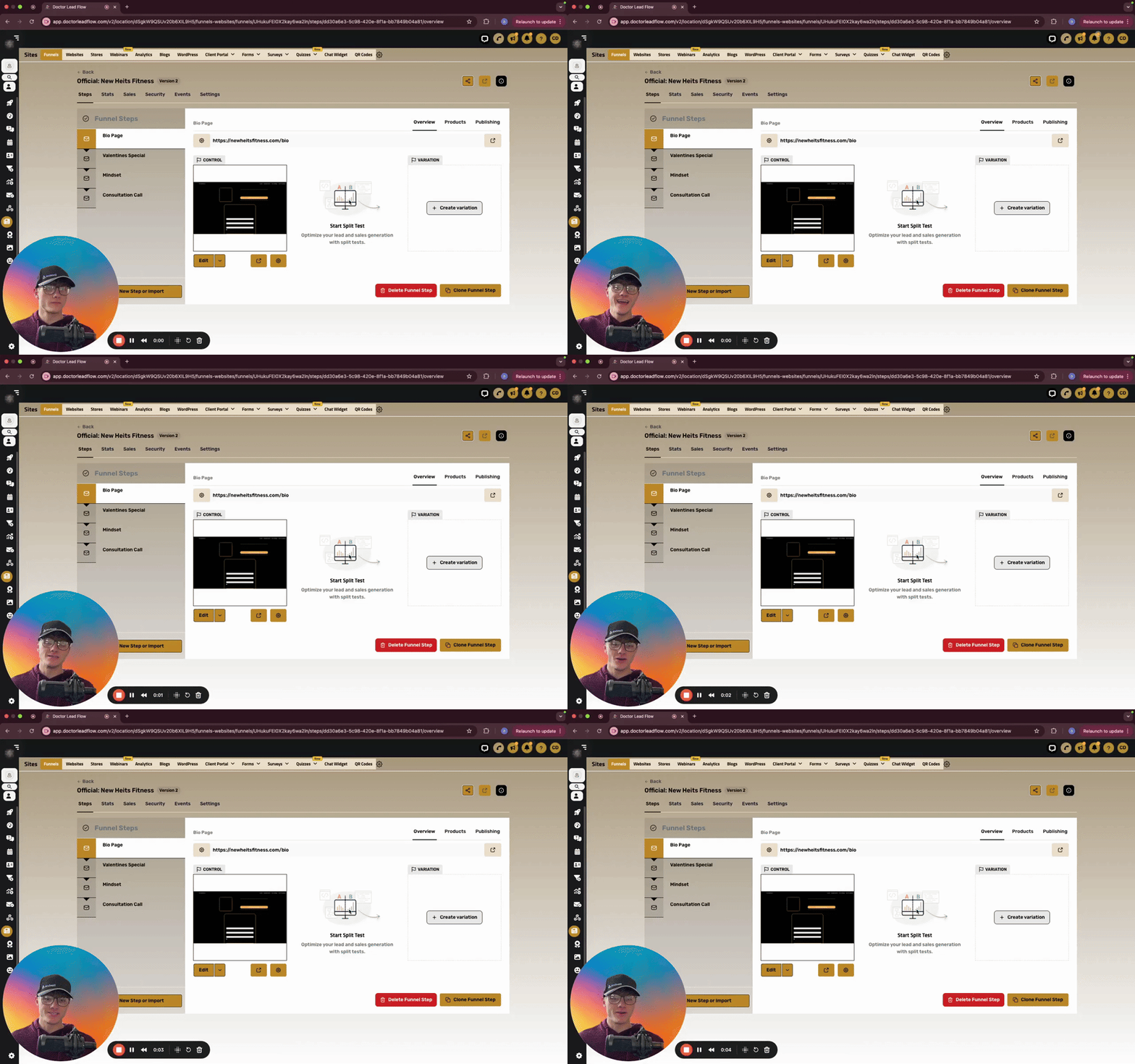
🔥 How to Embed Google Docs Directly Into Your GHL Website (Step-by-Step)
Ever wanted to display a Google Doc right on your website — like a clean, professional framed window? Here's exactly how to do it inside GoHighLevel's site builder. Takes about 5 minutes. Step 1: Get Your Google Doc Embed Link 1. Open your Google Doc 2. Go to **File → Share → Publish to the web** 3. Click the **Embed** tab 4. Click **Publish** 5. Copy the link inside the iframe code — you only need the part that looks like this: `src="https://docs.google.com/document/d/e/XXXXX/pub?embedded=true"` That `src` link is the only thing you'll swap into the code below. Step 2: Paste This Code Into GHL Inside GoHighLevel: - Open your Website or Funnel - Add an **HTML / Custom Code** element - Paste the code below - Replace `PASTE_YOUR_GOOGLE_DOC_LINK_HERE` with your Google Doc embed link - Hit Save and Preview ```html <div style="padding:24px 16px; display:flex; justify-content:center;"> <div style=" width:100%; max-width:820px; border:15px solid #000000; border-radius:18px; overflow:hidden; background:#ffffff; box-shadow:0 18px 45px rgba(0,0,0,0.20); "> <div style=" border:6px solid #4a90c0; border-radius:12px; overflow:hidden; background:#ffffff; "> <iframe src="PASTE_YOUR_GOOGLE_DOC_LINK_HERE" width="100%" height="950" style="border:0; display:block; background:#ffffff;" loading="lazy" title="Google Doc Embed" ></iframe> </div> </div> </div> ``` That's it — your Google Doc now lives inside your site like a clean framed window. Step 3: Customize the Look (Optional) Want to match your brand? Here's what to tweak: Outside border thickness → Find `border:15px solid #000000;` → Change `15px` (thinner = `8px`, thicker = `20px`) Outside border color → Change `#000000` to any hex color (example: brand blue = `#4a90c0`, white = `#ffffff`) Blue accent border → Find `border:6px solid #4a90c0;` → Change thickness or swap the color Corner roundness → Find `border-radius:18px;` and `border-radius:12px;` → Higher number = rounder, lower = sharper
1
0
Jan 26 •
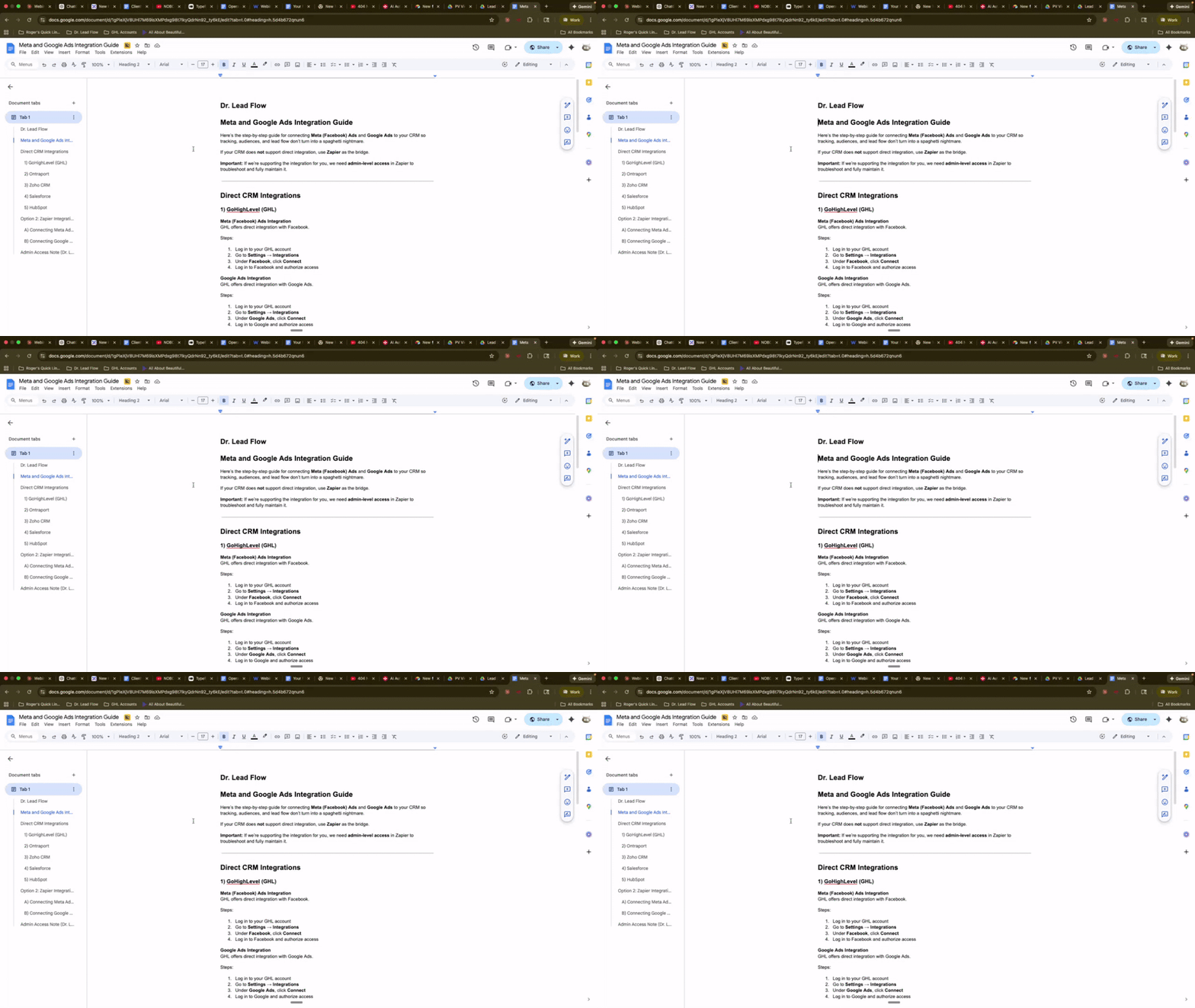
The A2P Question I Get Constantly (Start Here)
If you’ve ever asked me: - “Where do I even start with A2P?” - “How do I get more numbers?” - “Why won’t it let me finish setup?” This is your answer. This video covers Step 1 of A2P: purchasing your phone number and verifying your ID. Think of it like getting the keys before you try to start the car. No number, no A2P. What this video shows ✅ Where to buy a new number inside DrLeadFlow ✅ How to filter by area code and turn on SMS, MMS, and Voice ✅ The ID verification flow (QR code, ID photo, selfie) so your purchase actually goes through Do this before anything else Do not start brand or campaign registration until this step is done. Otherwise you’ll be halfway down the road… missing a tire. Drop a comment if you want Video #2 to be the A2P registration walkthrough (brand + campaign) and I’ll post it next.
1
0

Jan 10 •
🗓️ GHL's New Service Calendar: Card-On-File & No-Show Fees Are HERE
If you've been waiting for a better way to handle no-shows and protect your bookings, Go High Level just delivered. The new Service Calendar is a game-changer, especially for anyone running appointments where cancellations hurt your bottom line. What's New One Calendar, Unlimited Flexibility: - Services – Create as many as you need (40+, no problem) - Staff – Assign unlimited team members to specific services - Resources – Track rooms, equipment, IV bags, etc. - Add-ons – Let clients add upsells during booking - Locations – Multi-location support with location-specific services The Big One: Card-On-File Payment Option: Under Global Settings > Payment Settings, you now have three options: 1. Online payment 2. Pay in person 3. Card on file ← This is huge This means you can collect card info at booking and charge later for no-shows or late cancellations. How to Charge a No-Show Fee: 1. Go to the Contact record 2. Click Payments on the right side 3. Hit Actions > Charge Now 4. Enter description (e.g., "No-Show Fee") and amount 5. Select the card on file 6. Confirm That's it. Done manually in seconds. Protecting Yourself Legally: Add consent language to your booking form. Example: "I understand this consultation is free and a card is required to reserve my appointment. I will not be charged unless I cancel or reschedule within 24 hours, arrive more than 30 minutes late, or do not show. In those cases, I authorize a $29 schedule protection fee." This gives you documented consent before charging. Automation Note: Full automation requires a Zapier connection for now. GHL hasn't built native automation for card-on-file charges yet, but the manual process takes about 10 seconds per no-show. How to Access: 1. Go to Calendars > Calendar Settings > Services 2. If you don't see it, check Labs (agency admins) or contact your account owner to enable it Drop a 🙋 below if you're planning to implement this, or ask questions if you need help setting it up!
0
0

1-10 of 27

@christian-devries-3668
Experienced SEO, affiliate, & social media marketer integrating AI for optimal growth and engagement.
Dedicated to getting 1% better every single day!
Active 4d ago
Joined Mar 1, 2024
Powered by