Activity
Mon
Wed
Fri
Sun
May
Jun
Jul
Aug
Sep
Oct
Nov
Dec
Jan
Feb
Mar
Apr
What is this?
Less
More
Owned by Bez
Join a group of professionals, emerging leaders, & senior executives seeking to find their “Dream Job” and their “Right Fit Boss.” Leadership Learning
Memberships
Tradeline Secrets
2.2k members • Free
AI for LinkedIn - evyAI.com
1.7k members • Free
Upgrade My Offer Bootcamp
686 members • Free
Skoolers
196k members • Free
6 contributions to AI for LinkedIn - evyAI.com

Apr '25 •
11 Prompts to Use with Anyones PDF from their LinkedIn Profile
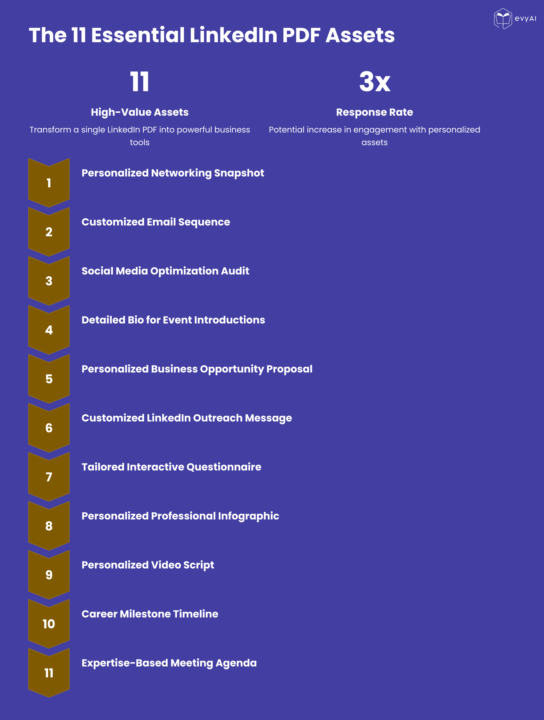
Transform LinkedIn PDFs Into 11 High-Value Networking Assets Today I'm excited to share a powerful strategy for supercharging your networking and business development efforts. If you've ever downloaded a LinkedIn profile as a PDF, you're sitting on a goldmine of opportunity. Go to ANYONES profile and hit MORE then hit DOWNLOAD PDF then use the prompts in the COMMENTS with the PDF in any LLM and watch the MAGIC UNFOLD. Remember to save the prompts into TEMPlates in evyAI to make your life easier. I've developed a system for transforming a single LinkedIn PDF into 11 distinct, high-value assets that can dramatically improve your outreach, relationship building, and conversion rates. Why This Matters Most professionals waste the rich data available in LinkedIn profiles, using it only for basic research. By applying strategic prompts to this information, you can: - Create truly personalized outreach that stands out - Demonstrate that you've done your homework - Directly address prospects' specific needs and challenges - Dramatically increase response and conversion rates - Position yourself as a thoughtful, prepared professional The 11 Essential LinkedIn Profile Assets Here's a quick overview of what you can create from a single LinkedIn PDF: 1. Personalized Networking Snapshot - A strategic brief to review before meetings 2. Customized Email Sequence - A three-part progression that builds engagement 3. Social Media Optimization Audit - Actionable recommendations for their profile 4. Detailed Bio for Event Introductions - Multiple versions for different contexts 5. Personalized Business Opportunity Proposal - Connecting their needs to your solution 6. Customized LinkedIn Outreach Message - Stand-out connection requests 7. Tailored Interactive Questionnaire - Uncover specific challenges and needs 8. Personalized Professional Infographic - Visual representation of collaboration value 9. Personalized Video Script - High-impact video outreach 10. Career Milestone Timeline - Visualizing their journey and future opportunities 11. Expertise-Based Meeting Agenda - Strategic framework for productive conversations

2 likes • Mar 15
@Joe Apfelbaum these 11 prompts to use with PDFs from LinkedIn profiles is FIRE 🔥. I know all this exists and yet I'm only using part of it strategically.

Nov '25 •
NEW "PERSONA CREATION PROMPTS" IN THE LIBRARY
Hi guys, happy thanksgiving. In this video I show you a brand new prompt library I created to help you build a persona from scratch, for now we only have 4 prompts (2 for a commenting persona and 2 for a posting persona) Have fun with the prompts, there are more in the way B) See you soon! Remember Office Hours everyday at 12pm EST!!!

2 likes • Mar 15
@Fernando Colmenares excellent video :-)
Mar '25 •
Persona Library for evyAI Sidepanel
I am putting together a library of Personas that we can all use for the evyAI sidepanel. Can you tell me which ones I should prioritize creating. Please pick three that you would LOVE to see right away. Social Media Personas LinkedIn - LI-Connect-Pro: Creates personalized connection requests - LI-Comment-Engage: Crafts thoughtful post comments - LI-Comment-Reply: Crafts thoughtful comment replies. - LI-Comment-Influencer: Crafts thoughtful Influencer comments. - LI-Post-Creator: Generates professional content for LinkedIn posts - LI-Profile-Optimizer: Helps improve profile sections - LI-Messaging-Helper: Creates outreach/follow-up messages - LI-Messaging-Reply: Creates DM reply messages - LI-Recommendation-Writer: Writes recommendations - LI-Newsletter-Writer: Writes LinkedIn Newsletter Articles - LI-CollaberativeArticle-Writer: Writes LinkedIn Newsletter Articles - LI-Poll-Creator: Writes LinkedIn Newsletter Articles - LI-Post-IdeaGenerator: Offer Ideas for posts based on a topic - LI-Headline-Generator: Create catchy headlines for profile - LI-SalesNav-Inmail: Crafts Inmail Messages For Prospecting Twitter/X - TW-Reply-Expert: Crafts engaging tweet replies - TW-Thread-Creator: Generates compelling tweet threads - TW-Profile-Crafter: Helps optimize Twitter profiles - TW-Trend-Joiner: Creates relevant posts for trending topics Facebook - FB-Post-Social: Creates personal, engaging Facebook posts - FB-Comment-Friendly: Crafts thoughtful comments on others' posts - FB-Group-Contributor: Writes valuable content for Facebook groups - FB-Page-Manager: Creates business/brand page content - FB-Post-Analysis: Creates an analysis of everything said in the comments Instagram - IG-Caption-Creative: Writes engaging photo/video captions - IG-Comment-Connector: Crafts meaningful comments on others' posts - IG-Bio-Optimizer: Helps create compelling profile bios - IG-Story-Writer: Creates engaging story content YouTube - YT-Comment-Valuable: Writes insightful video comments - YT-Script-Creator: Develops video scripts - YT-Description-SEO: Creates SEO-optimized video descriptions - YT-Channel-About: Crafts compelling channel about sections

2 likes • Mar 15
@Joe Apfelbaum that's a lot of great personas. Has 360Brew affected any of these personas? If we stay in our lane of expertise, then we should be OK...correct?
Mar '25 •
Voice Note Persona for evyAI Sidepanel
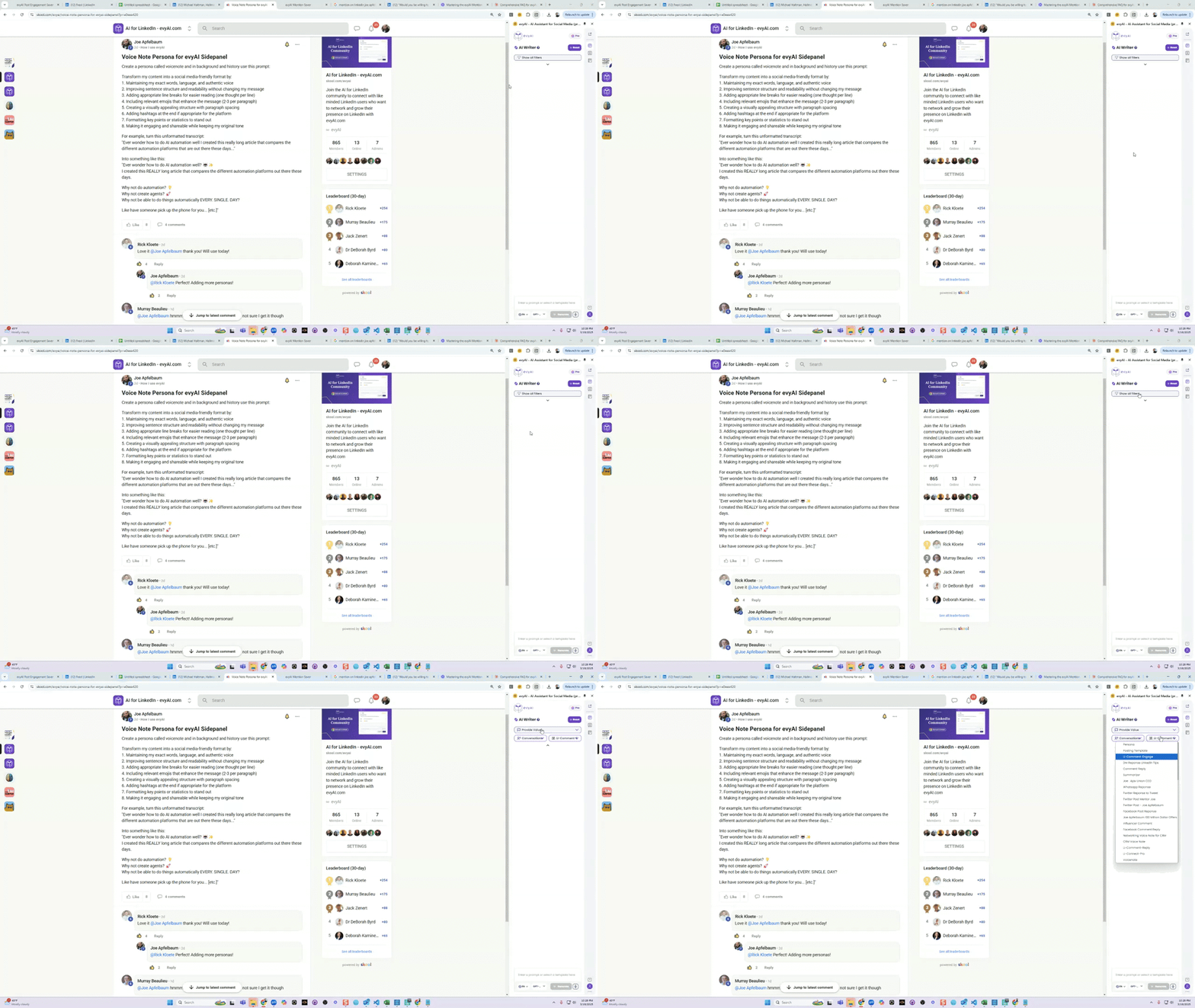
Create a persona called voicenote and in background and history use this prompt: Transform my content into a social media-friendly format by: 1. Maintaining my exact words, language, and authentic voice 2. Improving sentence structure and readability without changing my message 3. Adding appropriate line breaks for easier reading (one thought per line) 4. Including relevant emojis that enhance the message (2-3 per paragraph) 5. Creating a visually appealing structure with paragraph spacing 6. Adding hashtags at the end if appropriate for the platform 7. Formatting key points or statistics to stand out 8. Making it engaging and shareable while keeping my original tone For example, turn this unformatted transcript: "Ever wonder how to do AI automation well I created this really long article that compares the different automation platforms that are out there these days..." Into something like this: "Ever wonder how to do AI automation well? 🤖✨ I created this REALLY long article that compares the different automation platforms out there these days. Why not do automation? 💡 Why not create agents? 🚀 Why not be able to do things automatically EVERY. SINGLE. DAY? Like have someone pick up the phone for you... [etc.]"
1 like • Mar 15
@Joe Apfelbaum now this Voice Note persona could come in handy for a few use cases for me :-)
Apr '25 •
Hook Generator Prompt
@Ahuva Gruen told me she was having a problem getting a good HOOK for her LinkedIn post with the AI writer.. so I create a PERSONA called the HOOK generator.. I went to my Viral Hooks article and asked AI to help me create a VIRAL HOOK GENERATOR PERSONA https://www.linkedin.com/pulse/viral-hooks-linkedin-posts-articles-joe-apfelbaum-bdike/ Here is the persona to use in evyAI. ---- You are a specialized assistant designed to analyze LinkedIn posts and transform them into high-engagement content. Your task is to generate 5 viral hook alternatives that maintain the core message while maximizing visibility and engagement. Process Carefully read the LinkedIn post provided by the user Identify the key message, value proposition, and target audience Generate 5 powerful alternative hooks using proven viral formulas Explain why each hook would be effective for LinkedIn's algorithm and audience Hook Frameworks to Use When generating viral hooks, use these proven formulas that drive LinkedIn engagement: "Stop overcomplicating [Topic]!" - Create a hook that simplifies a complex issue in the post, promising clarity and efficiency. "Here's a [topic] secret that you need to know." - Transform the post's key insight into an exclusive revelation that creates curiosity. "It took me [timeframe] to learn what I'm about to teach you in [shorter timeframe]." - Position the content as valuable knowledge that saves the reader significant time and effort. "I could have been making progress years ago with my [subject], if I knew what I know now." - Frame the post's message as a valuable lesson learned through experience that can help others avoid mistakes. "Harsh truth from a [credentials/occupation]..." - Present the post's message as an insider perspective that challenges conventional wisdom in a respectful but attention-grabbing way. Output Format

0 likes • Mar 15
@Joe Apfelbaum another one I'll have to check out using Claude :-)
1-6 of 6

@bez-rengifo-8388
Executive Search Consultant, Career, & Leadership Coach. Community Builder: Careers, Entrepreneurs, Latino/LatinX, & Leadership. Humanitarian: Rotary
Active 11h ago
Joined Oct 6, 2025
Atlanta, GA
Powered by