Activity
Mon
Wed
Fri
Sun
Feb
Mar
Apr
May
Jun
Jul
Aug
Sep
Oct
Nov
Dec
Jan
What is this?
Less
More
Memberships
WY
Winning Your Way
44 members • $99/m
5 contributions to Winning Your Way

8d •
Welcome to the Winning Your Way Family! 🎉
I want to give a big, warm welcome to all of our newest members, @Danelia Clements , @Nicole Osibodu , @Sunny Fonseca , @Ireland van der Pyl , @Taj Davidson , and @Michele Starr ! We’re so excited to have each of you here and truly grateful that you chose to join the Winning Your Way family. You’re stepping into a community built on intention, education, and real growth, not hype, shortcuts, or guesswork. To help you get settled, here are a few important next steps: • Please be sure to check your DMs — our community manager will be reaching out • If you haven’t already, take the assessment and let us know what level you’re on • Make a post in the community introducing yourself and include: – What grade you’re in – Your sport and position – Why you joined Winning Your Way – Your social media handles so we can all follow and support you Take your time diving into the content, ask questions when you need clarity, and don’t be afraid to engage. This community works best when everyone shows up and supports one another. Welcome to the family, we’re excited to grow with you!

1 like • 8d
Welcome everyone!!

0 likes • 9d
Thank you! @Santia Deck
0 likes • 9d
@Ryder Furtick-Williams Thank you!
17d •
Introduction
Hi my name is Kamille Smith. I am a 13 year old kid author and I look forward to learning new things!!
1 like • 17d
Thank you @Mike Martin @Giovanni Vasquez
1 like • 17d
@Ryder Furtick-Williams Thank you!

17d •
How I used the recent idea in my post
Yesterday i mentioned a post idea and here’s how my post turned out!

0 likes • 17d
@Winfred Porter That’s amazing!
Aug '25 •
Welcome Athletes to Winning Your Way!
Welcome to the Winning Your Way family! We’re excited to have you here. This community is designed to support athletes and parents as you learn, grow, and build your brand the right way — with clarity and structure. To help you get started, follow these steps in order: 1. Check Your DMs & Take the Assessment In the top right corner of your screen, you’ll see a DM icon next to the notification bell. Please click there first. When you joined, you were sent an assessment. Once you complete it, you’ll be given a level (1–6). After you receive your level, simply reply to the DM and let us know which level you’re on. From there, we’ll unlock your custom course, which your athlete will use to begin building the foundation of their brand. 2. Introduce Yourself to the Community Next, please create an introduction post so we can get to know you and start supporting you. In your post, include: • Your name • Sport • Age • Why you decided to join Winning Your Way • Your social media handles (so we can follow and support you) This helps build connection right away. 3. Watch the Pinned Navigation Video At the top of the community, you’ll see a pinned video. Please take a few minutes to watch it. This video shows you how to navigate the community, find resources, and avoid unnecessary scrolling. It will make everything much easier moving forward. After watching, spend some time exploring the community and engaging with posts. 4. Join Our Weekly Coaching Calls Live coaching calls happen every Monday at 7 PM EST, right here inside the community. To join the call: • At 7pm est on Mondays, Look at the top of the community • Click the red blinking dot thats says “Live” • Make sure your camera and mic are on These calls are an important part of your growth. 5. How to Communicate Inside the Community Please use the community to ask questions and connect with others. This space was built so athletes and parents can learn, network, and support one another. If you have a support question that our community manager, Melissa, cannot answer, you may then reach out to me directly. Outside of that, please post all questions in the community.
4 likes • 18d
Excited to be in this group!
1-5 of 5
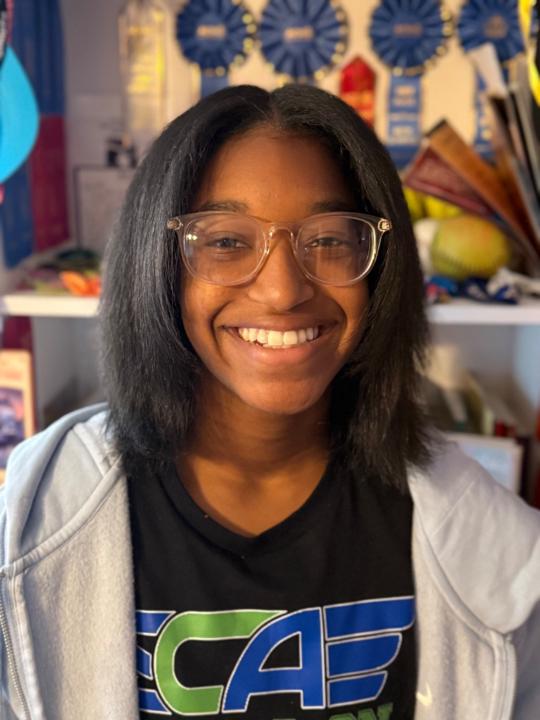
@kamille-smith-7391
Hall of Fame Author Kamille inspires girls through books, basketball, and confidence, proving young voices can change the world.
Active 1d ago
Joined Dec 26, 2025
Powered by