Activity
Mon
Wed
Fri
Sun
May
Jun
Jul
Aug
Sep
Oct
Nov
Dec
Jan
Feb
Mar
Apr
What is this?
Less
More
Memberships
Ads For Coaches
8.4k members • Free
Resolve School
254 members • $9/month
The 5- Hour YouTuber Community
1k members • Free
Meta Mind Music | MASTERY
11 members • Free
Meta Mind Music
719 members • Free
5 contributions to Resolve School

29d •
🔥 FUSION EXPLAINED (IN PLAIN ENGLISH)
If Fusion has ever felt confusing, this is one of the best beginner explanations I’ve seen. Casey Feris does a great job breaking down what Fusion actually is and how it works without making it feel complicated. He walks through the basics of nodes, how things connect together, and how Fusion fits into your normal editing workflow inside Resolve. If you’ve opened the Fusion page before and immediately thought “nope… not today”, this is a really good place to start. He also shows a few simple examples so you can see how things like effects, masks, and merges actually work together. Once you understand that basic structure, Fusion starts to make a lot more sense. This is a great foundational video if you want to eventually get into: - Motion graphics - Visual effects - Masks and compositing - Building graphics inside Resolve Give it a watch and let me know in the comments: Have you used Fusion much yet, or does it still feel pretty confusing? And if you watch the video, tell me if anything finally clicked for you.

1 like • 16d
I over complicated the nodes system so much, and only recently has it started to make sense. A lot of Casey’s and Daniel Batal’s content helped it to finally “click”
23d •
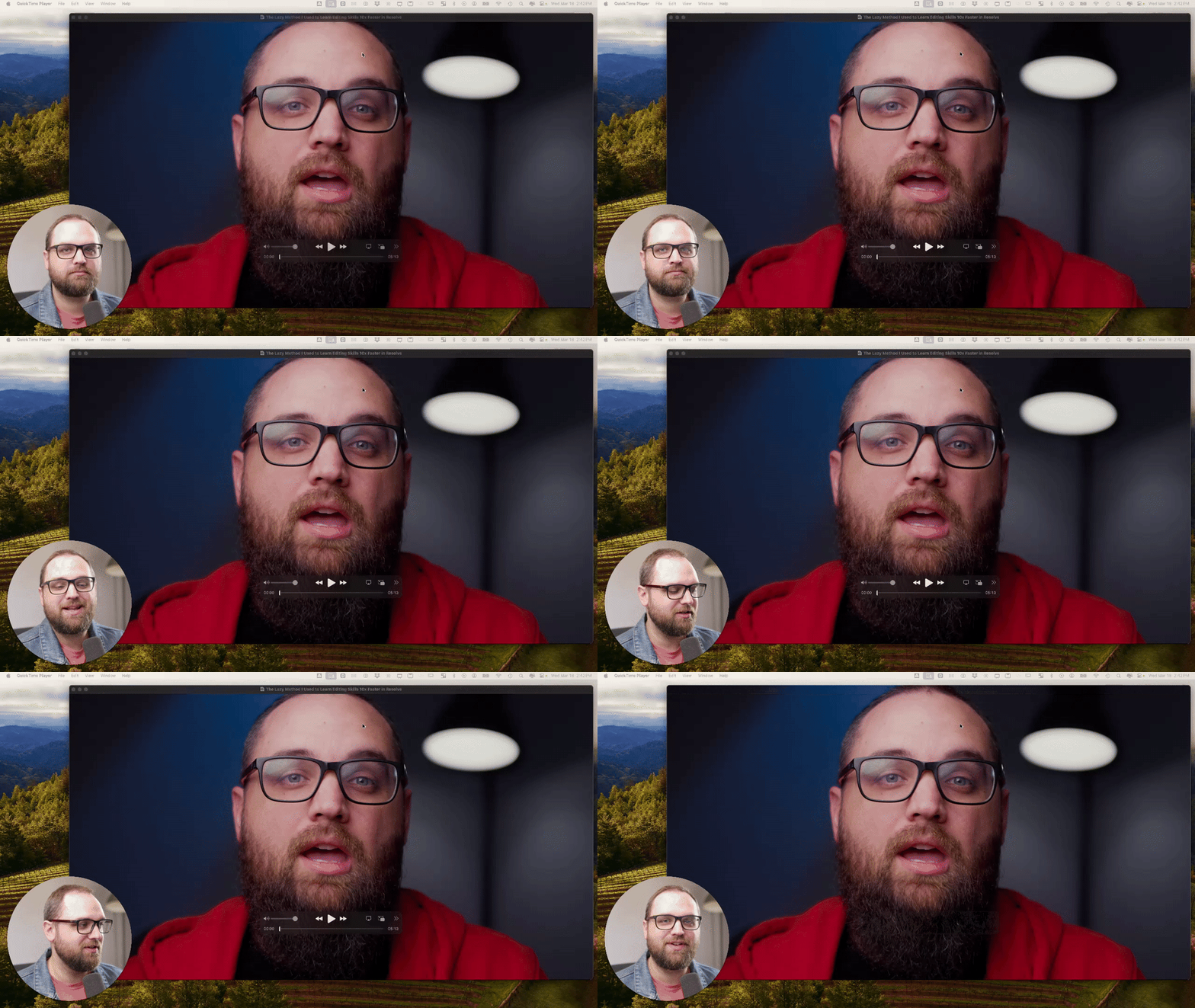
🎬 Editing Breakdown: What I’d Fix In This Intro
I’m going to start to do more breakdowns inside the community. The goal of these posts isn’t just learning the software. But it’s learning how to make better videos overall. That includes editing, storytelling, pacing, lighting, and the full video process. In this simple breakdown, I walk through an intro from one of my recent videos and talk about: - pacing - structure - editing choices - what I’d improve next time Drop your critiques in the comments below 👇
1 like • 18d
Dude before you even mentioned the hook stuff I thought “I bet he’s gonna mention making the hook quicker”. I’m trying to convince my wife of that for our content. she’s starting to come around to it; but that’s the struggle when you are helping someone else make content - trying to woe through their resistance to change (and critiques sometimes 🙃😅🫠😮💨)
Mar 6 •
Friday Wins 🏆 + Editing Insight
Happy Friday everyone. Let’s hear the wins from this week, big or small. Did you finish a video? Solve a problem that had you stuck? Figure out a tool in Resolve that finally clicked? Drop your wins below so we can celebrate them together. Even the small ones count. Sometimes the real win is just opening Resolve and getting a little more comfortable on the timeline. 🤔 One question for the week: What’s one editing insight or realization you had recently? Maybe something that made your edits faster. Something that made Resolve less confusing. Or just a small shift in how you approach editing. Here’s mine. I realized this week I had been ignoring a shortcut that instantly zooms the timeline out so you can see the entire edit at once, and then with one key press jumps you right back to the exact zoom level and position you were at before. (SHIFT+Z) It’s such a small thing, but it makes it way easier to quickly check the full structure of an edit without losing your place on the timeline. Sometimes the best workflow improvements are just little shortcuts like that. Curious what clicked for you this week.

1 like • Mar 8
Now that I'm looking at it I could've masked around that plant and toned down the intensity of the green plant in the background but live and learn. next time. This is a repeatable set we will be using for future talking head style content.
1 like • Mar 8
@Andrew Farmer d’oh 🤦♂️🤦♂️🤦♂️ this is why I’m in these Skool groups
Mar 3 •
A few shortcuts worth stealing 😊
Hey, just wanted to share something I watched this week. Greg put out a video on 6 keyboard shortcuts in Resolve that genuinely speed things up. Nothing fancy. Just the kind of stuff that saves seconds over and over again until your edit feels smoother. If you’re newer to Resolve, this is the kind of video that helps things feel less clunky. The playhead jump shortcut alone is worth it. And the ripple trim ones can seriously cut down your A-roll time. Also, I’ve bought Greg’s presets before, and they’ve helped me a lot when editing client work. Clean, practical stuff. I’ll link those too in case you want to check them out. Get Greg's Presets Definitely worth subscribing to his channel. He teaches in a really clear, practical way. I’ll probably share a few more of his videos over the next couple of weeks that I think would be helpful for this group. If you watch it, let me know which shortcut you’re going to try first.
1 like • Mar 3
@Andrew Farmer a stream deck of some sort is another tool I’ve been highly considering as of late - as I’m also considering diving into doing a little streaming of live music production and creation in the future. There’s been a few times while editing lately where I’ve been like “man I could use some extra one button shortcuts right now”, as I’m also constantly bouncing between different apps and windows with all the different stuff going on.
0 likes • Mar 6
@Silviu Tudor legit the best computer purchase I ever made dude. Fell in love with that mouse day 1
Feb 19 •
✨The New FujiFilm Film Stock LUT Pack Is Now Inside the Classroom
I just added the FujiFilm Film Stock LUT Pack to the Resolve School classroom. This pack includes 11 finishing LUTs inspired by classic Fuji film stocks and designed to emulate the feel of a film print. These are not corrective LUTs. They are meant to sit at the very end of your color pipeline, after exposure, white balance, and contrast are already dialed in. Think of them as the final layer that gives your footage cohesion, contrast discipline, and subtle film character. Fuji-inspired looks tend to lean slightly cleaner and more restrained compared to warmer print styles. You get controlled saturation, refined highlight roll-off, natural skin tones, and a consistent tonal response that feels intentional instead of overly processed. The goal is not heavy stylization. The goal is a finished image that feels cohesive and polished. HOW YOU CAN GET IT You have two options: 1. You can purchase the FujiFilm LUT pack individually inside the classroom if you want this specific look. 2. Or you can join the Premium Membership and get access to: - All LUT packs and presets - The full classroom - The 3-Hour Edit System - Live Calls and resources If you’re already building inside Resolve consistently, Premium usually makes more sense long term. If you grab the pack and use it on a project, drop a still frame or short clip in the comments. I’d love to see how you’re using it and what footage you’re applying it to. QUICK POLL Where are you at with LUTs?
Poll
6 members have voted

1 like • Mar 3
I’m just now starting to get comfortable with understanding color space and color grading; so I haven’t quite been able to effectively use finishing LUTs yet. My future video projects will be cinematic still framed shots of me performing a cover in the lower third, and the hero essentially being the outdoor scene itself set to the song, so being able to add some luts to stylize the grade would be helpful.
1-5 of 5

@victor-avellino-5065
Multi-instrumentalist, vocalist, composer, songwriter, arranger, and just trying to figure out the rest.
Active 2h ago
Joined Feb 25, 2026