
Write something

Apr 30 •
Something That Helped Me Think Differently About Online Presence
Hey everyone 👋 I wanted to share something that might genuinely help someone here. I recently learned how much having even a simple website can change how people see your business or personal brand, it makes things feel more real, more trustworthy, and easier to understand. A friend of mine who’s a professional web designer is currently offering free website design while building his portfolio. It includes basic design and setup, and it’s great for small businesses, creators, or anyone just starting. I’m sharing this purely as a helpful resource in case it supports someone’s journey. If interested, you can reach him directly: WhatsApp: +1 (639) 458-6729 Email: [email protected]

Apr 28 •
Two-step record creation process?
This is effectively a follow-up task to my previous post; 'Can I use webhooks to create new records directly into Airtable?' I know the easiest way to create a new record would be to create an Airtable form. But I prefer to use ConvertBox due to it's simplicity and it's ability to split-test form variations. The only problem in this use case, is it would be nice to have a user submit one or more images at the time they complete the form. But ConvertBox doesn't facilitate uploads. However, it does facilitate multi-step forms. And I see I can embed an Airtable form into a ConvertBox step. So that does give me some options. So my question is if a user submits all the text-based information in the first step, how do I make sure the record is created so that the optional image upload step that follows is attached to the newly created record. Mmmm... I think that just writing this post out, I've realised the 'text' form I created in ConvertBox could be redundant if I just embed the Airtable form instead. That way the image field is there right at the time of record creation! PS. I'm leaving this post up as I know the community is always discovering new and interesting ways to use Airtable and this might be of value to someone else one day! PPS. I'll report back on whether my epiphany comes to pass and I nicely marry up ConvertBox and Airtable. If so, that will be a huge win. (And as I think out loud, it also provides a solution to my previous post!).

Apr 22 •
Build HTML Emails Natively in Airtable </>
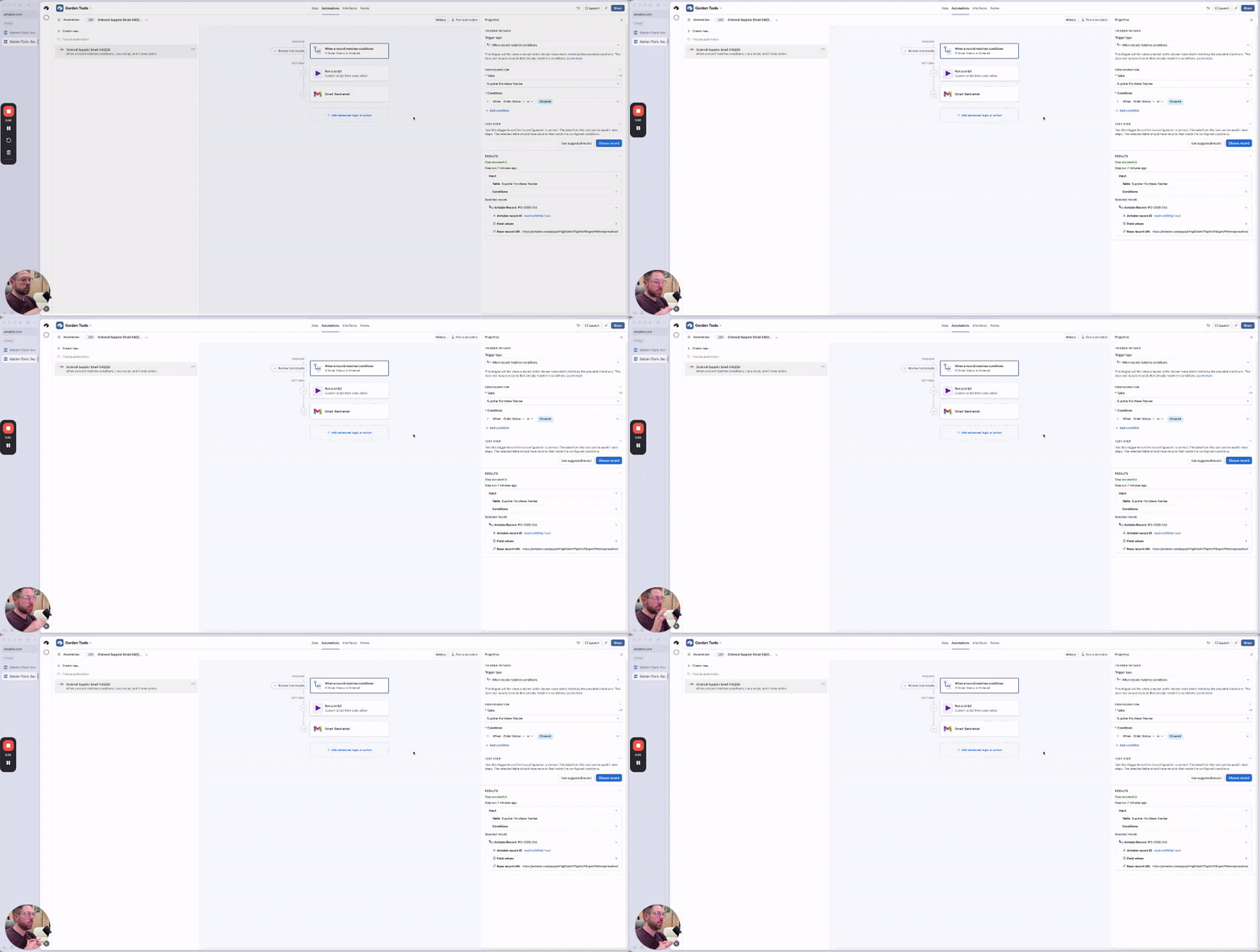
Real business application here! Create beautiful emails directly from Airtable with the power of HTML. (Cheat with Ai if you don't know HTML or any coding) This DOES need you to use the Script block in the automations. SO, I created this as a simple getting started with scripting in Airtable walkthrough. There are a few key things to hone in on in here: - How to get information INTO the script so that the script can manipulate or use it. - How to get information out of the script so it can be used for the following automation steps. During this whole video I tried to give you my best practice tips and go over some common gotchas that might happen, especially when you're working with AI to help build out these workflows! - 00:00 Why scripting matters in Airtable - 00:24 The business use case: sending supplier emails - 01:05 Breaking down the script inputs and structure - 03:13 Passing data from the script to the next automation step - 04:08 Rebuilding the automation from scratch - 06:10 Setting up inputs, table IDs, and field references - 12:21 Building the email output - 16:06 Adding error handling and success checks - 19:26 Why this matters for real business workflows - Did this unlock anything for your Airtable workflows? - Was anything confusing about this? - Do you have any further questions about how to use scripting automations?
Apr 20 •
From CSV to Airtable: Part 4 - Cleaning Up The Purchase Tracker
Part 4 of "From Spreadsheet To Airtable" I’m moving into the purchase tracker in this one and starting to tighten up how purchase data should actually work inside the base. This is where the system starts becoming more usable because the fields, IDs, linked records, and cost calculations begin working together in a more intentional way. → Part 4 - Cleaning Up The Purchase Tracker In this one, you’ll see: - how I set up a PO numbering system with formulas and auto numbers - where auto numbers are helpful and where they can get a little tricky - how I connect suppliers and inventory into the purchase tracker - when I would use linked records versus when I might want hard-coded historical data - how I think through total cost calculations and naming things more clearly A big part of this one is seeing how small setup decisions can affect everything that comes after, especially when you are working across related tables. If you watch it, what stood out to you most? Any tips you’ve learned around purchase tracking, naming conventions, or deciding between dynamic fields and historical records?
1
0

Sep '24 •
Airtable Task Management & Delegation System 💻
Hey team, I’ve been quit here but I’m sitting at the salon with my girlfriend right now and was scrolling through my skool communities and was like, hey! I should share some value here. I’ve been working out of Airtable for 3 years and love it! Here’s a build of one of my fav systems I’ve built in Airtable, the Task Management & Delegation System. Hope it helps: https://youtu.be/5h2dqhQ0NEU?si=sAOW_E8QGb4UUYDY
1-30 of 40
powered by

skool.com/7-figure-real-estate-investors-1267
Ran by a certified Airtable builder. Solve Airtable problems faster with support alongside other problem-solvers.
Suggested communities
Powered by