Write something

🔥
14h •
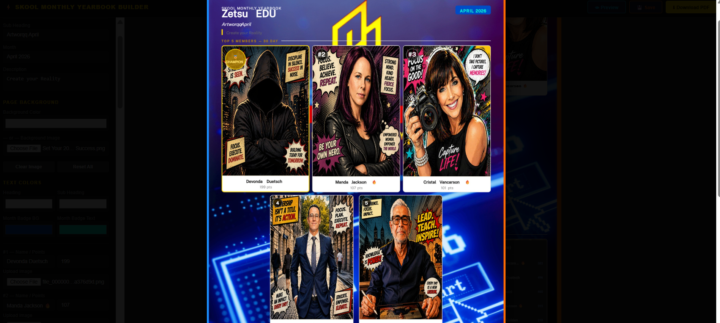
Check out the April edition of the mYBook Page
Be sure to finish yours up if you want to be featured, for those who would like to rent ad space in this months issue just leave a comment and ill send a message with the instructions. If you still want to add your community or sign the new growing testimonial page...It's kool, we still have 2 days. Thinking about it, really we have 4 options now... Join to show off your community. Join and get a page for ads. Add you products to the merch page. Sign the new Testimonial page. Just be sure to leave a comment so i can grab the info.
0
0
🔥
19h •
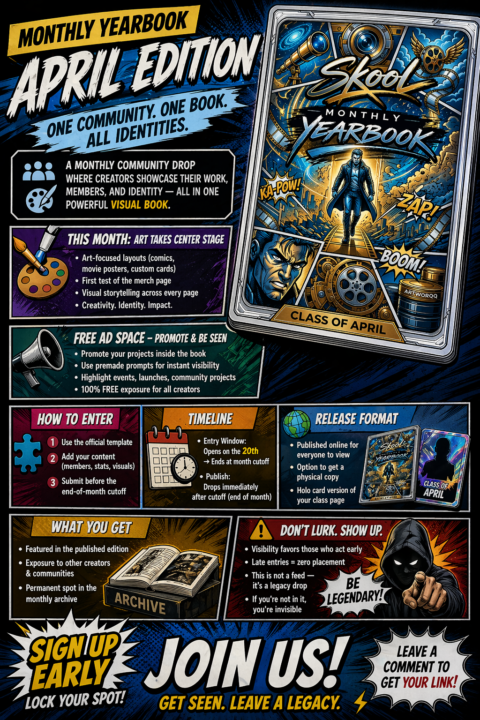
🌐 LAST CALL — Monthly Yearbook (April Edition)
⏳ Entry Window Closing Soon This is the final week to be featured in the April edition of the Skool Monthly Yearbook A visual archive, where creators showcase their work, identity, and projects in a shared published book. 🎨 This Month’s Focus Art-driven layouts: comics, movie-style posters, custom cards, and creative pages First test of our merch / showcase section 📣 Free Ad Space Included Promote your project, event, or community using the provided templates inside the book. 🧩 How to Enter • Use the official template • Add your content (art, stats, visuals, identity) • Submit before the cutoff deadline 📅 Timeline • Entry closes at end-of-month cutoff • Publishing happens immediately after closure • Archived permanently in the Monthly Yearbook series on Zetsu Eoe BookZ 📣 After that — There are no late entries. Your page gets: • Published in the official April Yearbook • Placed in the permanent archive • Optional physical copy or holo card version 🚀 Don’t wait until it’s over — once it’s closed, it’s gone until next month. SIGN UP NOW Leave a comment to get your entry link If your already finished with your page drop it in the comments and i will add it to the post.
🔥
4d •
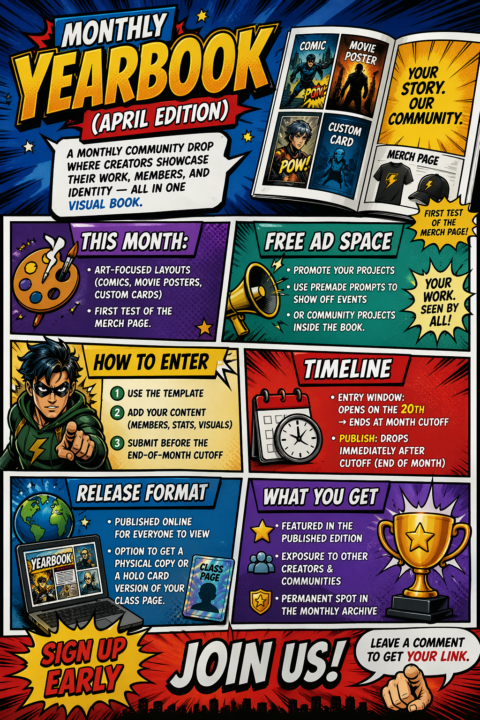
🌐 Monthly Yearbook (April Edition) 20th - 28th
🌐 Monthly Yearbook (April Edition) 20th - 29th A monthly community drop where creators showcase their work, members, and identity — all in one visual book. 🎨 This Month: Art-focused layouts (comics, movie posters, custom cards) + first test of the merch page. 📣 Free Ad Space Promote your projects, using premade prompts to show off events, or community projects inside the book. 🧩 How to Enter• Use the template• Add your content (members, stats, visuals)• Submit before the end-of-month cutoff 📅 Timeline• Entry Window: Opens on the 20th → Ends at month cutoff• Publish: Drops immediately after cutoff (end of month) 🌍 Release Format Published online for everyone to view• Option to get a physical copy or a holo card version of your class page. 🚀 What You Get• Featured in the published edition• Exposure to other creators & communities• Permanent spot in the monthly archive SIGN UP EARLY JOIIN US ! Leave a comment to get your link.
🔥
4d •
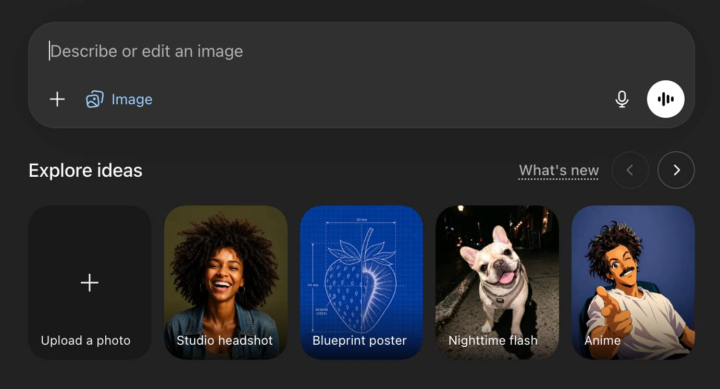
Here you go guys! Want to know how to create images with OpenAI’s Images 2 model
Here's one for your communities - Go to ChatGPT and sign up - Click ‘+’ > ‘Create Image’ > select any Image template to get base prompt - You can also enter your own prompt - Here are five unique use cases with prompts: 1. Email Sequence Template: "Create a polished email sequence template for [company name]" 2. Multi-page Brand Kit: "Create a polished multi-page (multiple images) brand kit for [enter brand name]" 3. Scan Anything Clear: “[upload old paper with writing] Scan this image and get rid of all the creases” 4. Whiteboard Infographics: “[Upload infographic] convert this infographic into a handwritten whiteboard infographic suitable for LinkedIn in ratio 9:16” 5. Text Rendering: A vintage 1950s dinner menu board listing featuring [main content/text]. Use [font style] typography with [design details like colors, textures, layout].
0
0
🔥
4d •
3 year, Sometimes it takes time. Dont rush progress.
Happy Friday ppl, Zetsu is on year 5 Lets sign up and make sure our sites have all the automations they made this week - Day 1: Automations - Day 2: AI Email Editor - Day 3: Resend CLI 2.0 - Day 4: Custom Tracking Domains - Day 5: React Email 6.0 - Day 6: Resend Forward - https://www.youtube.com/watch?v=S2iS1xZ12Ns
0
0
1-30 of 84