
19h • 💡 Tutorials & Tips
Notepad Tutorial is live!
Thank you for your patience as I put this together and to our premium founding members who upgraded early! a full notepad tutorial is waiting for you in the classroom!
The Design Library will be launching shortly as well, just adding the finishing touches 🤗
Head on over to the classroom if you'd like to dive in this weekend -->> https://www.skool.com/stationery-creators-club-3580/classroom/43cc1e15?md=3676caccf59b4391a653e0c1b24c93a8
What's included in this 1-hour tutorial:
- List of tools needed with links
- Sizes overview — a quick tour of every notepad size (4x6, 5x7, A5, square, desk pad) so you know exactly what you're working with and which one feels right for you
- Canva templates in every size - 3 of each plus Canva template guidelines. I also give you a complete Canva Tutorial on how to use the templates in the classroom, swap out colors, fonts, and backgrounds, and turn one template into 20 different notepads (it's wild how quickly it adds up)
- Designing from scratch — building your own notepad using elements from the Design Library, with all my little tips on layout, fonts that actually read well, and arranging things so the design feels grounded
- Print setup — everything from scaling to borderless printing to the trick I always use (print two of the same design — your future self will thank you when it's time to cut!)
- Cutting cleanly — the guillotine workflow that ends "why are my cuts uneven?!" forever, including the ruler trick that changed everything for me
- Gluing & Packaging it up — cello bags, branding stickers, and the pricing tip I learned from doing markets that genuinely makes a difference in sales
By the end, you'll have a real, finished notepad in your hands — and the whole workflow locked in for every notepad you make after this one. 💛
I cannot wait to see what you create! Pop your finished notepads in the community when they're done. Let's gooo! ✨
5
1 comment
Notepad Tutorial is live!
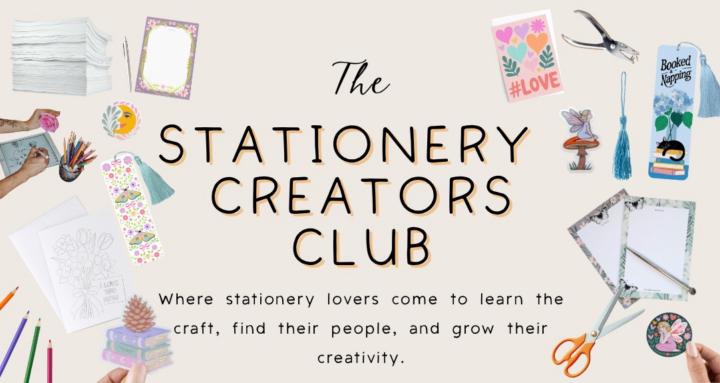
skool.com/stationery-creators-club-3580
A space for stationery lovers to learn, create and grow. Join me as I build my business in real time sharing tools, designs and lessons along the way.
Leaderboard (30-day)
1

+33
2
+27
3

+26
4

+25
5

+23
Powered by