
Write something
Pinned

25d •
F1 Meets Home Assistant: Bringing Live Race Data Into Your Smart Home
Step by Step Install Guide Here: If you are a motorsport fan who loves tinkering with home automation, integrating live Formula 1 data into your setup is an absolute game-changer. Moving past basic static calendar reminders, modern integrations let you pull real-time telemetry, session phases, and race control feeds directly into your local network. - Real-Time Session Tracking: Automatically monitor live session states (pre, live, suspended, finished) without managing complex manual API setups. - Race Control & Track Status: Pull official flags and safety statuses instantly, including CLEAR, YELLOW, VSC, SC, and RED. - Broadcast Syncing: Built-in delay offsets mean you can match your specific TV streaming or satellite lag so your automations line up with what is actually on your screen. What It Unlocks - Immersive Lighting: Trigger your room or desk RGB lights to flash yellow or orange the exact moment a Safety Car or Virtual Safety Car is deployed. - Dynamic Dashboards: Automatically pull up live timing cards, weather trackers, and tyre strategies on wall-mounted tablets whenever a session goes live. - How are you bringing your favorite sports, hobbies, or live events into your smart home setup?
0
0
Pinned
Apr 13 •
START HERE: Welcome to Project Smart Home
You're in. Welcome home. 🏠 Whether you're just putting in your first smart bulb, automating your whole house with Home Assistant, or figuring out how to layer in AI — you're in the right place. Step 1 Introduce yourself Drop a post in the community. Keep it short: - Where you're based - Your current setup (Home Assistant, Google Home, Matter, etc.) - One automation you're proud of — or one you can't figure out We just want to know who you are so we can help. No pressure to write an essay. Step 2 Start with the foundations Head to the Classroom and start with Start Your Smart Home Journey if you're new or rebuilding from scratch. It walks you through everything from choosing your hardware to your first working dashboard in Home Assistant. No setup yet? Start with the Automation Launchpad, Figure out what you actually want to automate before buying a single device. Step 3 Add AI to your home Take your setup further by using Claude to master Local LLMs, Voice Assistants, and Predictive Automations. Instead of manually coding YAML, use Claude to instantly generate adaptive dashboards, complex Jinja2 templates, and intelligent sensors that anticipate your needs. This moves you from being a manual operator to an architect of a home that finally thinks for itself. Step 4 Show up and keep building This community is full of people deep in the wiring (literally and figuratively). Share your wins. Share your stuck moments. Debug together. We're all building smarter homes — one automation at a time. 🌱

19d •
Project Smart Home Tip #1: Start Small
Start with one useful automation. It’s easy to get excited and try to automate everything at once, but the best smart homes usually start with one small, reliable win. A good first automation should be: - simple - useful every day - easy to understand - easy to fix if something goes wrong Beginner automation ideas: - lights turn on at sunset - hallway light turns on with motion - phone alert if a door is left open - Goodnight routine that turns things off - smart plug that tracks power usage One automation that works every day is better than ten complicated ones that only work sometimes. Question for the community: What was your first smart home automation — or what would you like your first one to be?
0
0

Apr 29 •
How to Get the Most From Your AI Prompts?
The best way to get quality results from your AI prompts is to show the model exactly what you want. If you are using images or documents as examples, the AI can use them as training data to understand your specific needs. It can extract information regarding the style and colors you prefer to create something that is unique to you, while remaining within the realm of what you are looking for. I did this recently with a few projects: 1. I provided a few reference images to establish the visual direction. 2. I uploaded one PDF file that represented the full structure of what I wanted to generate. 3. I used a simple prompt: "I have given you a few files inside the folder. Please analyze them, as this is what I want." After only a few back-and-forth adjustments, I had perfectly formatted documents. While there were initially a few misalignments or cut-offs, that is common, and we corrected them quickly. Having used AI for about two months now, I finally understand that the key to a good prompt is providing high-quality training data at the start. When we first begin learning AI, we usually just ask simple questions. However, if you want to get professional work done well, you have to provide solid reference material. I have now created a full design system so I can generate these documents on repeat. They maintain a consistent look because I use a system that includes: (a) A product catalog (b) Brand guidelines (c) Specific reference images I am going to continue adding to these reference images to keep generating high-quality results. You must take the time to plan your prompts properly, as that is about 80% of the work. If you don't plan, you are basically wasting time generating "AI slop." Stop wasting your time on low-quality outputs. Start Planning, and you will get your results perfect.
0
0
Apr 24 •
Classrooms have had a OVERHAUL
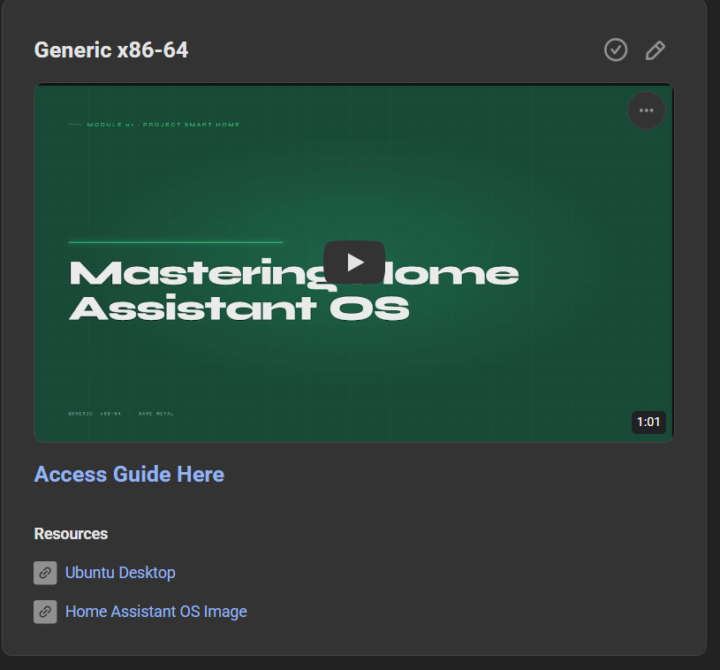
I've started overhauling the classrom infomation to make it less like a wall of text (because we all know no one is going to read that and it gets boring fast Each classroom tutroial will now include 1 video around 60 second motion graphic of the tutorial and a full written guide with graphics to show the commands better also for easier copying
0
0
1-15 of 15
powered by

skool.com/simplify-technology-7037
A community built to master smart home automation. Learn, share, and build powerful systems that simplify everyday life.
Suggested communities
Powered by