
🔥
8d •
YouTube - Stop doing this on YouTube❌
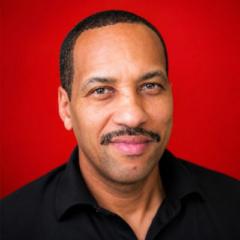
💥Stop Giving Every Problem the Same Amount of Attention - Every channel has more than one area that can improve - Your titles may need work - Your thumbnails may need work - Your videos may need work - Your consistency may need work - But one problem is usually holding your channel back more than the others 💥 Why This Slows Your Growth - When every problem gets the same attention, your progress slows down - Your biggest bottleneck stays in place - You stay busy without making meaningful progress - Working harder isn't enough if you're working on the wrong priority 💥 What To Do Instead - Look at your channel as a whole - Find the bottleneck that's slowing your growth the most - Put most of your time and energy into fixing that first - Continue improving the other areas, but don't let them distract you from your biggest priority - Once that bottleneck improves, identify the next one 💥 Remember This - You can work on more than one thing - But not every problem deserves the same amount of attention - The biggest bottleneck should always get the biggest share of your focus 💥 Your Challenge - Ask yourself: - This week, make that your main focus - Let the smaller problems wait until you've made progress on the biggest one
🔥
Jul '25 •
Youtube Live!
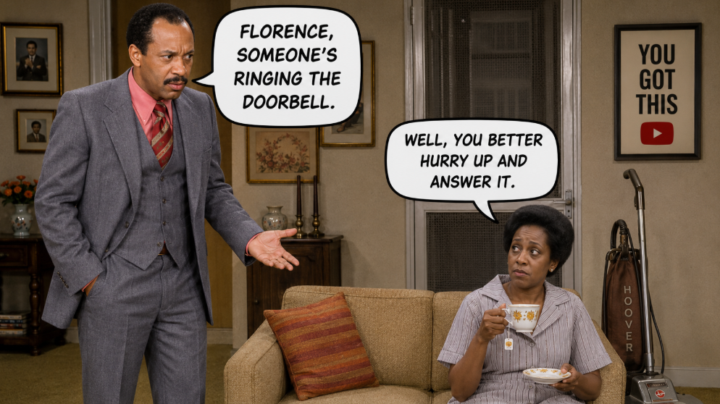
Hello everyone. I’ll be going live on YouTube very soon, likely within the next 24 to 48 hours. I’m just waiting on my channel verification to finish, which will determine the exact time. The live will be YouTube-related, and I’ll share the link as soon as I’m verified. You’re welcome to join, watch, or send in your questions while I’m live. The exact time will be posted later on aswell.
🔥
16d •
YouTube - The leaky barrel analogy
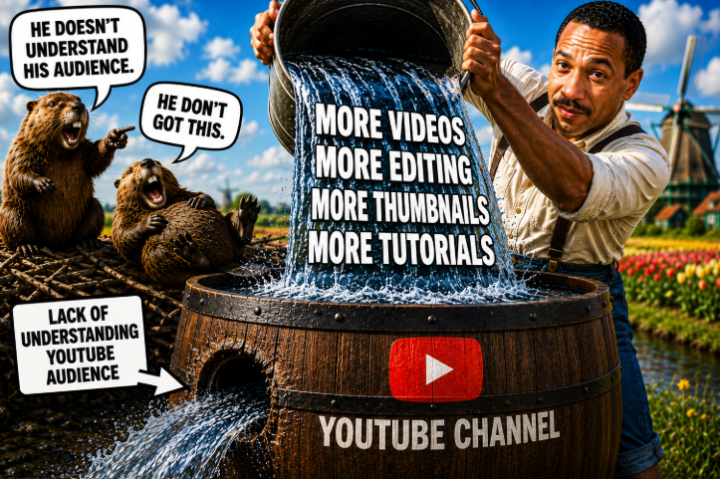
💥 Imagine This • You keep filling a barrel with water • The barrel has a hole in the side • Water keeps pouring out 💥 What Most Creators Do • Make more videos • Do more editing • Watch more tutorials • Work even harder 💥 The Problem • The barrel is leaking • More water will not fix the hole 💥 YouTube Is The Same • More uploads • Better editing • More thumbnails • More advice 💥 But If • You do not understand your audience • Your topic is weak • Your promise is unclear • Your channel lacks focus 💥 The Better Move • Find the hole • Fix the hole • Then add more water 💥 Reminder • Hard work is important • But hard work cannot fix the wrong problem 💥 The Question • What is the biggest hole in your YouTube channel right now?
🔥
22d •
YouTube - Slow channel growth?
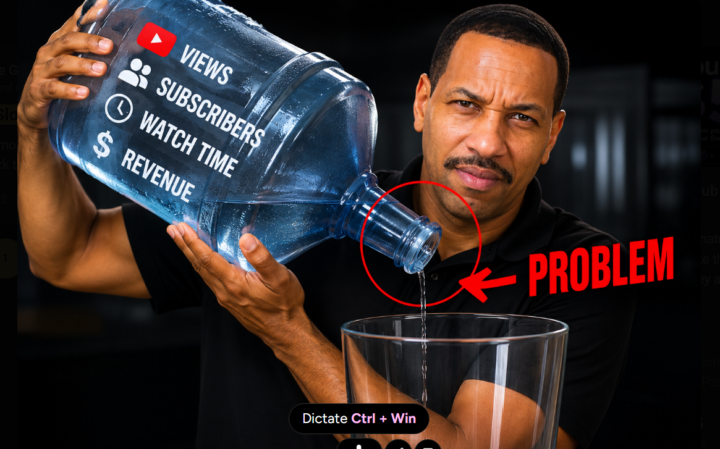
💥 Most Common YouTube Bottlenecks • Unclear niche • Weak thumbnails • Weak titles • Low click through rate • Poor video ideas • Inconsistent uploads • Low audience retention • No clear target audience • Poor storytelling • No call to action 💥 The Mistake • Fixing everything at once • Ignoring the biggest bottleneck • Chasing shortcuts • Copying other creators 💥 The Goal • Find the biggest bottleneck • Fix it • Measure results • Repeat 💥 What Is Your Biggest Bottleneck Right Now? ❓
🔥
30d •
YouTube - Be the best version of "You"
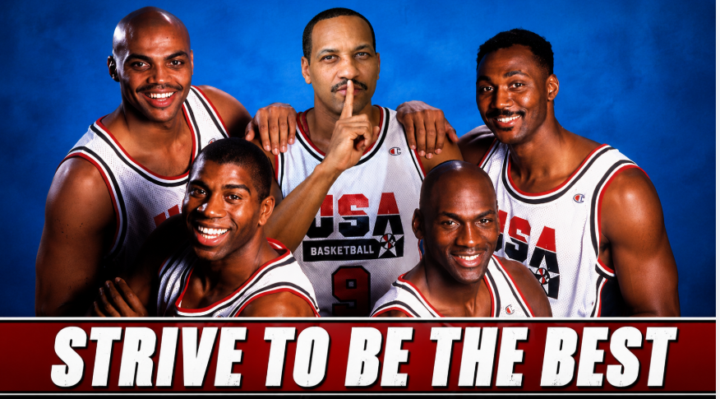
💥 Strive to be the best • Do not chase being the biggest • Chase getting better • Chase your next level • Chase your best version 💥 The truth • You do not need to be MrBeast • You do not need to be Michael Jordan • You do not need to be Beyoncé • You need to become the best version of you 💥 What good creators do • They learn • They practice • They fix mistakes • They keep showing up 💥 The mistake • You look at creators ahead of you • You compare your start to their success • You feel small • Then you slow down 💥 Do this instead • Make the next video better than the last one • Fix one weak spot • Learn one skill • Keep moving forward 💥 The lesson • You may not become the best in the world • You can become the best you are capable of becoming • Most people never get there • They quit too soon
1-30 of 125
powered by

skool.com/digital-income-streams-8409
Turn AI from overwhelm into a clear agentic workflows that run your business, free your time so you focus on the work that actually moves the needle.
Suggested communities
Powered by