
Dec '25 • General discussion
🎨 The “Base → Contrast → Look” workflow
If you skip steps, your footage breaks. If you master this, everything levels up.
1️⃣ Normalize first (the boring but critical part)
Before touching any LUT or creative look:
- Fix exposure
- Balance white balance
- Set clean contrast
- Neutralize skin tones
Use:
- Primaries (Lift / Gamma / Gain)
- Scopes (Waveform + Vectorscope)
- Temperature & Tint
This step alone can make your footage look 2× more professional.
2️⃣ Build contrast with intention
Cinematic images are rarely flat but they’re also not crushed.
Focus on:
- Slightly lifted blacks
- Controlled highlights
- Midtone separation
Think depth, not “Instagram contrast.”
3️⃣ Add a simple look (not chaos)
One of the biggest beginner mistakes: stacking effects.
Instead:
- Push shadows slightly cool
- Push highlights slightly warm
- Add subtle saturation (never global overkill)
- Use one clean node for your “look”
This creates that film-like separation the eye loves.
🎯 THIS WEEK’S CHALLENGE (Creators HQ)
The “One Clip Cinematic Grade” challenge
Your task:
- Take ONE clip
- Grade it properly using the workflow above
- No LUT packs
- No shortcuts
- Just clean fundamentals
Post:
✅ Before -> After
✅ What you changed
✅ What you struggled with
This isn’t about perfection.
It's about building real skill you can repeat forever.
Every serious creator eventually realizes this:
👉 Editing isn’t magic. It’s decision-making.
Put the reps in this week.
Study your own footage.
Train your eye.
Let’s see who actually sharpens their craft 🎬🔥
8
4 comments
🎨 The “Base → Contrast → Look” workflow
skool.com/creatorshq
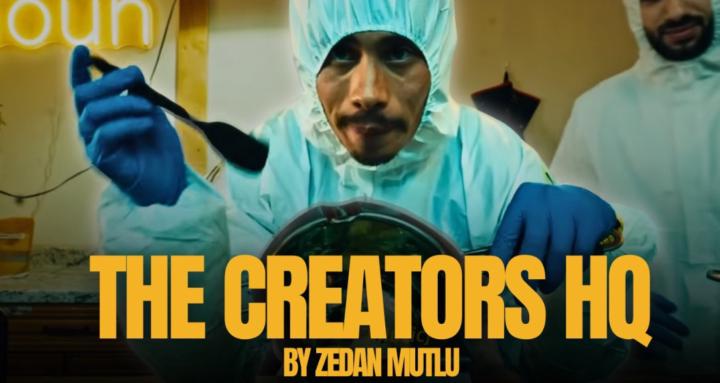
Creators HQ is an elite training ground for creators who treat their craft like art, their camera like a weapon, and their content like a passport.
Leaderboard (30-day)
1

+41
2

+31
3

+31
4
+24
5

+23
Powered by