Activity
Mon
Wed
Fri
Sun
Apr
May
Jun
Jul
Aug
Sep
Oct
Nov
Dec
Jan
Feb
Mar
What is this?
Less
More
Memberships
The Visibility Vault
39 members • Free
Coaching Resource Room
564 members • Free
Constant Clients Club
114 members • Free
Prep School
888 members • Free
Free Email Marketing Community
632 members • Free
Start with Raya
129 members • Free
Online Biz Growth (No Social)
1k members • Free
Email Summit 2026
1.5k members • Free
Choose Your Best Academy
36 members • Free
5 contributions to GrowthKit

May '25 •
What’s tools you’d be lost without?
More importantly — how are you using them? For me, it's these: - Google Workspace, I use it for sheets and of course... email - Skool, this is where GrowthKit is hosted (but not for long!) - Todoist for daily todo lists - Kit for email marketing (newsletter, welcome emails etc) - Wordpress with Divi for my website - Fluent Forms for my signup forms - Dropbox for files - Dropbox Paper for docs - Figma for design (replaced Adobe Illustrator for me a long time back) - ChatGPT for copy ideas and first drafts, and as a PA! - Spotify to make my day sound better There's probably loads more, if i remember any I'll update this post! Over to you...

1 like • May '25
Email aside I use WordPress, Trello, Airtable, G Workspace.... and so much more
Mar '25 •
Optimise LinkedIn for email signups
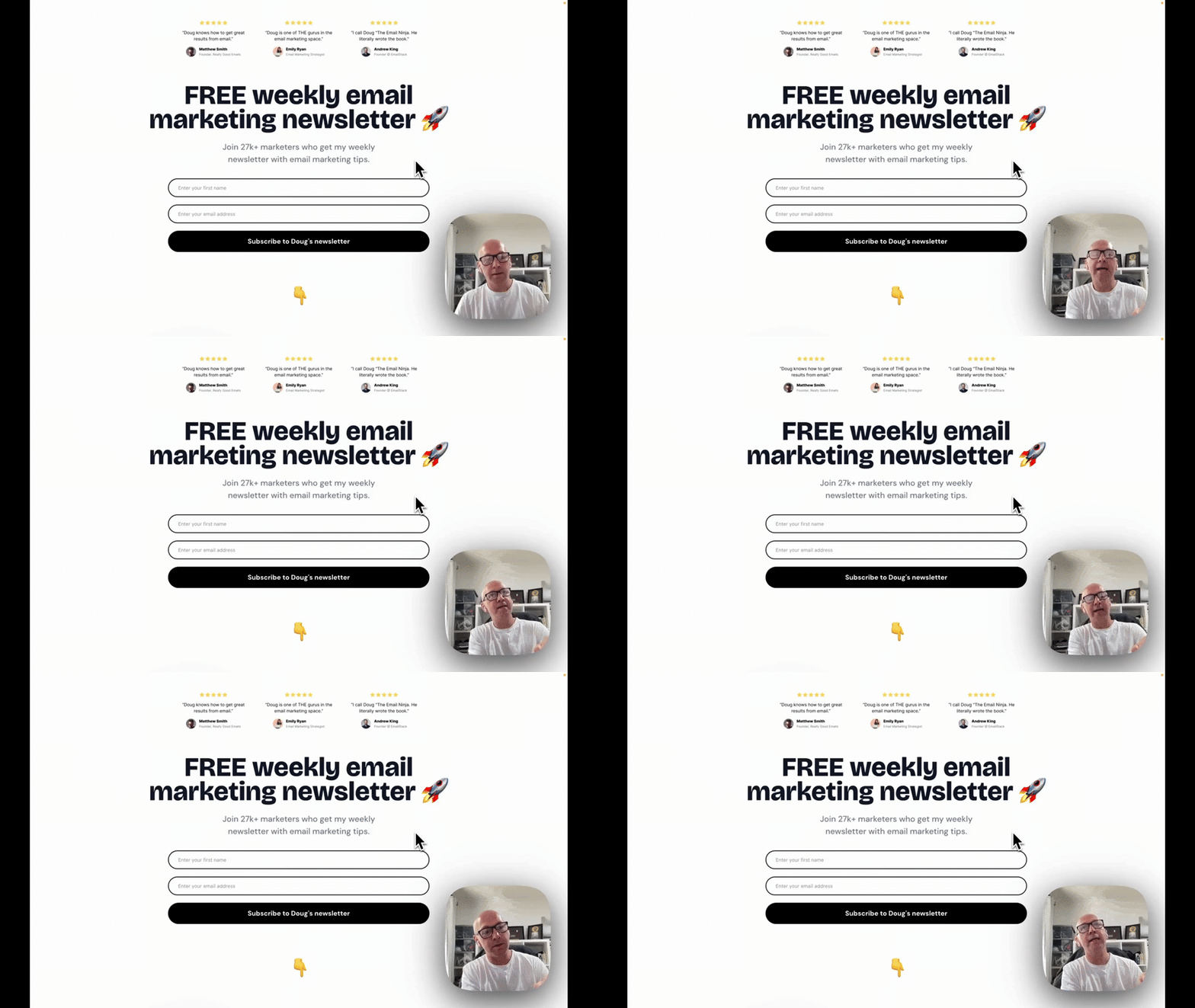
LinkedIn’s a goldmine for growing your email list—especially in B2B. Here’s how to tweak your profile and posts to turn connections into subscribers. - Banner & bio: Mine screams “Subscribe to my newsletter” with a clear CTA and link. No subtlety here. - Featured section: I’ve pinned my newsletter signup alongside other key links. Dead simple, but most people miss it. - Tease your emails: Like Noah Kagan, I hint at upcoming content (“Full story in tomorrow’s newsletter—sign up now”). FOMO works. - Every. Single. Post.: Add a signup CTA at the bottom. Mike does this religiously—no post goes live without driving to his list. The trick? Use every inch of LinkedIn—profile and posts—to funnel people to your email list. No sleaze, just smart leverage.
1 like • May '25
Great examples. Sometimes they don't want to include a link in the post case LI buries it. But linkinbio is asking your audience to work hard. One thing I've seen and used is putting it in the top comment. If you have high engagement then it can buried. I'm thinking I might test putting the PS in each post as I'm focusing on list growth currently.
Apr '25 •
WIN WEDNESDAY 🎉
What’s one tiny win you've had this week? Even a small post, new sub, or finished something on your todo list. Drop it here so we can celebrate you! 🎉
1 like • Apr '25
Finished a client project and wrote a blog 🥳 During last week of school holidays.
Mar '25 •
The magic email formula
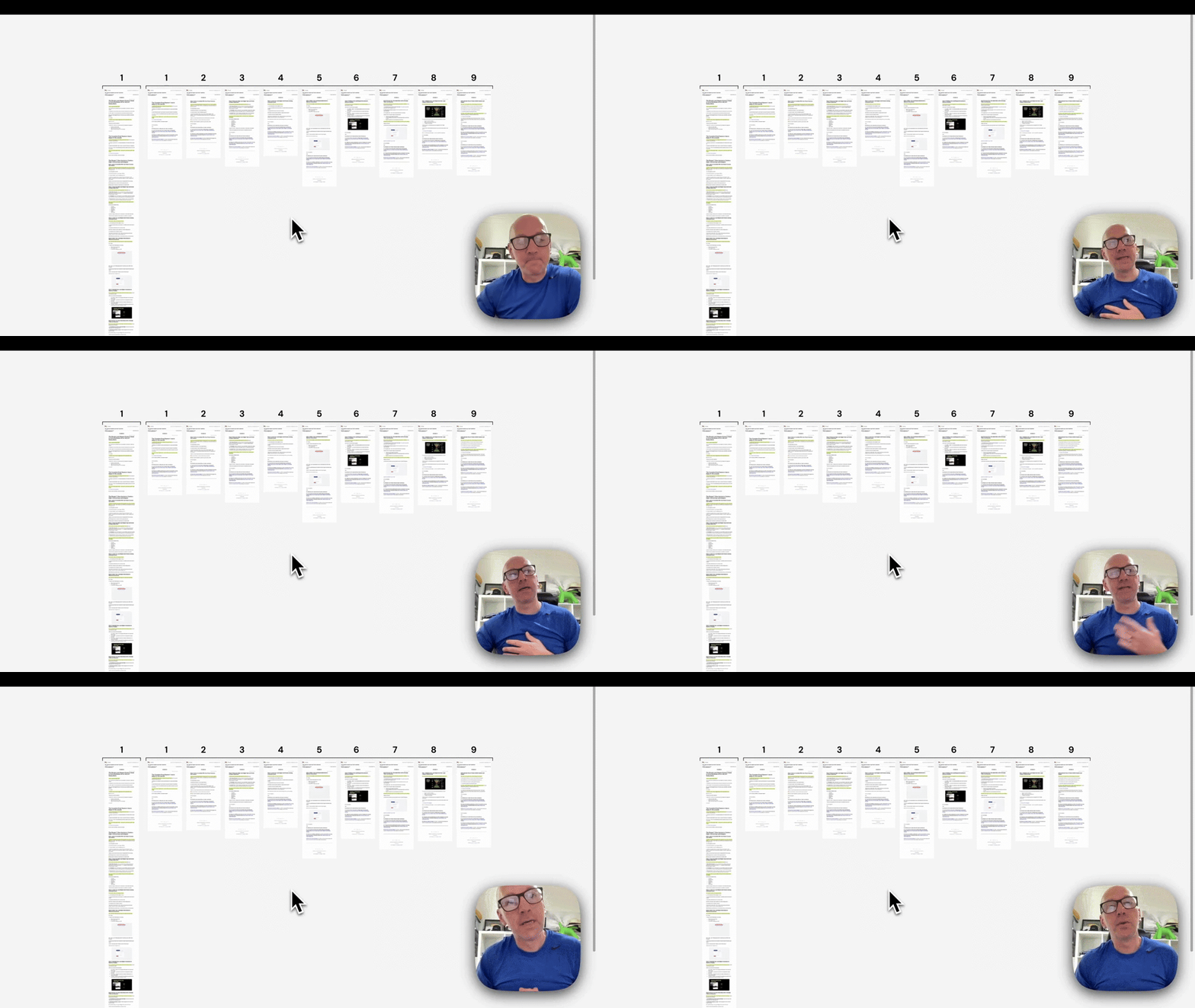
The magic email formula? Less and more. After 20 years of sending emails (yes, I’m that old), here’s what works: - Less content - More emails Simple, right? Let’s unpack it. Less Cut the fluff. Nobody wants a novel in their inbox. - Keep copy short—like a text, not a thesis. - Use one, maybe two images. Max. - One call to action. One focus. No distractions. Break it up with headings, bullet points, or bold text. Make it scannable. If it looks like a Word doc, you’ve failed. More Send. More. Emails. Most people don’t send enough. If you’re doing a monthly dump of four topics, stop. - Spread those four topics over four weeks. - Drip-feed the content. Keep ‘em hooked. Old-school newsletters were boring company digests. The new way? Less content per email, but more emails overall. Example time I got a very long email from Matt Gray (top marketer, loads of subs). Valuable? Absolutely. Overwhelming? Yep. My fix? Take that one email and split it into nine shorter ones. - Tease the series: “Next week, I’ll share step 1 of my 9-step list-building process.” - Schedule ‘em. Done. Now you’ve got nine weeks of content sorted and subscribers eager for the next instalment. Try it Less content. More emails. See what happens. And no, I won’t be DMing Matt with my unsolicited advice. He’s doing just fine. 😉 Your turn—experiment and let me know how it goes.
1 like • Apr '25
Exactly 💯 I see this all the time. The funny thing is it takes a while to get this message through to clients as they get excited about sharing. Less is more then send more frequently.
Feb '25 •
My welcome sequence 👋
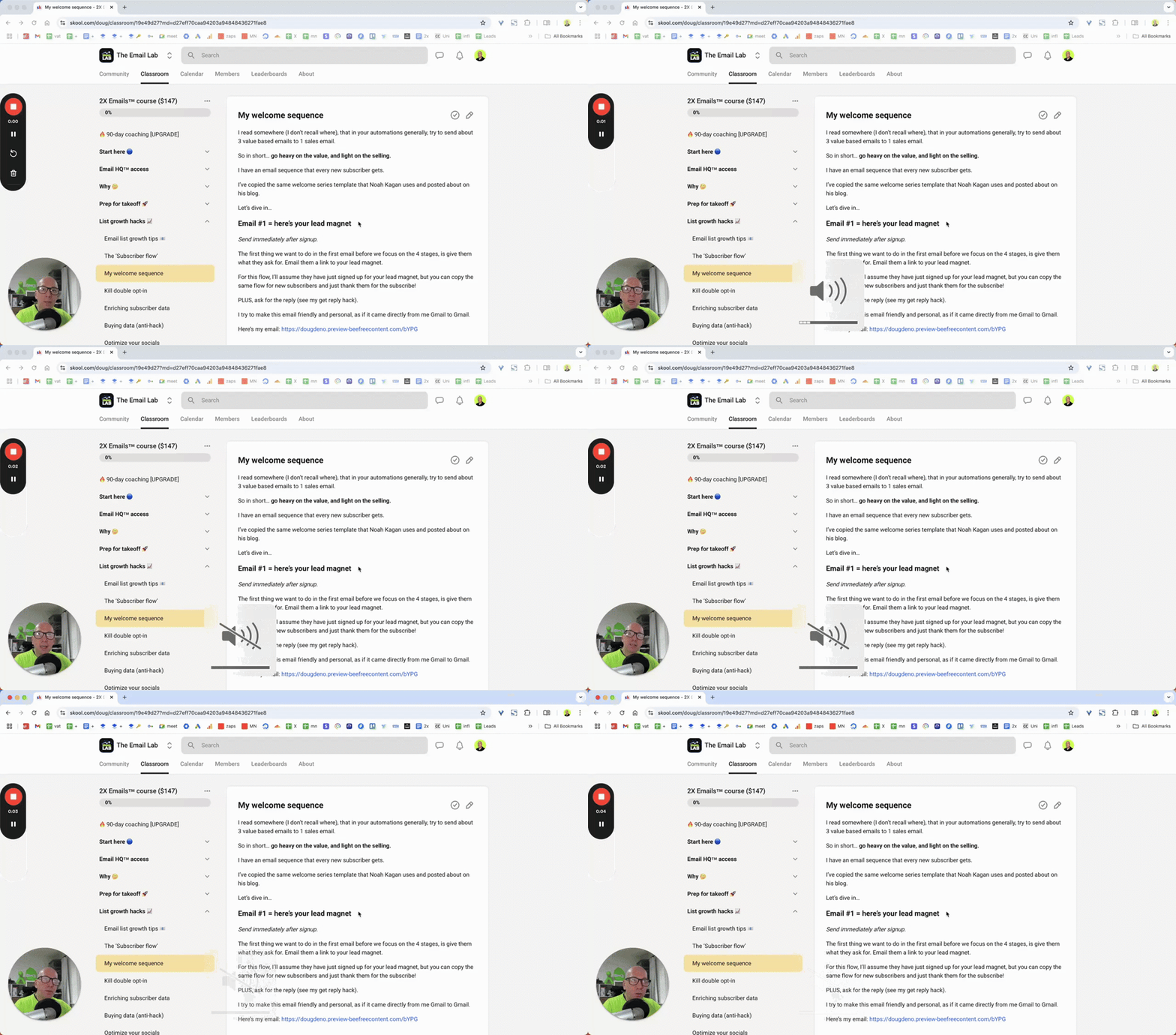
Here’s how I structure my welcome sequence: - Email 1: Immediate. “Hey [First Name], here’s the thing you asked for. Oh, and welcome!” - Email 2: Two hours later. “Hi, I’m Doug. Here’s why I’m not a random bloke in your inbox.” - Email 3: Next day. “Let’s connect on LinkedIn. I promise I’m not weird.” - Email 4: Two days later. “Here’s some of my best stuff. No pressure, just value.” - Email 5: Three days later. A soft sell. “Fancy this exclusive thing? It’s a no-brainer.” The key? Build trust first. Sell later. Oh, and don’t let your welcome sequence gather dust. Keep it fresh. Update it with new content, offers, or wins. What’s your welcome sequence look like? Share it below. Let’s swap notes. 👇 P.S. If you’re still sending “BUY NOW” as your first email, we need to chat. 🫣
1 like • Feb '25
I agree trust first. Mine is similar but different. Currently I'm sending immediate then 24 hours later for each. I noticed another email marketer mentioned Email 2 can be 2-3 hours later. My concern being then it may not hit at the best time. Interested in why you chose that timing and if you've tested.
0 likes • Feb '25
@Stephanie Hetu I ask a question in my second email too. How's your response rate for that question?
1-5 of 5

@tiffany-bartlett-6294
Email marketing specialist for service pros & coaches. Based in Auckland New Zealand.
Active 19h ago
Joined Nov 17, 2024
Auckland, New Zealand