Activity
Mon
Wed
Fri
Sun
Dec
Jan
Feb
Mar
Apr
May
Jun
Jul
Aug
Sep
Oct
Nov
What is this?
Less
More
AI Builders Club
102
5.0
$29/m
Useful AI • AI For Business
37.8k
Free
5 contributions to Useful AI • AI For Business

2d •
Scheduled Runs not in Recents
Does anyone have any insight as to why some scheduled runs will report that they're done and information under the recents side panel, where others, such as this example called Event Watch, does not show, even though it did run this morning? To actually find out any details about it, you need to go into the schedule, find that project in there, and pull up that history. For instance, this event watch task was never reported under the recents and so I have no way of knowing that it ran without remembering it and going and looking for it.

0 likes • 23h
@Elhabib Elhab Thank you!

May 12 •
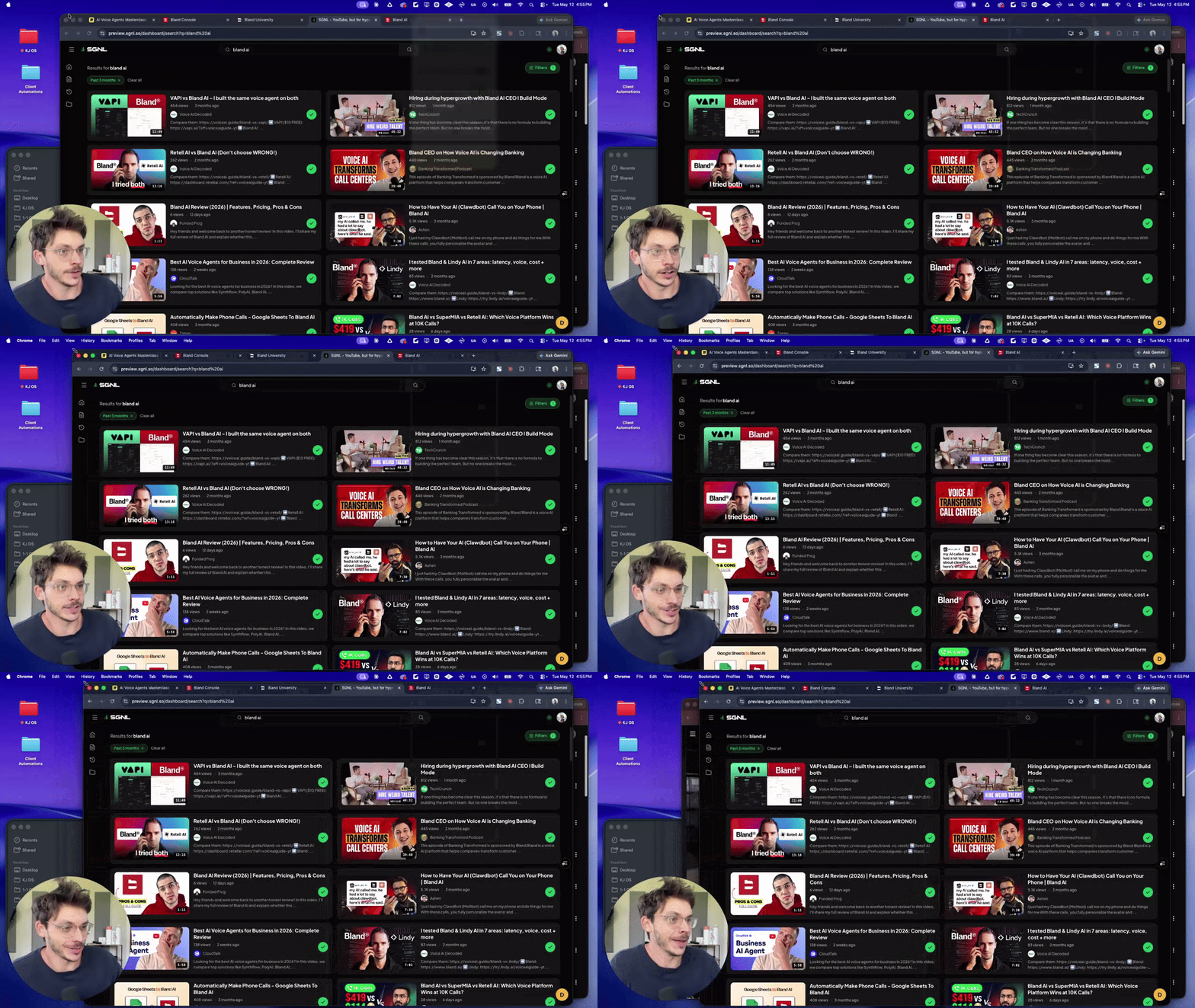
SGNL 2.0 is finally live!!!👾📈
check it out for yourself: https://www.sgnl.so/ (all done with 100% help from claude code)
0 likes • Sep 10
@Kj Rainey hey, just checking back... if we can move a video from one project to another ... i'm finding myself kinda in a mess. Even when playing a video I can't figure out if I can somehow save it again, to another project.
0 likes • Sep 10
And, if I put the videos saved into my project, there isnt' a way to see if they have been watched already or not.
Apr 28 •
Task Tracker
I've tried tracking tasks in many different apps, and none really have worked great for me. I was wondering about using 2nd brain idea to track tasks directly in Claude, no other app. When I googled it these suggestions come up. I wonder if anyone has any feedback on either system, or even another idea. You can make Claude track tasks by using Claude Projects to hold context, creating structured todo.md files, or using Claude Code with local file access. Since Claude resets between chats, the key is to make it write tasks to a file it can read back later. Reddit +3 Here are the best ways to track tasks with Claude as of April 2026: 1. The Best Method: Claude Projects (Built-in) For ongoing tracking, create a new Project in the Claude desktop app or website. - Create a Project: Name it "Task Tracker". - Set Project Instructions: Tell Claude: "You are an assistant that tracks my tasks. Always read todo.md at the start of a chat, and update it when I ask.". - Upload a todo.md file: Create a simple text file with your tasks and upload it to the project knowledge base. - Maintain: Ask Claude to "Update the todo.md file" whenever you complete a task or add a new one.
1 like • May 1
Thank you for the comment and I will take a look at task warrior.

Apr 23 •
How do you guys stay updated?
Hello everybody, I think it’s pretty clear that AI is developing at a crazy rate. And I was thinking, how do you guys stay updated? Because I see people making videos about new features every day and I just don’t understand where they get the info from. It’d be of great help if somebody could help me.
0 likes • Apr 24
It is pretty crazy, especially lately with Claude. Aside from kj here, I wonder about his sgnl app. It would help search out relevant youtube teachings I think.
0 likes • Apr 24
@Kj Rainey v2 of sgnl or in here? Wondering if i should do the second brain now then, or wait? I already have a mess in my Claude with projects in chat, and some in cowork, and all stored all over the place…nothing is consistent. LOL.
Apr 24 •
All that Memory and the Token use
As I go through this training and see all the memory of things actioned, videos watched notes, and to be remembered I wonder will this not build to crazy levels and thus burn through usage limits very quickly? It was my understanding to keep things tight and short as much as possible so as not to use up tokens with claude reading and reviewing all the notes.
1-5 of 5
