Activity
Mon
Wed
Fri
Sun
Mar
Apr
May
Jun
Jul
Aug
Sep
Oct
Nov
Dec
Jan
Feb
What is this?
Less
More
Memberships
The Weavy Way™ | Master Nodes
18 members • Free
AI Automation Agency Hub
290.7k members • Free
CLMB Editing University
175 members • Free
1 contribution to The Weavy Way™ | Master Nodes

2d •
How do you add 'character' to your AI renders? 🎞️
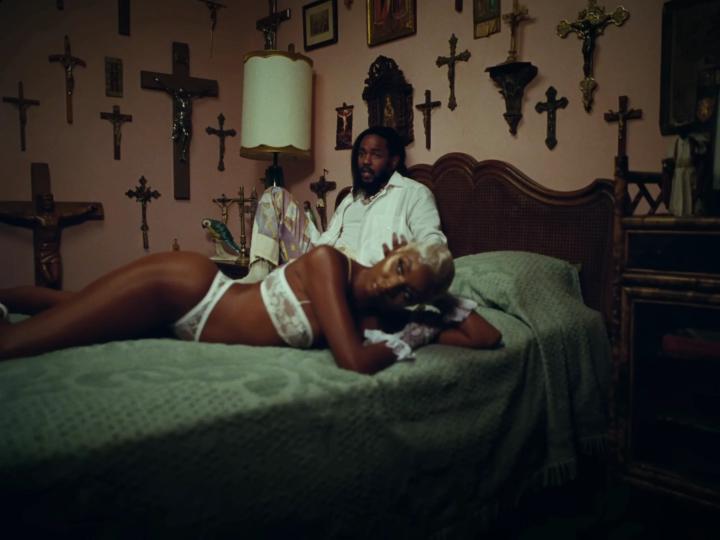
Hey everyone, I wanted to open up a conversation about the 'look' of our work. In my past life as a photographer and filmmaker, I was obsessed with "realness." That digital, clinical perfection was usually the enemy. We spent our time adding grain, hunting for the right LUTs, and emulating old film stocks in post-processing—anything to give the image some soul. Now that we’re all deep into AI, that "plastic," over-polished look is everywhere. It’s technically impressive, but it’s often a dead giveaway that it was made by a machine. Usually, you’d fix this in post-processing (Lightroom, Photoshop, etc.). But what’s interesting about the node-based tools we’re using now is that we can bake that character in during the generation process. I’m curious to hear from the community: What’s your go-to move for breaking that AI glassiness? I’m currently mapping out a few different workflows to show exactly how you could handle this, so stay tuned for those. But for now how are you guys doing it?
Poll
3 members have voted
1 like • 2d
The method that I use for eliminating the plastic skin is usually writting specific system prompts just for the skin realism and lock the exact generated prompt onto the final images and further prompts !!
1-1 of 1
@nirmit-sachin-kadam-3276
I'm a AI Art director,Helping brands scale campaigning for their products with visuald that not only attract but convert.
Active 2d ago
Joined Feb 1, 2026