Activity
Mon
Wed
Fri
Sun
Nov
Dec
Jan
Feb
Mar
Apr
May
Jun
Jul
Aug
Sep
Oct
What is this?
Less
More
Owned by Mr
Welcome to the AI Creative Club — the home for generative AI tools, workflows & builders. Learn, create & grow with a community shaping what’s next.
PYNK Society — the home for AI creative systems and workflows. Create and scale brand content with AI in a community shaping what's next.
11 contributions to The Weave Way™ | Master Nodes

9d •
30 days, 30 Gen Effect nodes. Challenge complete.
It's done. 30 Gen Effect nodes, one every day for a month, all on a single canvas. A month ago I said I'd only scratched the surface of this node and wanted to actually understand it. This is what that looks like now. Practical retouchers, iridescent and chrome looks, datamosh, halation, long exposure, extrude, LED, an Inception fold that works on video, facial expression control, and a lot more. The point was never the individual effects. It was learning to build the node instead of hunting for one. A month in, that clicked, and I understand this node in a way no tutorial could have taught me. So here's the plan: Monday's call is the Gen Effect walkthrough. I'll go through how I approach these, where they break, how the JSON gives you real control, and all my other findings. Live, and I'll record it for anyone who can't make it. Monday 6 October, 15:00 CET. It's in the calendar. 👇 Who's joining?


0 likes • 9d
Lets gooo!!
Sep 1 •
Day 1. The Gen Effect challenge starts now.
September 1st, so the challenge is live. One Gen Effect node every day this month, and I'm already deep in it. Quick reminder of what this node is: you describe an effect and get back a working node with full control. Sliders, values, whatever the effect needs. No coding required, though writing your prompt in JSON helps a lot. The best way I can explain it: imagine every tool in Photoshop/Premiere, except you build the exact one you need and combine them however you want. Here's the thing that surprised me on day one. The effect that's already earned a permanent spot in my workflow isn't visual at all. It's a purely practical one that just saves me time, every single day. I expected the flashy stuff to win me over first. Instead it was the boring, useful node. That tells you how wide this thing goes. Because that's the real point here. This node is diverse in a way that's easy to underestimate. Illustrators, photographers, retouchers, VFX, editors, anyone working creatively with image or video can pull something out of it. It can sit in the middle of a workflow or be the final step. It can be a wild visual effect or a tiny rotate tool. Non-destructive, so no quality loss, and you can chain and combine them endlessly. 📅 First batch drops in a week. It'll be a mix, from proper visual effects to the dead-practical stuff, for both stills and video. Preview below of what's coming. 👇 And the challenge is open. If there's an effect you'd actually use, drop it. I'll build the ones that come from this community with my own credits and time.

1 like • Sep 1
🤝🚀letsss goo
Jul 23 •
I've been off balance for months. Here's the honest version.
Time for an honest post before I disappear for a bit 😎. The last few months got away from me. Client work took over completely, and this community got whatever was left. Which wasn't much. That's the flip side of doing AI work right now: the demand is real, and it eats everything if you let it (Lesson learned...) You're all here paying attention, and that deserves better than silence. Good news: the work wasn't wasted. I built a workshop, one version for agencies and one for LABASAD (Barcelona school of Arts & Design), and every finding from both is coming here. All of it. I'm off until mid-August. When I'm back, this is what I'm picking up first. And to be clear: keep posting while I'm away. Questions, work you want to show, a workflow you want feedback on, anything. I read everything that lands here and I'll answer. Don't sit on it until I'm back. What I don't know yet is the shape. One-off, monthly, live, recorded, free, paid. That's a real question, not a rhetorical one. Drop your thoughts below.

0 likes • Jul 23
enjoy your time off jamyyy🚀
Jun 25 •
A text lab that optimizes and translates in one pass. Free to grab.
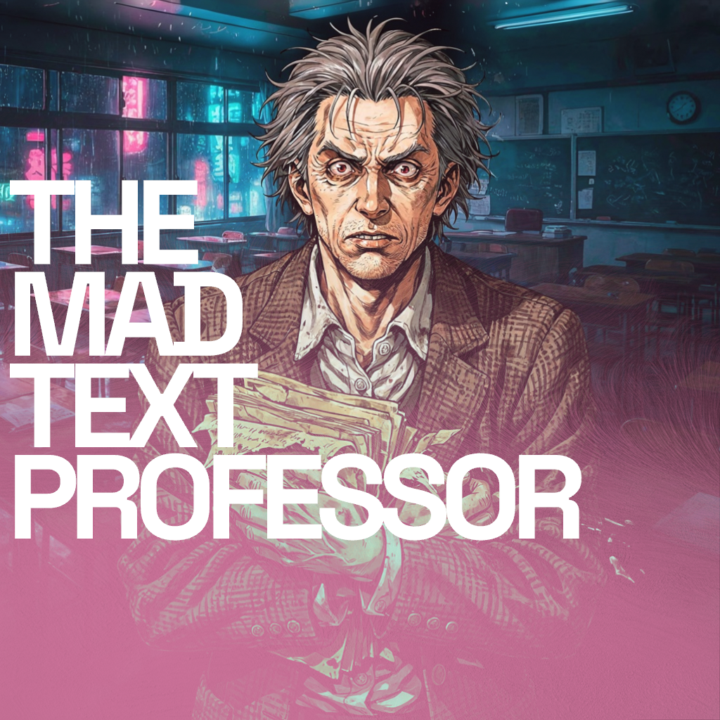
I published my first workflow to the Figma Weave community: THE MAD TEXT PROFESSOR. It's a text lab. Paste any text in, set four parameters (Type, Optimize, Translate, Language), and it handles the rest. Clean results, zero commentary. What I use it for: turning a rough note into a polished prompt, translating a paragraph in seconds, or prepping input for a system prompt that gets optimized and translated in one pass. One workflow, every text job. https://www.figma.com/community/weave_workflow/64/the-mad-text-professor Grab it, save it to your gourps, run it through your own pipeline, and tell me how you like it.
0 likes • Jun 26
🚀love that!
Jun 16 •
1,500 free Weave credits and discount code for this group.
I joined the Teach With Weave program from the Figma Weave team, and honestly, the first thing I wanted to do with it was bring something back here. So: ten times the standard free credits, through my sign-up link: http://app.weavy.ai/signin?promotion=jvodegel&ref=jamy76 For anyone going paid use this code: JVodegel20 20% off your first purchase. One time per person, so put it on an annual plan, not a month. Capped at 50, then it's gone. Transparency: runs through my affiliate. More of this coming. This community is the reason I push for this stuff.

1 like • Jun 16
yoo what an offer🚀🚀 thanks jamy!
1-10 of 11

@mr-pynk
Just passionate about the future of AI in the creative space. Let´s connect!
Active 16h ago
Joined Mar 5, 2026
ENFJ
Berlin, Germany
Powered by