Activity
Mon
Wed
Fri
Sun
Nov
Dec
Jan
Feb
Mar
Apr
May
Jun
Jul
Aug
Sep
What is this?
Less
More
13 contributions to NewTubers YouTube Skool

Mar 8 •
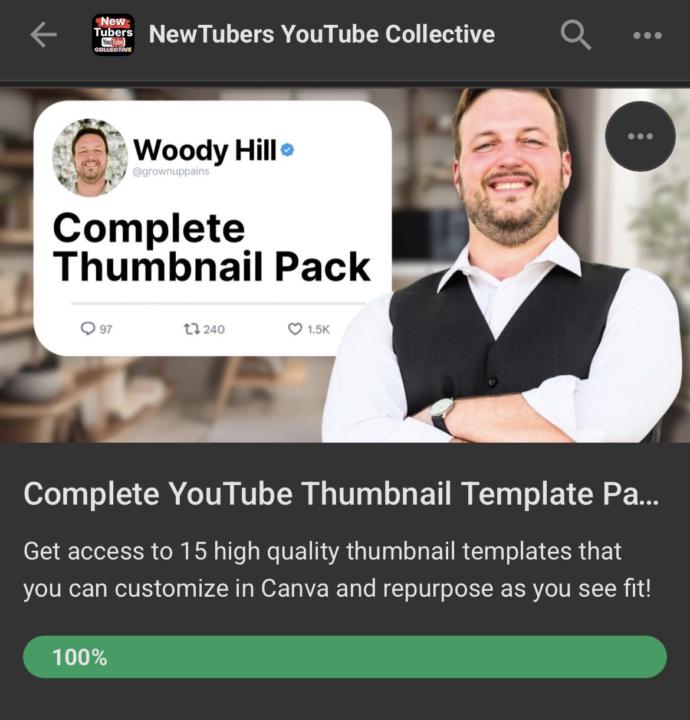
I'm going to give away EITHER the Complete Thumbnail Pack OR the Niche Finder Course to the person I see pop up most in the comments 👇👇👇
Feeling generous and want to give someone access to one of these paid items for free! Whoever pops up most in the comments of this post will get it!!! Winner announced after 9:00PM CST Start your own conversations in the comments—the more you engage, the greater your chance to win! 💪 Let’s go!! 🎉🙌

2 likes • Mar 9
@Woody Hill I surely will!!
2 likes • Mar 9
@Woody Hill i agree with this 100% 😉
3 likes • Dec '25
Nice work!!
Dec '25 •
Have you tried the YouTube Create App?
I just saw the email from YouTube that this app is live. I think it was recently in beta. This is a video editing app created by YouTube. I just threw together a very quick video and edited it with the YouTube Create app to check out how it works (you can watch that here if you like). I think maybe the most valuable feature here is the ability to add high quality royalty free music to your YouTube videos BEFORE you upload them. YouTube has offered access to a royalty free music library for a long time, but you had to upload the video to YouTube first and then edit it in their clunky online editor. Now you can do it all in the YouTube Create app on your phone with more precise controls and then upload the video to YouTube once it’s done! There are some AI features that will chop your longer videos into shorter clips, similar to what Opus Clip AI does. I haven’t tried out the AI features yet but this could be great for anyone looking to get more content out of their videos. there are other basic video editing features as well, but the YouTube Create app has its limitations. overall I still prefer CapCut, and will likely make my videos inside of CapCut first, then export them and as music afterwards using the YouTube Create app. Is this a tool you would find helpful for your YouTube video creation process?
Poll
9 members have voted
1 like • Dec '25
Thanks for sharing this!!! Glad to see you back again ~ hope all is well!
Dec '25 •
Personal Update
Hey everyone, just wanted to say I know I haven’t been very present in the community this last week. I’m helping my mom navigate a recent health situation, and that has been taking up much of my attention. The good thing is, I’m not the only one here in the community! You are all encouraged to post questions and comments, share ideas and ask for feedback. Have a question about something that’s in the classroom (or maybe something that ISN’T in the classroom)? Ask and see who helps you out! Or share insights of what has been working for you—it might motivate someone else to try something new 🙂 I hope to return to my regularly scheduled participation level soon. In the meantime, NewTubers is what YOU make of it 😎 Happy Holidays 🎅 -Woody
3 likes • Dec '25
Very sorry to hear about your mom!!
Nov '25 •
✅ YouTube Pre-Filming Checklist
**There is a downloadable PDF of this checklist attached to this post** Before you hit record… 🎥 1. Camera Setup (Choose Your Section) A) Regular Camera (DSLR / Mirrorless) • ☐ Battery fully charged • ☐ Backup battery ready • ☐ Memory card inserted • ☐ SD card has enough free space (format if needed) • ☐ Lens cleaned (microfiber cloth) • ☐ Camera settings correct: • ☐ Resolution (e.g., 1080p or 4K) • ☐ Frame rate (24/30/60fps) • ☐ Shutter speed (e.g., 1/50 or 1/60) • ☐ ISO set low as possible • ☐ White balance manually set • ☐ Autofocus working OR manual focus set • ☐ Tripod stable and level ⸻ B) Smartphone Camera • ☐ Phone charged + plugged in if needed • ☐ Storage space checked (delete or offload old files) • ☐ Rear camera selected (better quality) • ☐ Lens cleaned (microfiber cloth or shirt) • ☐ Airplane Mode ON • ☐ Do Not Disturb ON • ☐ Video settings correct: • ☐ Resolution (4K if available) • ☐ Frame rate (24/30/60fps depending on style) • ☐ Lock exposure & focus (tap and hold on most phones) • ☐ Phone mounted securely (tripod, clamp, etc.) ⸻ 🎤 2. Audio • ☐ Mic connected • ☐ Wireless transmitter/receiver charged & paired • ☐ Lav or shirt mic placed correctly (no rubbing on clothes/beard) • ☐ Test recording made and listened to • ☐ Background noise monitored • ☐ Gain levels not too hot (no clipping) ⸻ 💡 3. Lighting • ☐ Key light on & positioned • ☐ Fill light / background lights placed • ☐ No harsh shadows • ☐ No glare on glasses (adjust angle of lights) • ☐ Background clean and intentional ⸻ 🧍♂️ 4. Framing & Composition • ☐ Camera slightly above eye level • ☐ Proper headroom • ☐ Subject centered or following rule of thirds • ☐ Arms/head not cropped awkwardly • ☐ Background tidy and not distracting ⸻ 👕 5. Clothing & Appearance • ☐ Shirt clean, unwrinkled • ☐ No loud patterns (avoid moiré) • ☐ No clothing rubbing your mic • ☐ Hair in place • ☐ Shine removed (quick powder or blot) • ☐ Lint/pet hair removed • ☐ No loud jewelry

1 like • Dec '25
Thanks for this checklist! I have never thought of putting Airplane mode on! ✈️
1 like • Dec '25
@Woody Hill 😂
1-10 of 13

@melissarn
RN x 35 yrs ~supporting women in Perimenopause & beyond to create a personal hormonal roadmap with health coaching & goal setting for lasting wellness
Active 9d ago
Joined Nov 8, 2025