Activity
Mon
Wed
Fri
Sun
Jan
Feb
Mar
Apr
May
Jun
Jul
Aug
Sep
Oct
Nov
Dec
What is this?
Less
More
Owned by Jenifer
For GHL users overwhelmed by the tech. Learn step-by-step systems to set up, automate, and actually use Go High Level.
Memberships
360 Insurance Group
903 members • Free
Q's Mastermind
5.1k members • Free
Learn AI - The Elevate Effect
22 members • Free
Skoolers
182.4k members • Free
HighLevel Hive
5 members • $47/month
Launch Your Community
170 members • Free
6 contributions to HighLevel Systems Playbook

9d •
High Level Release Radar 🚨✨
Welcome to your weekly HQ for all things new in HighLevel. Each week On Friday, I will drop a simple summary of the latest updates, features and tweaks so you do not have to dig through release notes 👀📋 Here is how it works: 🔍 I post the new releases for the week 🗣️ You comment which feature you want broken down 🎥 I record a step by step video and add it to the New Features module No fluff, no confusion, just clear “what it is, why it matters, and how to use it” so you can keep your account sharp and actually use what you are paying for 💻⚙️ Drop a comment anytime you see a feature you want me to dive into 👇🔥

1 like • 9d
@Charlie Brown Thank you. I will check into that.
9d •
Release Radar December 1-5
December 5, 2025 1. Conversation Email – AI Schedule (Smart Send Time Optimization) - What it does: Lets you choose a time window (for example, “next 48 hours”) and have AI auto-pick the best send time for each contact based on their past open / click behavior. If there isn’t enough data, it just sends right away so nothing gets stuck in limbo. - Why you care: Higher open and reply rates without you guessing or over-segmenting send times. 2. Reduced Padding around QR Codes Logo - What it does: Tightens the padding around logos that sit in the middle of QR codes so they look cleaner and more balanced. Applies automatically to all existing and new QR codes. - Why you care: Better looking QR codes for menus, flyers, receipts, etc, with no change in scan reliability. December 3, 2025 3. Calendar – Stay Informed When a Meeting is Missing a Location (🎥 Recorded the Video Check New Features) - What it does: Sends email and/or in-app notifications when an appointment is created without a meeting location or link, including when Zoom/Google/Teams fails or the custom location is blank. Controlled from each user’s notification settings. - Why you care: Cuts down on “Where is this meeting happening?” chaos and missed calls from broken links. 4. Forms / Surveys / Quizzes – Easily Adjust Margins - What it does: Adds a “Top Margin” control in the builder so you can adjust spacing above sections directly from Styles → Layout without touching CSS. Works across forms, surveys, and quizzes. - Why you care: Faster, cleaner layouts, especially for multi-section forms and landing pages. 5. SaaS Mode – SaaS Analytics: Deep Insights Into Your SaaS Business - What it does: New SaaS tab on the Agency Dashboard (Pro $497) that shows MRR, total SaaS revenue, churn, expansion, reactivation MRR, plan distribution, ARPA, upgrades/downgrades, etc. - Why you care: Real SaaS metrics directly in HighLevel so you can actually manage pricing, churn, and growth instead of guessing.
1
0
17d •
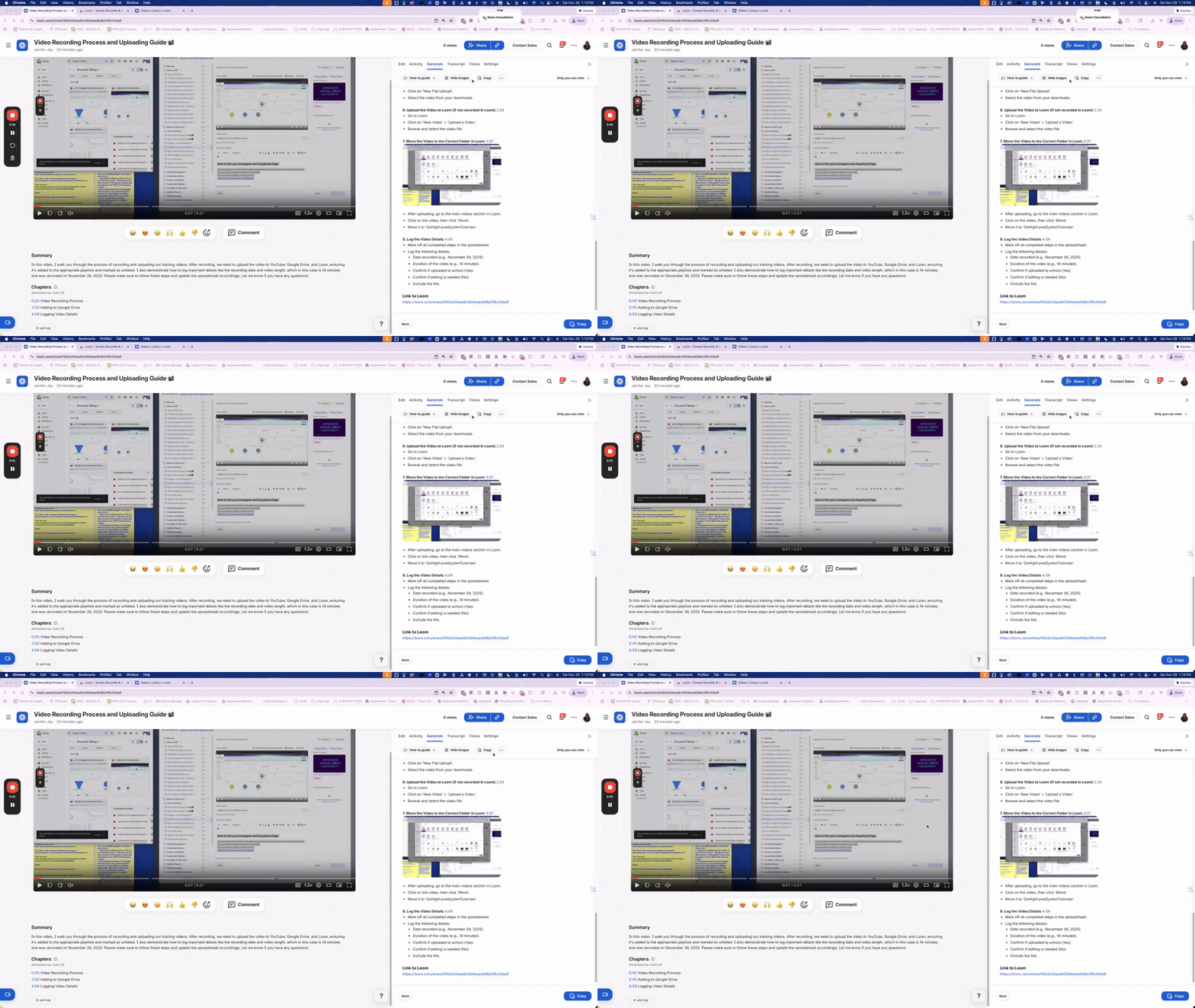
Create Step By Step SOPS with LOOM
I use Loom to record a lot. Now Loom will create sops with screenshots. Check it out this makes things so much easier: https://www.loom.com/share/6c389d952ed64d3198be41f004b0aa1b
0
0
17d •
Screenshots, blur and Crop With Loom
I didn't know I could screenshot in Loom so here is a video on how to blur a screenshot in Loom. Another disclaimer: I don't know this Guy I just found his video helpful. LOL https://www.youtube.com/watch?v=7GSH9ihLsf0
0
0
17d •
Blur your video with Loom
I record a lot with Loom and sometimes my personal content or customer info pops into the screen. With Loom you can blur that out while your recording. This video on You Tube shows how. I wish I know this 200 videos ago , but I know now. So im sharing with you. https://www.youtube.com/watch?v=ij3Y4CxHZyc If you know of a better way let us know! Disclaimer: I dont know this guy I just found his video simple and useful.
0
0
1-6 of 6

@jenfier-jay-6536
Systems and automation expert and certified HighLevel admin, turning messy setups into clear, revenue-focused systems owners actually use.
Active 3d ago
Joined Nov 20, 2025
Gwinnett County, GA
Powered by