Activity
Mon
Wed
Fri
Sun
Dec
Jan
Feb
Mar
Apr
May
Jun
Jul
Aug
Sep
Oct
Nov
What is this?
Less
More
Money Magnet Accelerator
20
Free
Cash Collected: EQ in Closing
2.4k
Free
Precision Closers Community
1.2k
Free
Skoot | CRM for skool
697
5.0
$99/m
The Zensports Experience
129
Free
Savage Closer Collective
345
Free
Remote Sales Secrets
855
Free
AI INSIDERS 👨🏻💻
5.9k
Free
27 contributions to AI INSIDERS 👨🏻💻

3d •
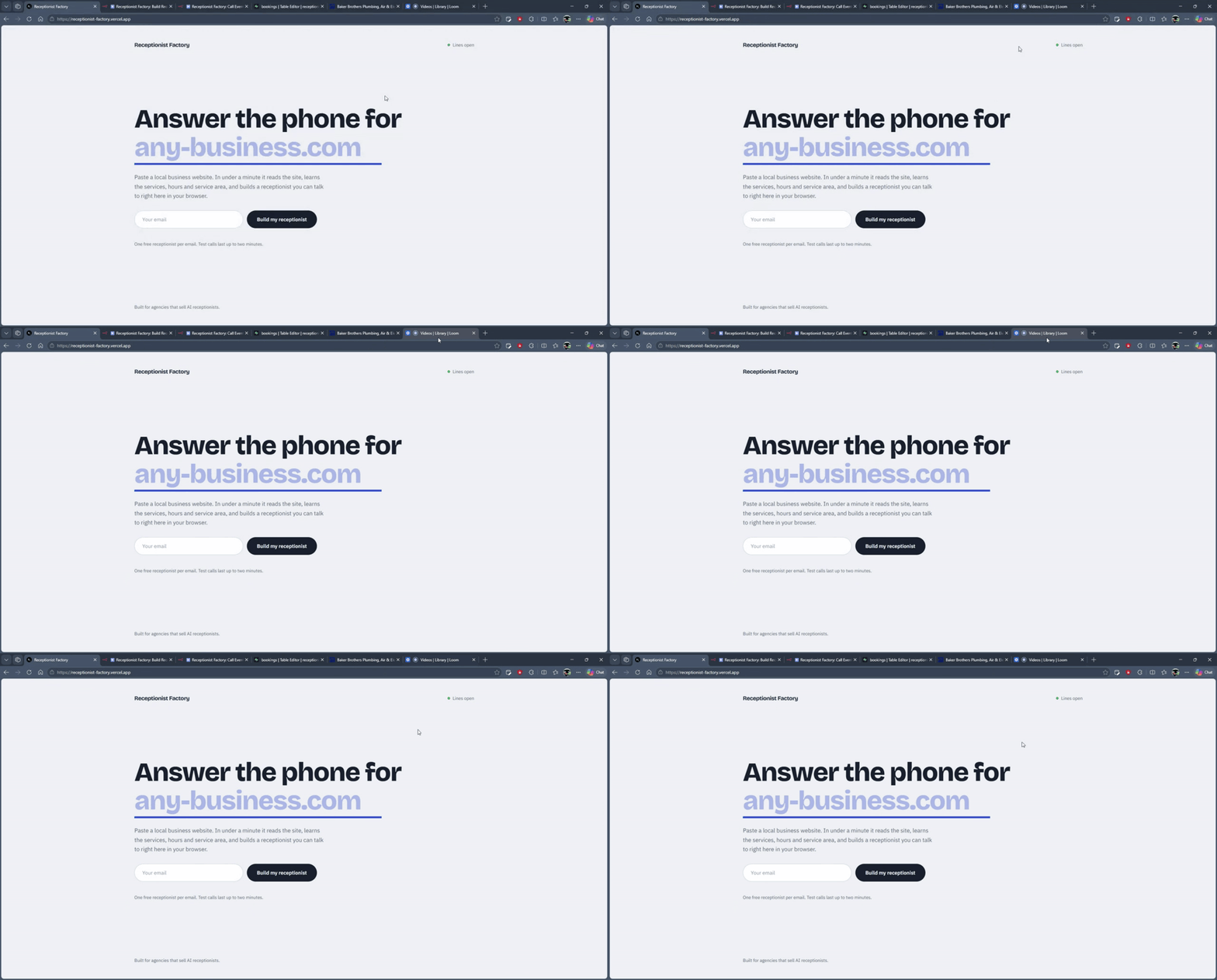
I built a system that turns any local business website into a working AI receptionist in about 15 seconds
Hey everyone. Jay suggested I share what I'm building, so here's the latest one. Paste any local business website and about 15 seconds later you have an AI receptionist for that business. It reads the site for services, hours, service area and safety rules, writes its own instructions, and takes calls right in the browser. Bookings land in a database with every detail, and the whole backend runs as two n8n workflows: one builds the receptionist, one routes everything that happens during a call. Part 1, live build and a real call: https://www.loom.com/share/fd364a3d486341eca2a3760d6525772d Part 2, the n8n workflows behind it: https://www.loom.com/share/95fc74ee45dd403baf48d7da127318d2 Fair warning, I'm not a natural on camera yet, so the delivery is a bit careful. The build is what I want you to see. Happy to answer questions on how any part of it works. If you'd like to try it yourself, email me at [email protected] and I'll send you a private link.

0 likes • 1d
@Umer Mehmood owner confirm step is smart. What niche are you putting it in front of first?
0 likes • 3h
@Umer Mehmood Love that niche for it. Let me know how the first demo goes
4d •
Describe the missed-call offer without naming a tool
Take the missed-call recovery offer that showed up in here. Now remove these words: AI Voice agent CRM Workflow Automation What is left? A business misses a call. The caller gets a fast response. The conversation gets routed to the right person. The owner can see what happened. That is the offer. The build comes after the buyer understands the outcome. I would write it in 3 layers: 1. Outcome: what changes for the buyer 2. Process: what happens after the missed call 3. Tools: what runs the process Start at layer 1. Save the tools for the build plan. 👇 Can you describe your current offer in one sentence without naming a single tool?
0 likes • 1d
@Umer Mehmood curious too. Let me know how the agencies react when you lead with the summary
0 likes • 3h
@Umer Mehmood Sounds good buddy, looking forward to it

3d •
the admin side of an AI agency is the part nobody automates for themselves
i run a small AI automation agency, and the embarrassing truth is the part of my business I automated last was my own admin. client builds go out on time every week, but my own follow-ups, invoices and call notes were still living in my head and a notes app. this week I finally pointed an AI assistant at that layer instead of building another workflow for it, and it quietly tracks every open thread and pings me before things slip. never thought the best automation I'd ship this month would be for myself. curious how you all handle your own back office.
0 likes • 2d
I start where commitments disappear. The queue stays visible, and I approve anything that leaves the system.

4d •
Building lead lists with Claude Code
For a while I was running scrapers by hand, exporting, cleaning in sheets, then pasting into Claude to build lead lists. Felt like I was doing the automation's job for it. What I switched to: - Apify for platform data (Maps, directories, socials) - ScrapeGraph for pulling structured fields off a business's website - Perplexity for research and enrichment on each lead - All wired into Claude Code, so one prompt gets the data, cleans it and saves it ready for outreach Now Claude handles the list building end to end and I just check the output before it goes into Instantly. Hope this helps ✅
0 likes • 3d
I log every source, write rejection rules, and approve the sample before upload. Bad enrichment should be visible when it happens.
5d •
Quick one on cold email setup since lead gen comes up a lot here
My biggest frustration was the waiting. Domains, mailboxes, DNS, then weeks of warmup before sending a single email. How I set it up: 1. Zapmail for the domains and mailboxes (it handles the DNS records) 2. Connected them to Instantly and turned warmup on straight away 3. Used the warmup weeks to build and clean lead lists 4. Started campaigns once the mailboxes were ready You can't skip the wait, but you can make it useful. Once it's up and running it's been really solid. Hope this helps.
0 likes • 4d
I use warmup time to inspect sample records by hand and write reply rules. A ready mailbox can't tighten a loose list.
1-10 of 27

@ianryankirk
💰 I Help Install AI Systems Into Your Business
📈 10x Productivity & Revenue
🎯 Get clients on autopilot
☎️ Call ↓ Book a clarity call
Online now
Joined Jun 29, 2025
Carlsbad CA
Powered by