Activity
Mon
Wed
Fri
Sun
Mar
Apr
May
Jun
Jul
Aug
Sep
Oct
Nov
Dec
Jan
Feb
What is this?
Less
More
Owned by Gert
Get freedive-ready 💦🤿 Build calm breathing and CO₂ tolerance from home. No pool needed.
A live case study on turning your idea into income with Skool.
Memberships
1 contribution to AI Online Educators & Coaches
🔥
23d •
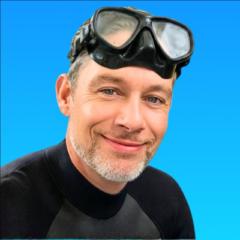
How do you recreate this profile pic/thumbnail color grade?
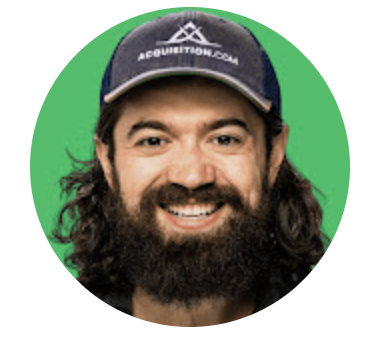
I am trying to replicate the the type of color correction used in modern profile pics and thumbnails, suitable for small format display - not bigger format. I ran these example photos (see below) through Nano Banana with tons of prompts, but it always stays too realistic or too flat. In Canva I found an app called Cartoonify or Toonify that gets surprisingly close, but it still looks too much “cartoon.” See the attached image (man with diving mask). ➡️ The style I am after is not real photography. It is UI-optimized color grading with clear contrast / darker hair. Difficult to explain what exactly it is. Do you know any apps, AI tools, or plugins that can achieve this look without turning the face into a cartoon?
🔥
2 likes • 21d
@Evelyn Weiss thanks Evelyn for taking time 🙏 I used an app called FaceTune to smooth out the face. Basically it's the kind of 'beauty" filters TikTok has (my Tiktok got banned and i have no intention of creating a new account).
1-1 of 1
🔥
@gertleroy
Freediving Instructor & Coach 🐬 Helping You Get Freedive Ready & Train Your Breath-Hold 🏆 1.5M+ On YouTube
Active 15m ago
Joined Jan 9, 2026
Thailand
Powered by