Activity
Mon
Wed
Fri
Sun
Mar
Apr
May
Jun
Jul
Aug
Sep
Oct
Nov
Dec
Jan
Feb
What is this?
Less
More
Memberships
AI One Hour Workday Collective
22 members • $27/month
Your First $5k Club w/ARLAN
14.8k members • Free
YouTube For Beginners🏆
122 members • Free
Prompt-Shop-in-a-Box
1k members • $99
100 Days w/Arlan
32 members • $997
Profitable Traders Academy
28 members • $3,000/y
The Trading Launchpad 🚀
18 members • $97/m
Skool Owners Lounge
177 members • $50/y
List Builder PRO
702 members • $149
74 contributions to Digital Roadmap AI Academy

🔥
6d •
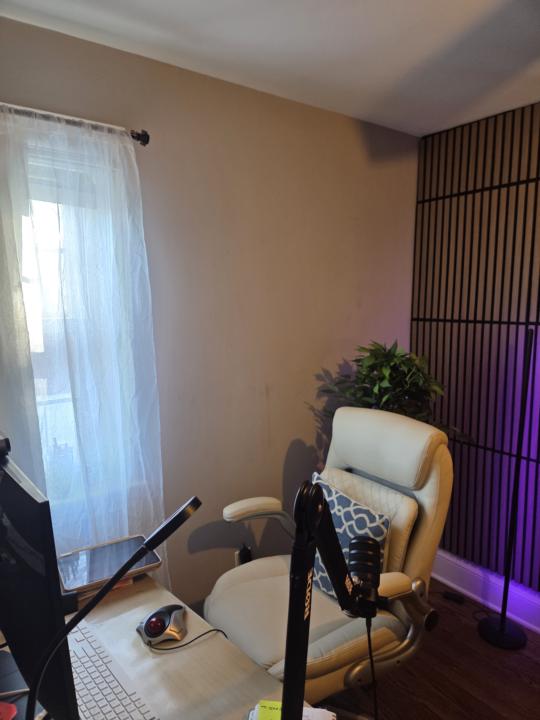
Share Your Home Office Setup 🖥️
Drop a photo of your office setup! What's your CANT LIVE WITHOUT THIS home office purchase? MINE: My snacks😆 that's why I always have crumbs

1 like • 6d
@Kathryn G Nice!
3 likes • 6d
Couldn’t show the full set-up, lots of papers everywhere!
🔥
9d •
🦞Forget Claude & n8n - ClawdBot is replacing everything!
This is why we gotta learn how to use AI agents to run our business and provide these services to our clients. The competition in 2026 is gonna be harder. We gotta operate like we are in 2028 not 2026 - or get left behind. Learn how to build your consulting business and agents in my AI One Hour Workday Collective You gotta get on this ASAP. When the corporations get their hands on this technology it will replace 60% of jobs in 2026. Drop a 🦞 if you want me to teach you how to set up and run this AI agent.
4 likes • 9d
🦞
🔥
13d •
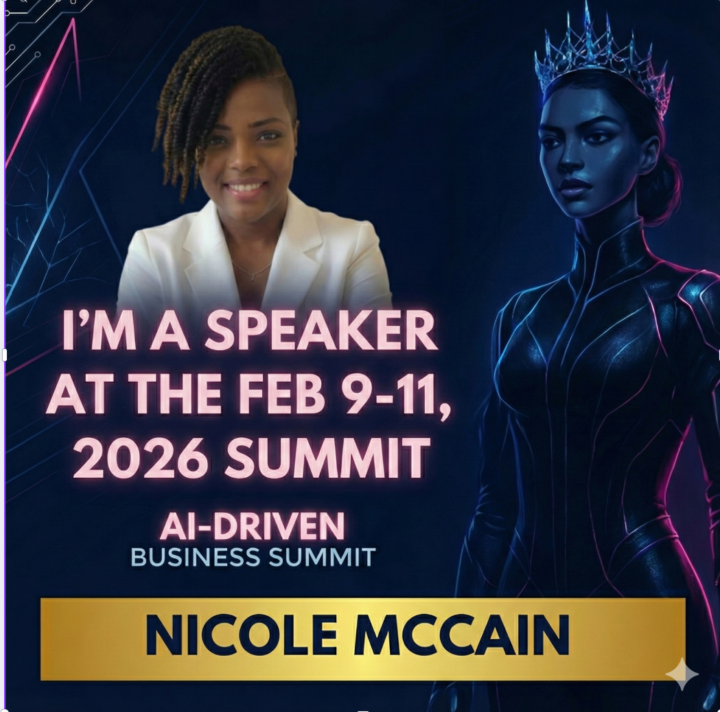
🎉 I will be speaking at an upcoming Summit!
I will be speaking at the February 9-11, 2026 AI Driven Business Summit on my AI-Powered One Hour Workday Frameworks. There will be 50+ expert speakers, each offering tools, strategies, and free gifts to help you: ✨ Simplify your marketing ✨ Automate your business ✨ Boost sales without the grind ✨ Reclaim your time + energy ✨ Stand out with confidence in the AI era I cant wait to see you all there. You can join the summit community HERE to register. Yay!🎉
3 likes • 13d
Outstanding!!!! @Nicole M Buckle up more is on the way!
🔥
21d •
🎉Tonight's Launch Party!
Can't wait to see you in tonight's AI-Powered One Hour Workday Release Party! This is not a “take notes and maybe use this later” kind of hour. It’s a live installation hour to celebrate the release of AI-Powered One Hour Workday. 📅 Tonight⏰ 6:30–7:30pm ET The whole idea behind the book is simple:your business should run in the background — so you don’t have to. So during this hour, we’re not just talking about that. You’ll remove one real thing from your plate — live. By the end of the hour, you’ll have either: - automated one recurring task with AI - replaced one ongoing decision with a clear rule - or officially let go of one responsibility that shouldn’t be yours anymore Not planned.Not “someday.”Actually done. If you’ve been doing everything yourself, feeling like the bottleneck, or using AI but still buried in work — this will feel like a deep exhale. There will be live Q&A, a bit of celebration, and some surprises — but the real win is leaving with one less thing to carry. If you can join live, I’d love to have you there.Bring your founder brain and the thing you’re ready to let go of. Drop a 🎉 if you will be in the house! Don't forget to grab your copy here: https://a.co/d/6AsuiuN
7 likes • 21d
Where is the link to purchase ?
🔥
24d •
🏆Create sketch infographics with AI:
HAPPY SUNDAY!💞 Have fun with this one. 1. Go to YouTube. 2. Find an actionable video. Copy the URL. 3. Paste it in Gemini with this prompt: "Analyze this YouTube video about [topic]: [YT URL]. Summarize this into small digestible concepts to learn easily" Let Gemini process the video. 4. Click Tools → Create images. 5. Prompt Gemini again: "Create a hand drawn sketch note visual summary of these notes. Use a pristine white paper background (no lines). The art style should be 'graphic recording' or 'visual thinking' using black ink fine-liners for clear outlines and text. Use colored markers (specifically teal, orange, and muted red) for simple shading and accents. Center the main title in a 3D-style rectangular box. Surround the title with radially distributed simple doodles, business icons, stick figures, and graphs that explain the concepts. Use arrows to connect ideas. The text should be distinct, handwritten, all-caps printing, legible and organized like a professional brainstorming session. Layout should be A4." This is how you turn any video in a visual notes (thanks Anisha Jain).
3 likes • 23d
‼️‼️‼️ Thanks for sharing.
1-10 of 74