
Write something

May 6 •
Using Ai in Simple But Helpful Ways in Automations
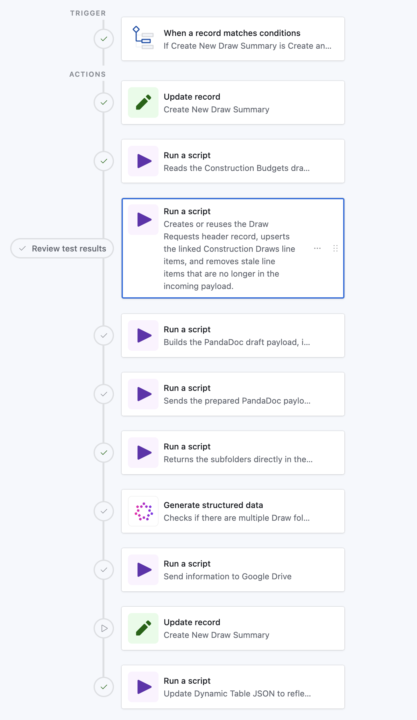
I would MUCH rather have Ai focus on a small bit of information over handling large tasks. Here's a look at what that means (See Pictures) In this automation, we’re trying to create a clean "draw-request folder flow" (client specific language) in Google Drive for each draw against a Construction Loan, then link those exact folders back to Airtable so the team can go straight to the right draw, photos, and invoices. BUT, the problem is that historical loan folders are messy. Some loans already have a draw folder, some do not, some use names like `Draws` or `Draw Requests`, and some even have duplicates. We could hard-code a lot of matching logic, edge cases, and fallback rules, but that becomes brittle... fast. The AI step gives us a much simpler layer. The script just returns the loan subfolder list, very specific and narrowed down data. I don't want Ai digging into everything in Google Drive when a script can just do it QUICKLY. After we get the subfolder list (See Dark Photo), AI interprets that list: - Does a draw-related folder exist? - Are there multiple, and which existing one should be treated as the oldest valid candidate? - That gives the next Google Drive script a clean decision input instead of forcing all that fuzzy logic into code. The win is that the rest of the automation stays deterministic! Scripts do the heavy lifting, AI handles the naming ambiguity, and the folder-creation step can reliably decide whether to reuse a folder or create a new one without a giant pile of special-case code. I KNOW this is a little advanced, but hopefully this opens up the sandbox for you a little!
Poll
1 member has voted
Apr 13 •
Grouping Records Tip
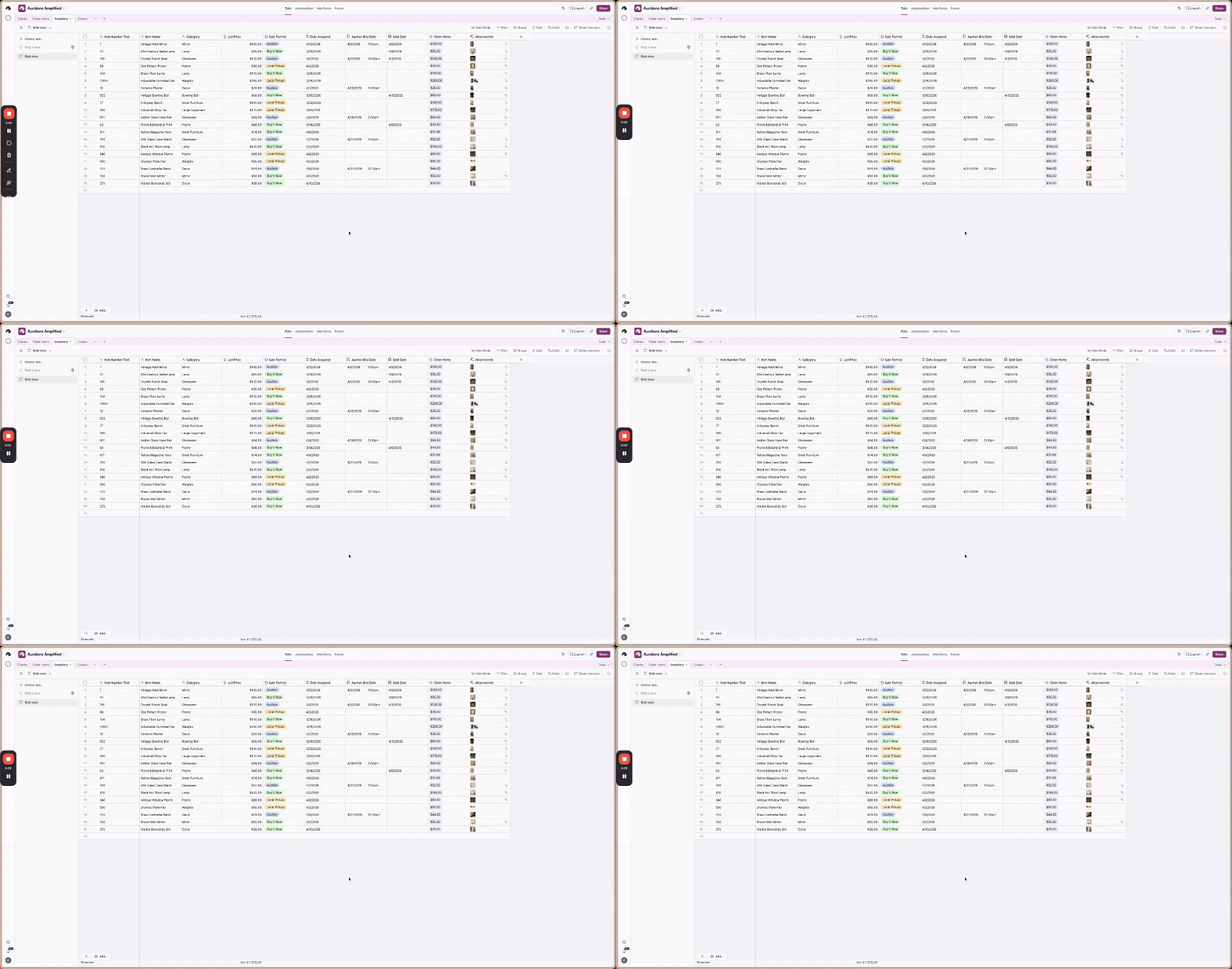
If you’ve ever wanted to group an entire Airtable table together, but had nothing in common across the records to group by, here’s a simple trick. Airtable only lets you group when records share a value. So if every record is different, grouping by something like Item Name won’t help much. What I do instead is create a checkbox field called Grouper or All Grouper, fill it in for every record, and then group by that field. Now the whole table sits inside one grouped section, which is useful when you want a quick high-level view of everything at once. It’s especially helpful if you want to see rollups, totals, or summary information at the top without creating another table just to get that one view. https://www.loom.com/share/a5a0ef8c8ac34fd59fb3ef878df7f815
Apr 13 •
A Growing Collection of Useful Tips
If you go to the Classroom tab, you'll see a new group of videos and lessons. This is one small step to creating a growing library of tips to help you get the most out of Airtable. The goal of the Tips Compilation is that you will be equipped with small little tools to help you work and deliver faster.
2
0

1-3 of 3
powered by

skool.com/7-figure-real-estate-investors-1267
Ran by a certified Airtable builder. Solve Airtable problems faster with support alongside other problem-solvers.
Suggested communities
Powered by